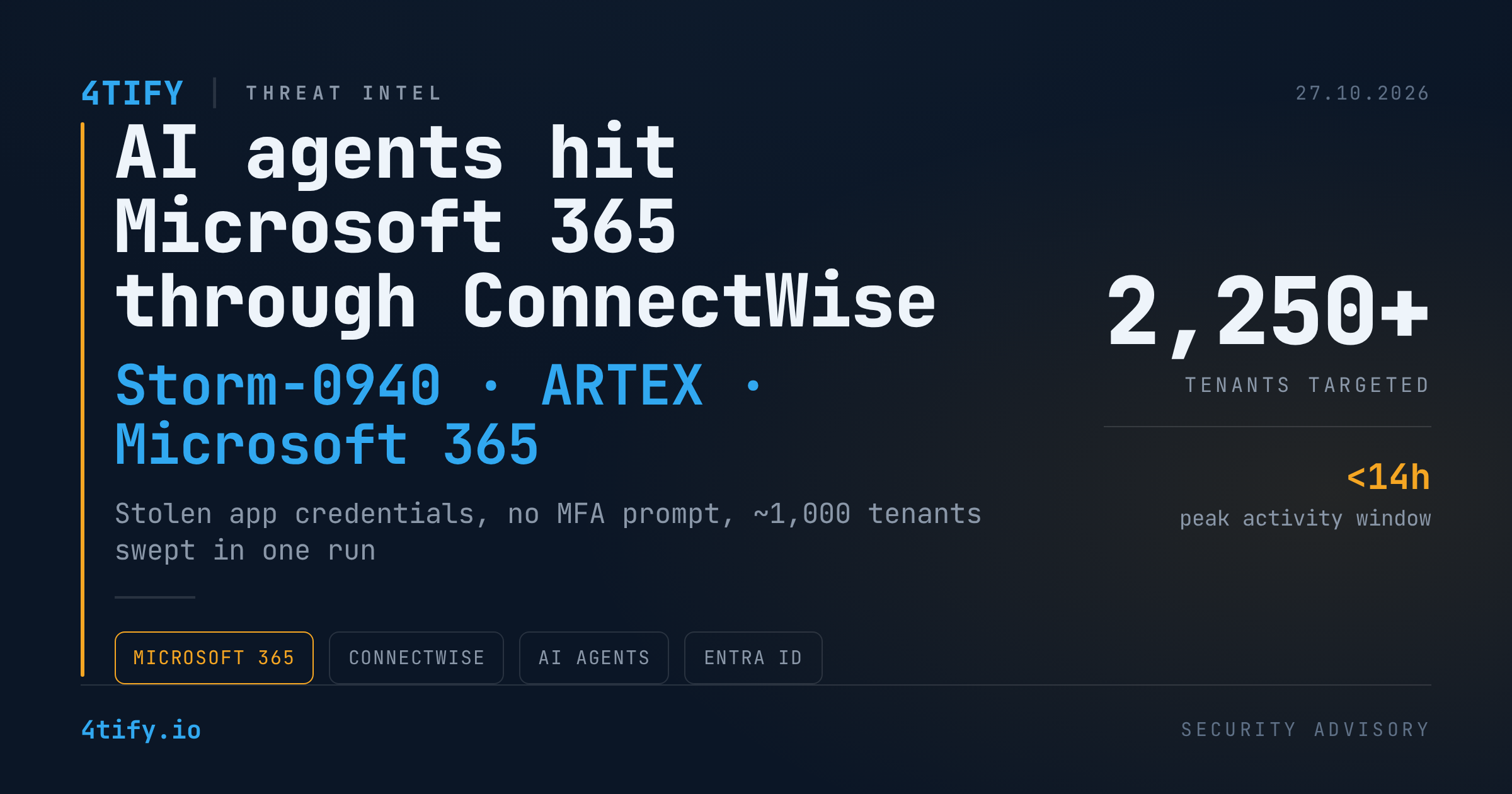
AI agents and stolen ConnectWise credentials used to probe more than 2,250 Microsoft 365 tenants
A state-aligned threat actor has combined an AI agent framework with stolen ConnectWise application credentials to attempt access to more than 2,250 Microsoft 365 tenants. The campaign did not depend on a new Microsoft vulnerability. It rode on permissions that customers had already granted to ConnectWise applications they trusted.
What happened
Microsoft attributes the activity to Storm-0940, a group it tracks as aligned with Chinese state interests, and says the operators used a multi-agent penetration-testing framework called ARTEX to speed up reconnaissance, authentication attempts and persistence inside cloud tenants. ARTEX is built to chain tasks from initial discovery through to data exfiltration while keeping a connected map of the assets and weaknesses it has found.
The entry point was application identity. Instead of signing in as users, the attackers authenticated as ConnectWise applications with credentials obtained earlier in the campaign. Because the sign-ins came from an application principal, there was no interactive password entry and no multi-factor prompt for a human to refuse. Microsoft's authentication system was not broken. It was used exactly as designed, with someone else's keys.
Earlier stages of the same campaign had already produced unauthorized sign-ins across 173 partner and customer tenants after ConnectWise backup credentials were compromised. The figure of 2,250 counts tenants that were targeted, not tenants that were breached.
Automation at machine speed
Most of the activity was packed into a window of under 14 hours on 15 October. One sweep walked almost 1,000 tenants in ascending identifier order. Separate bursts fired roughly 100 failed token requests in ten seconds, which points to parallel workers running without pausing to evaluate each response.
The more telling evidence is how the tooling adapted between runs. After a certificate upload failed because its thumbprint did not match, a fresh run started 55 seconds later with retry logic added. It retried after roughly 3.5 and 7.1 seconds, then carried the corrected sequence into another tenant and added both keys in a single pass. When a removal attempt was denied, the tooling fell back to granting a sibling principal the Privileged Role Administrator role and deleted the original service principal minutes later.
Inside tenants, secrets were added, removed and restored alongside privileged role changes. In one case a Teams application identity assigned itself Global Administrator, a clear illustration of how trusted application access can turn into administrative control.
Not everything looked intelligent. After one Teams service principal was deleted, requests kept arriving every four to eight seconds for a further 22 minutes, behaviour closer to unattended scripts or background tasks than to an operator reacting to feedback. On behaviour alone, confidence that an AI agent was in the loop is low to medium. It rises to medium or high only when Microsoft's attribution is factored in, and that hedge is worth keeping: the evidence describes malicious application activity and attack tooling, not a newly identified malware family.
Why it matters
Three things make this campaign uncomfortable for defenders.
- Application identities bypass controls built for people. MFA, conditional access prompts and user-centric alerting do little when the actor is a legitimately registered app holding valid credentials.
- Visibility is thin. Entra audit logs do not record Microsoft Graph reads, and none of the known victims had Graph activity logging enabled. A successful sign-in therefore cannot tell you what was read or taken. Microsoft itself separates three categories: tenants targeted, successful sign-ins and confirmed data access.
- The numbers are easy to misread. An earlier password-spray phase of the campaign logged more than 151,000 failed logons against 327 accounts in eight organizations, peaking at 2,900 failures per minute. That rate belongs to the spray, not to a count of successful ConnectWise logins.
What to do
- Alert on applications that grant themselves power. Any service principal that assigns itself Global Administrator or Privileged Role Administrator, or that adds unexpected credentials, deserves an immediate look.
- Baseline vendor identities. Learn what your ConnectWise and other third-party apps normally do, and treat deviations in source IP, user agent or request cadence as incidents.
- Hunt across tenants, not inside one. Activity that looks minor in a single environment becomes an obvious campaign once correlated across customers or departments.
- Follow Microsoft's containment guidance. Keep affected connections disabled until formal restoration guidance is issued, preserve evidence before deleting applications, and review credentials, permissions and role assignments. Removing the original access path can leave credentials planted elsewhere.
- Enable Microsoft Graph activity logging where your licensing allows it, and investigate mailbox and file activity together with identity changes.
Indicators of compromise
Indicators are defanged with [.]. Re-fang them only inside controlled tooling such as your SIEM or threat intelligence platform.
| Type | Indicator | Context |
|---|---|---|
| IP | 144.172.64[.]128 | Application sign-ins and Graph activity |
| IP | 144.172.64[.]99 | Cross-tenant password spraying, 10–14 October |
| IP | 194.165.16[.]21 | Possible link through a reused user agent |
| IP | 144.172.64[.]60 | Flagged by both ConnectWise and Microsoft |
| User agent | Python-urllib/3.12 | Enumeration and escalation tooling |
| User agent | curl/7.88.1 | Consistent with containerized tooling |
| User agent | python-requests/2.31 and 2.31.0 | Targeted sweeps |
| User agent | python-requests/2.34.2 | Password-spray telemetry |
| User agent | azure-toolkit/1.0 | Listed by Microsoft, not seen in victim telemetry |
Whatever the true degree of AI involvement, the defensive lesson does not change: the trust you extend to third-party applications is part of your attack surface. Our penetration testing engagements cover the Microsoft 365 identity layer, including application registrations, service principal permissions and consent grants, so that over-privileged vendor access is found and removed before someone else's stolen keys turn it into administrative control.