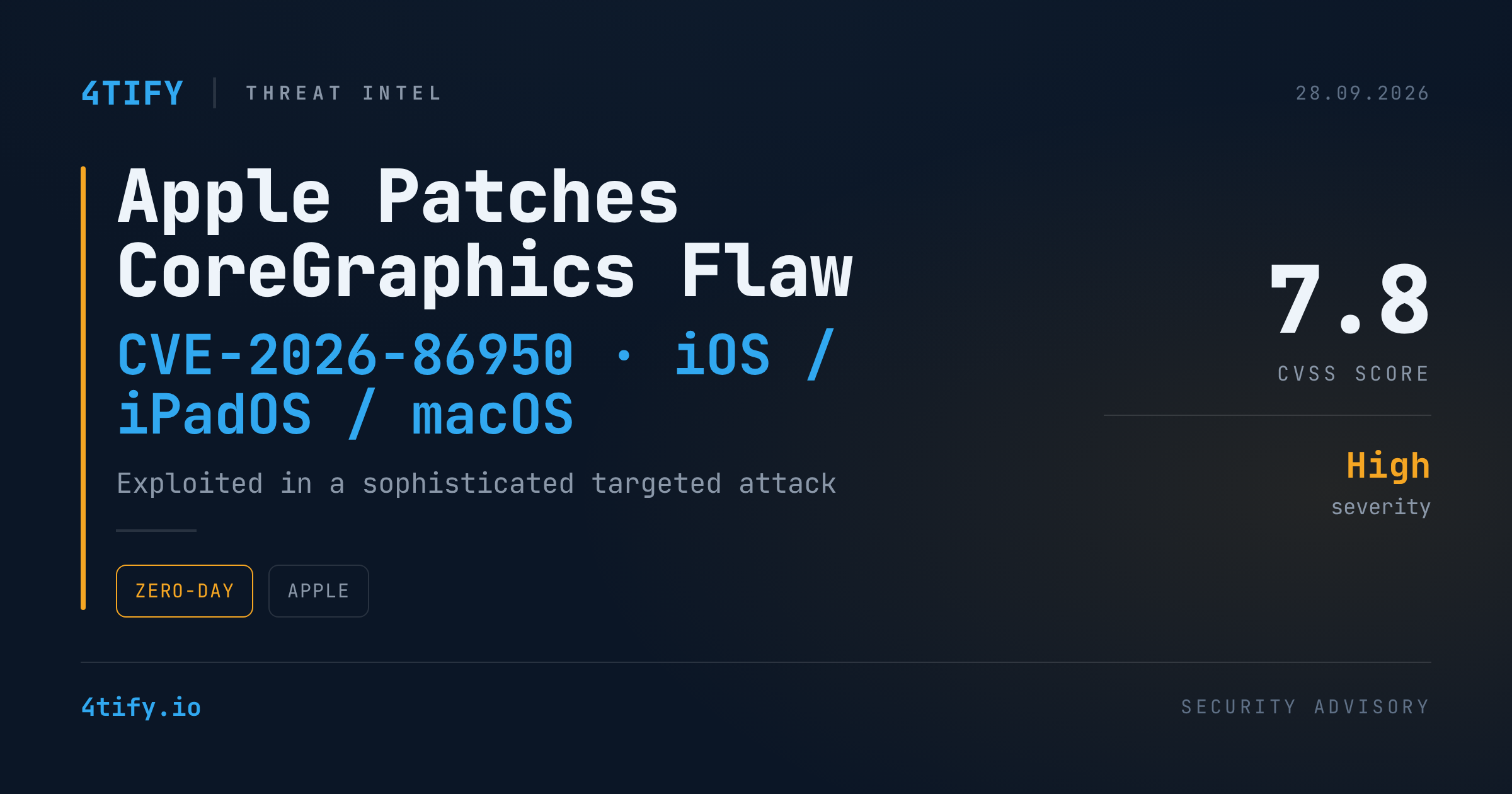
Apple has shipped security updates for iOS, iPadOS, and macOS to close a vulnerability in the CoreGraphics image-rendering component. The company says the flaw may already have been used against a small number of specific targets before the fix was available.
What happened
The issue, catalogued as CVE-2026-86950, is an out-of-bounds write in CoreGraphics. When the component parses a maliciously crafted file, memory outside the intended buffer can be overwritten, opening the door to arbitrary code execution on the device. Apple credited Meta's Product Security team with finding and reporting the bug, and says it closed the gap with stronger bounds checking. The flaw carries a CVSS base score of 7.8 — high severity, consistent with a bug that can lead to full code execution once triggered.
Apple's advisory language is deliberately narrow: it says it is aware of a report that the flaw may have been exploited in an extremely sophisticated attack against specific targeted individuals, on versions of iOS before iOS 27. That kind of phrasing, echoed across several of Apple's recent advisories, is the company's standard way of flagging suspected spyware-style activity — a small, resourced actor going after a handful of named people rather than a broad campaign against ordinary users.
Why it matters
CoreGraphics sits underneath a huge amount of everyday functionality — anywhere iOS renders an image, a PDF, or similar file formats. A memory-corruption bug in a component this central is attractive to attackers precisely because it can often be reached with minimal interaction from the victim. Combined with Apple's own language about a sophisticated, targeted attack, this fits the pattern of previous CoreGraphics and ImageIO fixes that were later tied to commercial spyware operations.
Most people are not the target of this kind of operation. But high-risk users — journalists, activists, executives, government and legal staff, anyone who might be of interest to a well-resourced adversary — should treat this patch as time-sensitive.
What to do
- Update now. Apply the latest iOS, iPadOS, and macOS updates on every managed and BYOD Apple device as soon as they're available in your environment.
- Prioritize high-risk users. Push the update first to executives, legal, government-facing staff, and anyone handling sensitive negotiations or sources.
- Turn on Lockdown Mode for anyone at elevated risk — it specifically hardens the message- and file-parsing paths this class of bug abuses.
- Check MDM compliance reports to confirm devices actually installed the update rather than assuming a push succeeded.
- Watch for follow-up advisories — targeted CoreGraphics/ImageIO bugs have a track record of gaining more detail once broader investigation wraps up.