

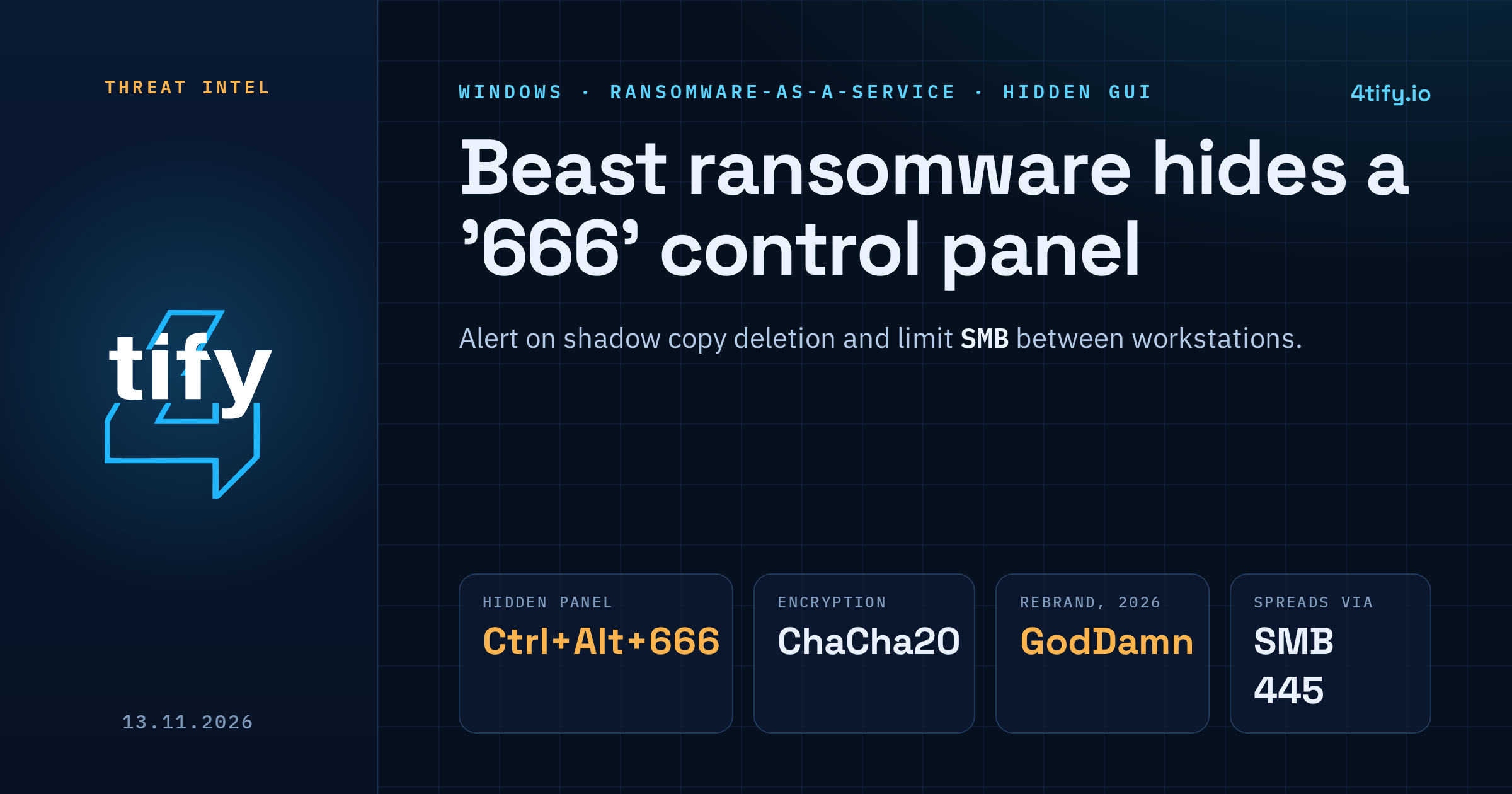
Beast, a ransomware family rented out to affiliates since mid-2024, has a graphical control panel that stays hidden until the operator asks for it. On an infected Windows machine, holding Ctrl and Alt and typing 666 opens a window where the attacker can choose what to encrypt and watch the job as it runs. A 32-bit Windows sample examined in October 2026 still carries the panel, and it shows how the malware spreads and why recovery is hard.
What happened
Most ransomware is launched from the command line with a fixed set of options. Beast supports that too, but the hidden panel gives an affiliate sitting on a compromised host far more hands-on control. From one window they can look at local drives and reachable network shares, pick targets, start the encryption and follow its progress.
The panel is not new. The Ctrl+Alt+666 shortcut was already documented in late 2025 and has stayed in later builds. What has changed is the group around it. Beast appeared in June 2024 as the successor to Monster, a locker first seen in 2022. In July 2026 the same developer, tracked under the name Hyadina, came back under a new name: GodDamn ransomware, which shares much of Beast's code and was first seen on 21 May 2026.
Who is affected
Beast is offered as ransomware-as-a-service, so the victims depend on which affiliate buys access. The family has builds for Windows, Linux and VMware ESXi. It deliberately skips machines whose system language or locale points to Russia and other CIS countries, a common trait of Russian-speaking criminal groups.
The GodDamn rebrand adds PoisonX, a malicious kernel driver carrying a valid Microsoft signature, which it uses to shut down endpoint security tools before encrypting.
How it works
Once it runs, Beast prepares the ground before touching any files:
- It stops processes and services that could hold files open or get in the way, including backup software, databases and security products.
- With administrator rights, it deletes Volume Shadow Copies through WMI, which removes the easiest way to roll files back.
- It looks for other machines on the local network that answer on SMB (TCP port 445) and encrypts the shared folders it can reach.
Files are encrypted with ChaCha20, with the keys protected by a public key built into the malware, so only the attackers can decrypt. Large files are only partly encrypted, which is faster and still leaves databases and backup archives unusable. Every encrypted file ends with a 160-byte trailer whose last eight bytes are 66 6B EA 57 1A BE 16 66. Beast uses that marker to skip files it has already processed, and defenders can use it to spot encrypted files during an investigation.
What to do now
There is no patch here, because Beast relies on access an attacker already has. The useful work is making that access harder to get and the attack easier to spot:
- Alert on shadow copy deletion. WMI calls that delete
Win32_ShadowCopyobjects are rare in normal operations and a strong sign of ransomware. - Watch for mass service stops. A single host stopping backup, database and security services in quick succession should raise an alarm.
- Limit SMB between workstations. Most endpoints do not need to reach each other on port 445. Block it at the host firewall and restrict admin shares.
- Keep offline or immutable backups and test that you can restore from them. Shadow copies are not a backup.
- Protect your security tools. Turn on tamper protection and block known malicious and vulnerable drivers, since the GodDamn variant tries to disable defences at kernel level.
- Hunt for the trailer marker
66 6B EA 57 1A BE 16 66at the end of files if you suspect an incident.
CISA's #StopRansomware Guide has a fuller checklist for prevention and response.
Knowing whether your own network would catch this sequence is a separate question from having the right products installed. A penetration test can walk the same path an affiliate would take, from one compromised workstation to file shares over SMB, and show where your monitoring sees it and where it stays silent. Our team runs these tests safely, without encrypting or destroying any data.