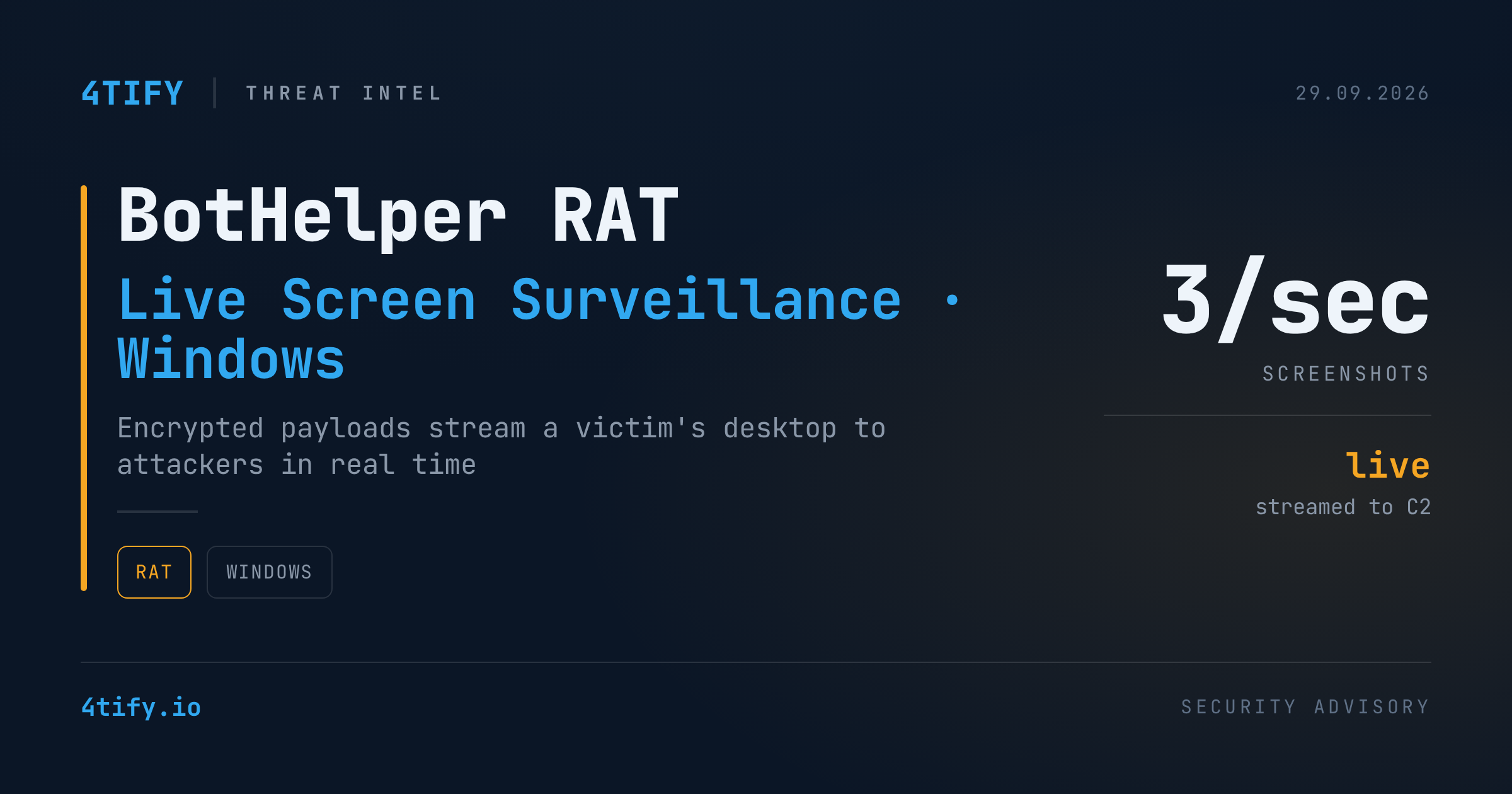
BotHelper RAT Turns Infected Windows Machines Into Live Surveillance Feeds
A newly documented Windows remote access trojan, tracked as BotHelper RAT, gives its operators a near real-time view of a victim's desktop — not just periodic snapshots, but a continuous stream of screenshots pulled several times per second.
What happened
Researchers found that BotHelper arrives through a loader disguised as a routine system component, which drops a hidden copy of itself and registers a scheduled task that relaunches the trojan every 30 minutes — a persistence pattern that keeps reinfecting the host even if the visible process is killed.
The infection chain is deliberately hard to inspect. The first payload BotHelper fetches is a block of opaque, encrypted data with no recognizable executable structure — nothing that looks like a normal Windows binary or contains readable strings. It's only decrypted in memory, at runtime, using a position-dependent XOR routine, which keeps the real malicious code off disk in a form any static scanner could flag.
Once active, BotHelper checks in with a PHP-based command-and-control panel using a device identifier and waits for tasking. Its signature capability is screen surveillance: it captures the full visible desktop, compresses it to JPEG, and uploads the frames straight to its operators — observed running at roughly three frames per second, with dropped frames simply skipped rather than stopping the stream. Nothing is saved locally, so the only trace is outbound network traffic.
Screen capture is just the entry point. BotHelper's command set also covers PowerShell execution, downloading and running additional files, clipboard monitoring with cryptocurrency-address substitution, on-screen messages, remote shutdown/restart, and loading extra capability through DLL-based plugins. Researchers also found it patches Windows' Antimalware Scan Interface (AMSI) to blind script-based detection — the kind of evasion technique that keeps showing up in modern loaders.
Why it matters
A live view of a screen defeats a lot of the protections organizations rely on. Multi-factor prompts, one-time codes, internal dashboards, confidential documents, and business communications are all readable the instant they appear — no credential theft required. Combined with clipboard hijacking, a single infected endpoint becomes both a spying tool and a direct line to financial theft. The encrypted-in-transit, decrypted-only-in-memory design also means traditional file-based detection can miss the payload entirely, and the scheduled task means a "clean" temp folder doesn't mean the infection is gone.
What to do
- Hunt for the persistence, not just the process. Look for unexpected scheduled tasks that relaunch executables from user temp directories, especially ones named to resemble browser or update components.
- Watch for AMSI and script-engine anomalies. Endpoint tooling that can detect AMSI bypass attempts or in-memory payload decryption will catch this family before it starts streaming.
- Flag unusual outbound HTTPS behavior, particularly steady, high-frequency small uploads consistent with screen-capture traffic rather than normal browsing or app telemetry.
- Don't stop at deleting the dropped executable. If a scheduled task or registry persistence mechanism survives, the infection will simply relaunch — full remediation means removing every persistence artifact together.
- Treat any confirmed infection as a credential-exposure event. If the RAT had a live view of the screen, assume session tokens, passwords typed or displayed, and account activity may have been observed, and rotate accordingly.
BotHelper is a reminder that "quiet" malware isn't always about staying hidden forever — sometimes it's about staying invisible just long enough to watch everything happen.