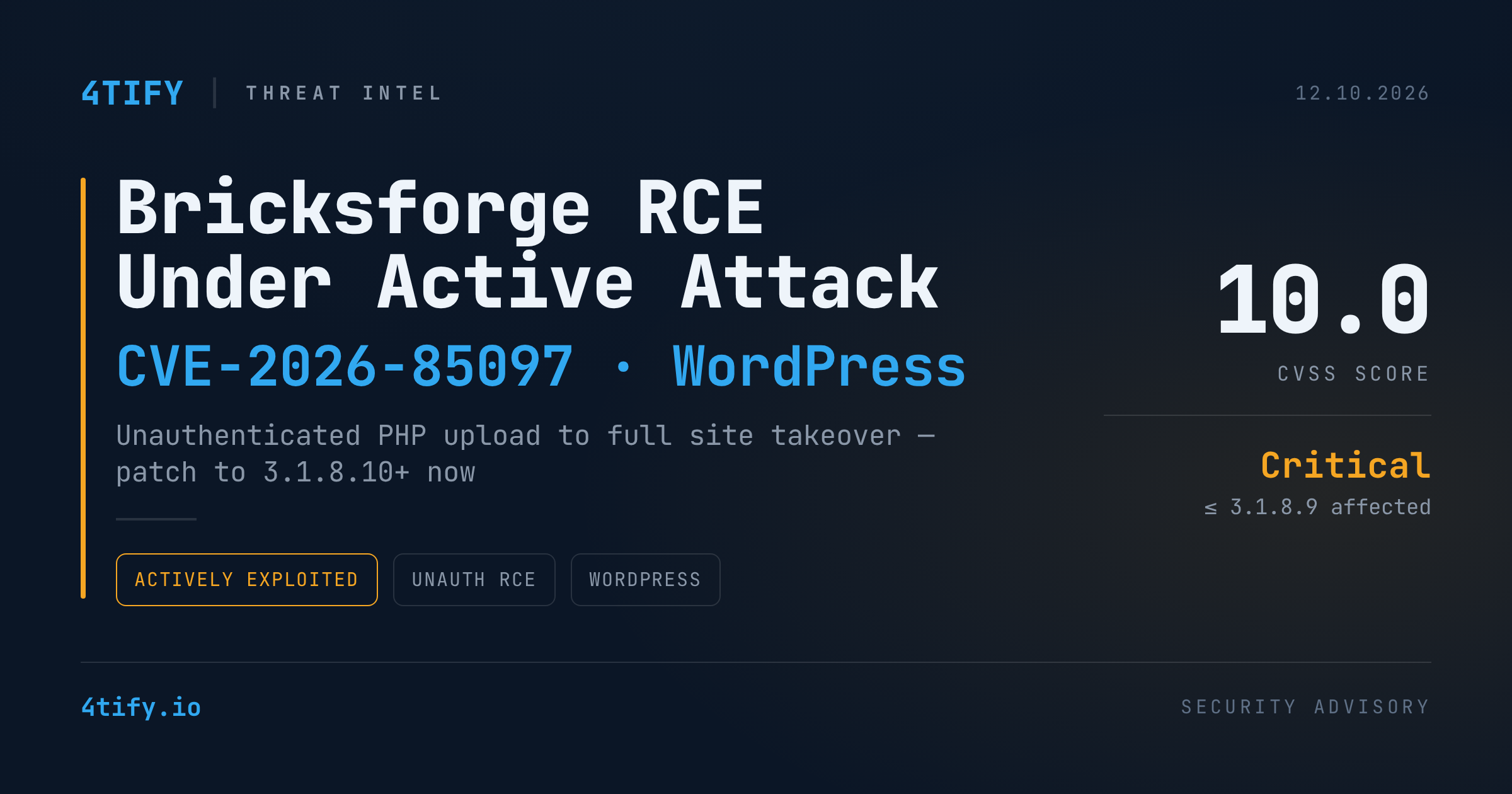
Bricksforge CVSS 10.0 Flaw Under Active Attack: Unauthenticated RCE on WordPress Sites
WordPress sites running the Bricksforge add-on for the Bricks builder are being hit by automated attacks exploiting CVE-2026-85097, a maximum-severity (CVSS 10.0) flaw that lets an attacker with no account run arbitrary PHP on the server. All versions up to and including 3.1.8.9 are affected. The fix shipped in 3.1.8.10, and the current release is 4.0.1.
What happened
Patchstack first saw exploitation attempts on 7 October 2026 at 21:47 UTC. The root cause is a trust gap in how Bricksforge handles file uploads in forms. The plugin checks a file's MIME type when it's first uploaded. When the form is submitted later, it accepts the client-supplied metadata, including a url field inside the temporaryFileUploads parameter, without checking it again.
In practice the attack chain is short:
- Get a valid nonce from an AJAX action that requires no authentication.
- Upload an image/PHP polyglot. It passes the MIME check and lands in the plugin's temporary folder.
- Submit a form whose file path points at that "clean" image but whose
urlends in a PHP extension. - The plugin writes the content to the PHP location, and requesting it executes the attacker's code.
Observed requests target /wp-json/bricksforge/v1/form_submit or admin-ajax.php with the bricksforge_form_submit action. They cycle through alternate extensions (.phtml, .php5, .php7), mixed casing and URL-encoded variants to get past extension filters.
Telemetry shows 63 source IPs, and six of them generated about 46% of the traffic. Two patterns stand out: a burst of near-identical payloads from dozens of IPs, and a small group systematically testing extension and encoding variations. Both point to automated tooling running over distributed or proxied infrastructure. No specific threat actor has been attributed.
The most active addresses (defanged): 177.75.57[.]20, 23.97.62[.]146, 84.247.60[.]125, 38.154.185[.]97, 150.109.16[.]166, 153.75.90[.]146.
Not the only WordPress plugin under fire
At the same time, attackers are abusing stored XSS in WPC Product Bundles for WooCommerce (CVE-2026-93836, CVSS 7.1) and Ninja Forms (CVE-2026-94504, CVSS 7.1). The injected x.js payload runs in a logged-in administrator's browser and uses that session to:
- install a backdoor plugin with an unauthenticated file manager,
- create an administrator account hidden from the Users screen,
- set up a "magic login" URL that signs the holder in as the oldest administrator.
The fixed versions are 8.6.7 and 3.15.4. Patching closes the hole, but it doesn't remove an implant that's already in place.
Why it matters
Unauthenticated RCE on a public CMS is about as bad as web risk gets: full site takeover, web shells, data theft and persistent access, with no credentials needed. The broader trend points the same way. Wordfence counted 2,073 WordPress vulnerabilities published in Q2 2026, with high-threat flaws up 15.2% quarter-on-quarter, and roughly 573,000 compromised sites. Older bugs are still being exploited too: LiteSpeed Cache (CVE-2024-28000), WPGraphQL (CVE-2019-9879) and WooCommerce Payments (CVE-2023-28121) remain on attackers' top-five lists.
What to do
- Update Bricksforge now to 3.1.8.10 or later (4.0.1 recommended). If you can't patch right away, disable the plugin.
- Hunt for compromise. Look for unexpected
.php,.phtmlor.php5/7files in/wp-content/uploads/bricksforge/tmp/, and review logs forform_submitrequests carryingtemporaryFileUploads, especially bursts of repeated submissions. - Update WPC Product Bundles (≥ 8.6.7) and Ninja Forms (≥ 3.15.4). Then query the database directly for administrator accounts you don't recognize, check the
mu-pluginsdirectory, and review recently installed plugins. - Block or monitor the IPs listed above at your WAF. Treat them as a short-lived signal, not a complete defense.
- Keep a plugin inventory. You can't patch what you don't know you're running. Regular external vulnerability assessment flags outdated, exposed plugins before attackers find them.
If you believe a site was exposed before patching, treat it as compromised. Rotate credentials and secrets, and restore from a known-good backup if you find signs of tampering.
Research credit: exploitation details from Patchstack and Wordfence; originally reported by The Hacker News.