ConnectWise Pulls Cloud Backup Offline After Stolen App Identities Open Doors Into Microsoft 365 Tenants
Attackers got hold of credentials for several ConnectWise application identities and used them to sign in to customers' Microsoft 365 tenants. ConnectWise has disabled seven of its Entra ID applications, suspended its Cloud Backup service and taken SaaS Security and Cloud Management offline while it investigates. For managed service providers (MSPs) and their customers, the message is simple: turning off the vendor's app does not clean up whatever the attacker left behind in your tenant.
What happened
- 14 October 2026 — ConnectWise says its monitoring caught the problem and it started internal and external incident response.
- 15 October — Huntress, a managed security provider, saw malicious sign-ins from 144.172.64[.]128 until 08:45 UTC, then hands-on-keyboard activity until about 14:20 UTC. The same day it saw a second, targeted push against 16 tenants in policy, national-security, trade and critical-minerals organisations. Huntress says those attempts failed.
- 17 October, 07:00 UTC — ConnectWise disabled the affected application identities and revoked the certificates behind Cloud Backup connections for all users.
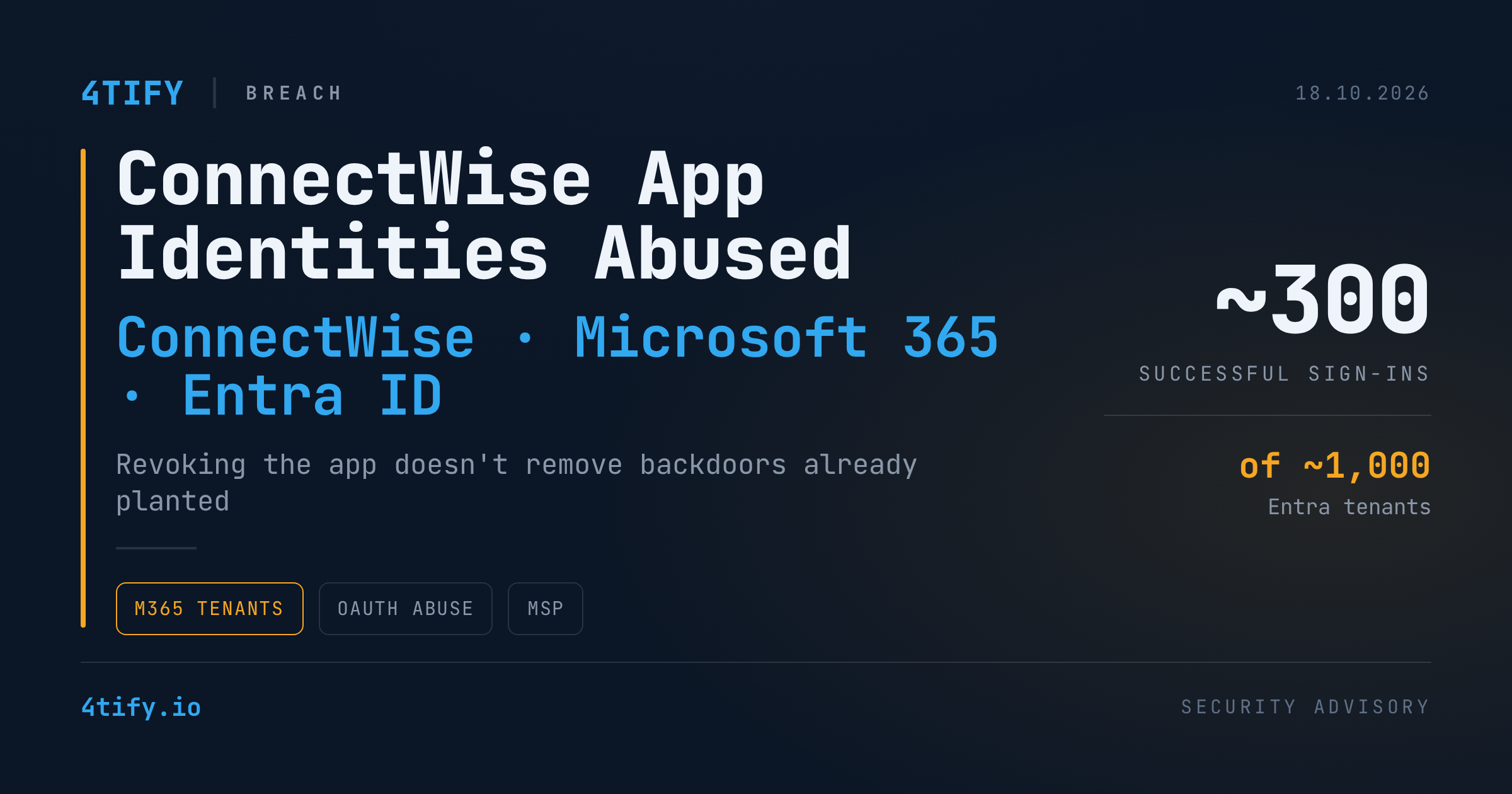
Huntress counts close to 1,000 Entra tenants with sign-in activity from that IP. About 300 of those sign-ins succeeded. In some tenants the attacker still got nowhere because no matching service principal existed there.
ConnectWise says the backup archives are still encrypted, isolated and intact, and it has seen no sign they were accessed. Scheduled backups and restores are paused for now. The company has not said how the credentials were exposed or whether a product flaw was involved, and both questions are still open. ConnectWise also points out that it cannot see into customers' own tenants.
Application identities disabled by ConnectWise
| Application | App ID |
|---|---|
| ConnectWise Cloud Backup | 506e08f9-6e9a-4da4-942b-a099a03644ae |
| ConnectWise Cloud Management | 2399d300-6fca-4e6a-a686-399fefe75b83 |
| Cloud Management – MS Teams | 24205314-2b89-4e07-a2a4-579e898a5640 |
| Cloud Management – Exchange Online | b78f6a77-d4e5-46fb-87e5-d1648bd02519 |
| Cloud Management – MS Graph | 0de14c77-b9b0-4137-9360-34878a929827 |
| Cloud Management – Partner Center | 412dcf96-176d-4b3a-a1b0-4981ad66971e |
| Cloud Management – SharePoint Online | b2b55f5b-7758-4719-8d8f-88ae172e6bdb |
Why it matters
The attackers did not need any customer's password. Backup and management apps get broad consent in every tenant they serve. If someone steals the app's own credential, they can request Microsoft Entra ID tokens with all of the app's permissions. Depending on that consent, that can mean mailboxes, SharePoint files, Teams chats and directory data, across many organisations at once.
The bigger risk is persistence. An identity with that much privilege can add itself to Global Administrator, plant new client secrets on other trusted apps, or register new apps of its own. Each of those gives the attacker a way back in after the original credential is revoked. As ConnectWise puts it, disabling the connection stops new logins but does not undo changes already made inside a tenant. Tokens that were already issued can also keep working until they expire.
Huntress also says it has strong signs the attacker went after the Cloud Management apps for Exchange Online, Teams and SharePoint. It has confirmed misuse of the Teams app in one tenant. In the second wave, the attacker went after Graph tokens from the SkyKick app and then probed Exchange Online, SharePoint, Teams, Azure Resource Manager, Entra and the Office 365 Management APIs.
What to do
If you use ConnectWise or SkyKick, or manage tenants that do:
- Check every tenant. That means your own and each customer tenant, including ones with old SkyKick connections nobody uses any more.
- Leave the listed apps disabled until ConnectWise says otherwise. Confirm their status using the IDs in the table above.
- Save the evidence before you change anything. Export Entra sign-in and unified audit logs first, because containment steps can overwrite them.
- Hunt from 13 October 2026 onward. Look for sign-ins from 144.172.64[.]128 and for any identity that was changed or used during suspicious activity.
- Look for persistence. Check for new client secrets or certificates on app registrations, new apps and consent grants, changed directory roles and owners, new federation trusts and recent policy changes.
- Check mailboxes. Look for forwarding, inbox and transport rules, and delegated access nobody expected.
- Harden for next time. Use application management policies to block or time-limit client secrets. Keep the Application Administrator and Cloud Application Administrator roles to a small group. Where you have the licences, use Conditional Access for workload identities and Entra ID Protection's risky service principal detections.
Third-party apps with broad consent are among the least-reviewed parts of most Microsoft 365 setups. That is why our penetration testing team includes cloud identity in its work: who holds which permissions, which service principals have more access than they need, and how far a stolen app credential could reach. That way you find the over-privileged app before an attacker does.
Credit: this story was first reported by The Hacker News, with technical detail from Huntress and ConnectWise's own incident updates. The analysis and guidance above are ours.