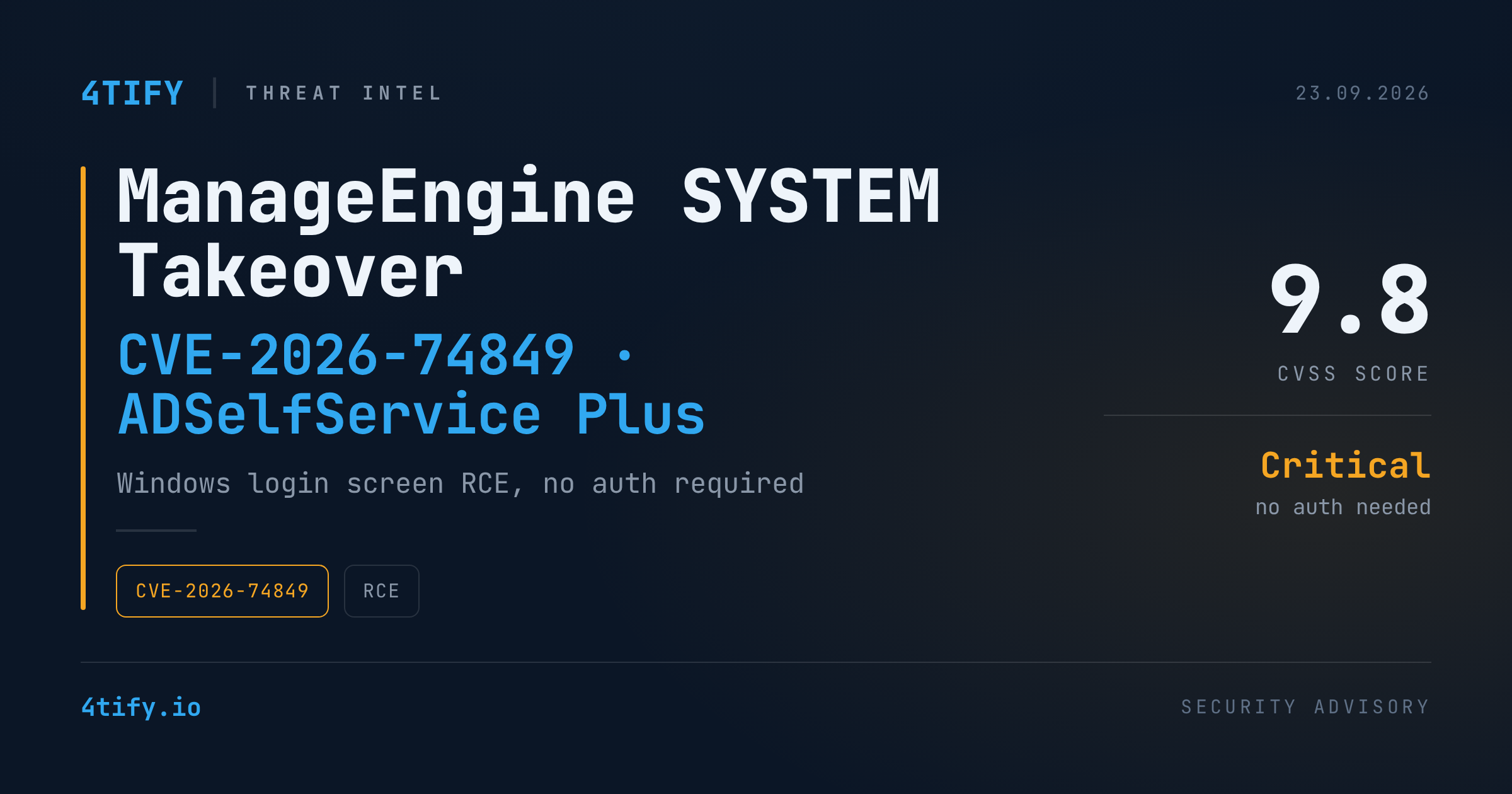
Critical ManageEngine Flaw Lets Attackers Seize SYSTEM Control From the Windows Login Screen
ManageEngine has patched a critical remote code execution vulnerability, tracked as CVE-2026-74849, in the GINA client bundled with ADSelfService Plus — the credential-management browser plugin that sits on the Windows sign-in screen itself.
What happened
The flaw lives in how the embedded browser on the Windows login screen handles input. An attacker who can reach that screen — physically or over a network session — can abuse the component to run arbitrary commands with SYSTEM privileges, the highest level of local access on a Windows machine, before a user has even logged in.
The issue stems from an OS command injection weakness (CWE-78) and carries a CVSS v3.1 score of 9.8 out of 10: network-reachable, low complexity, and requiring no privileges or user interaction to exploit. ManageEngine's own advisory frames exploitation as requiring access to the login screen — but because that screen runs before authentication and often with elevated rights, defenders should still treat it as high risk.
Why it matters
SYSTEM-level code execution is about as bad as it gets on a single endpoint. With it, an attacker can modify protected files, create or alter local administrator accounts, install new services, disable security tooling, pull sensitive data, and plant persistence — effectively taking full control of the workstation or server running the vulnerable component.
The bug affects ADSelfService Plus builds 7000 and earlier. ManageEngine shipped a fix in build 7001 on August 24, 2026, correcting the application's error handling and hardening the embedded browser exposed at the login screen.
What to do
- Identify every endpoint running the ADSelfService Plus GINA client and confirm which build is installed.
- Patch anything below build 7001 through ManageEngine's standard service pack process without delay.
- Review endpoint logs for signs of compromise: unexpected processes, unusual command execution, newly created services, changes to local administrator accounts, and abnormal activity around the login screen.
- Where an immediate update isn't possible, restrict physical and remote access to affected login screens and limit exposure of the GINA-related service to untrusted networks as a stopgap — not a substitute for patching.
The vulnerability was reported through Zoho's Bug Bounty program. With a demonstrated path to SYSTEM-level code execution, patching remains the top priority for any organization running ADSelfService Plus.