

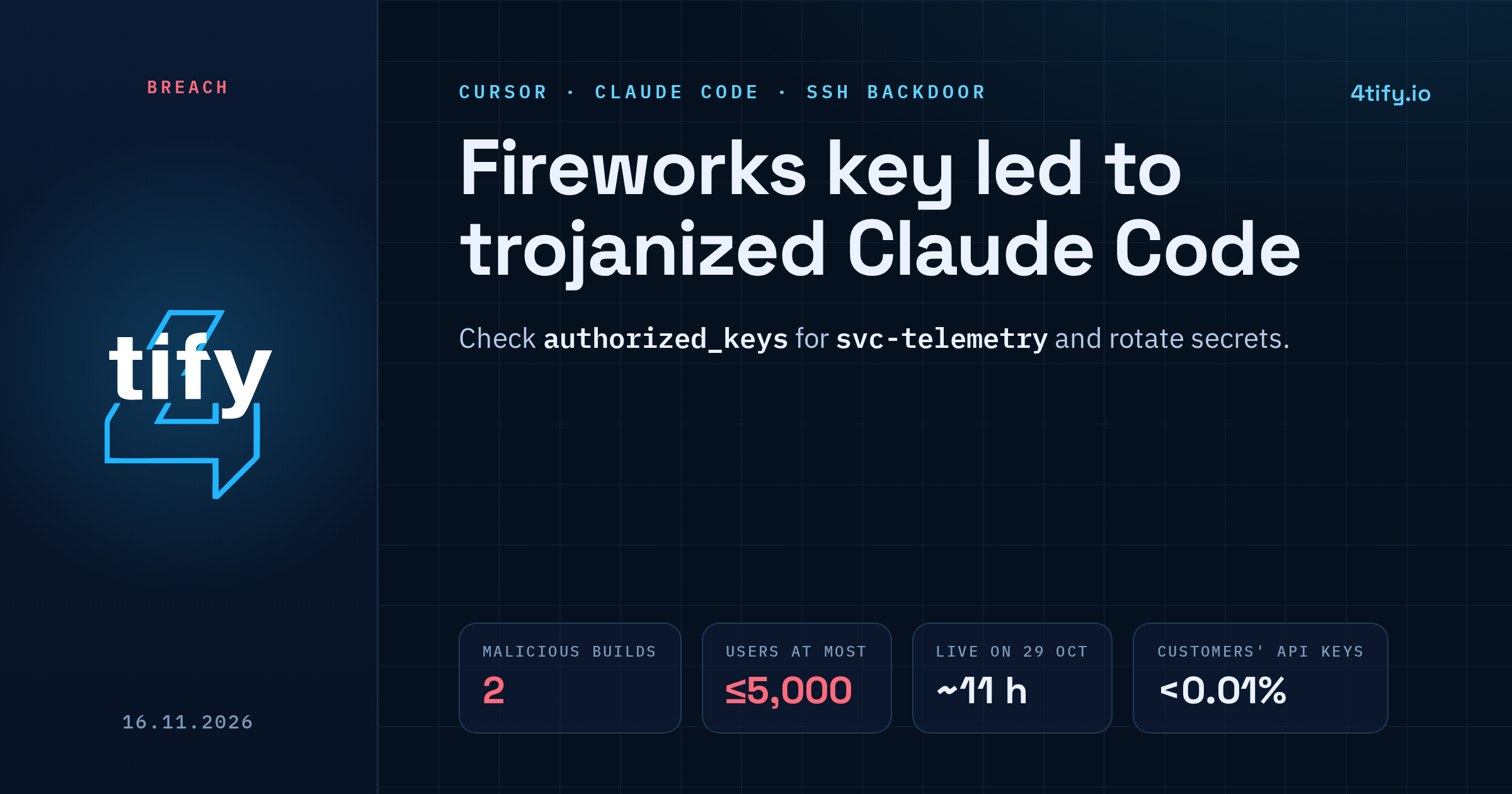
Cursor has traced the tampered Claude Code extension that reached its users on 29 October back to a single access key. Cursor had issued the key to Fireworks AI, one of its model vendors, and Fireworks exposed it. In an update published on 13 November, Cursor says the attacker used that key to copy data from a shared storage bucket, found working credentials inside it, and later used a stolen credential to plant malicious builds of the extension in its marketplace.
What happened
The key gave read-only access to a storage bucket Cursor used to share data with Fireworks. It held a limited set of coding agent traces, mostly from 2025, taken from sessions where Privacy Mode was off and Cursor was allowed to use the data for model training. Some traces contained credentials that had never been redacted. Cursor puts the share of customers whose API credentials were exposed this way at under 0.01%.
With those credentials the attacker reached several SaaS tools Cursor uses. Cursor lists what was accessed there:
- archived, non-production Cursor source code repositories, some with business contact information
- limited customer support data and email conversations
- product usage metrics and contact details
- summaries of some coding agent conversations
- some credentials that users had sent to Cursor support
On 29 October, between about 2:27am and 1:35pm Pacific time, malicious copies of the Anthropic.claude-code extension, versions 2.1.312 and 2.1.313 for Windows and macOS, were served from the cache behind the Cursor marketplace. Anthropic did not build or publish them, and Cursor says the upstream Open VSX source never carried the malware. At most 5,000 users who requested those cached versions could have received the bad build. The last attacker activity Cursor observed was on 1 November, and it was blocked.
When or how Fireworks exposed the key has not been made public. Fireworks has separately disclosed a breach at a third-party cloud provider that hosted its R&D machines on 23 October, but its bulletin does not name Cursor, and the two events have not been officially tied together.
What the extension did
The tampered build collected the hostname, username, operating system, home directory, working directories, Git email, public IP and the names of environment variables, and sent them to the attacker. It then added an ed25519 SSH key labelled svc-telemetry to the user's authorized_keys, tried to switch on the local SSH service and tried to open a reverse SSH tunnel to 134.209.82.225. On macOS it set up a LaunchAgent named com.apple.sysmond.plist; on Windows a scheduled task called SysMon, with a sysmon.cmd file in the Startup folder as a fallback. Scripts retried the tunnel roughly every minute.
Enabling SSH needs admin rights, which the extension usually lacked, and the attacker's server has been taken offline. Cursor still treats any machine where the key landed as compromised.
Who is affected
- Developers who installed or updated the Claude Code extension in Cursor on 29 October and received 2.1.312 or 2.1.313.
- Users whose non-Privacy-Mode traces were in the shared bucket (under 0.05% of those users, according to Cursor) and anyone who sent credentials to Cursor support. Cursor says it has notified affected users directly.
Cursor says Privacy Mode data, its production systems, the Cursor app and its signing keys, other marketplace extensions and customer code repositories were not affected.
What to do now
- Check for the key. On macOS or Linux run
grep svc-telemetry ~/.ssh/authorized_keys. On Windows search%USERPROFILE%\.ssh\authorized_keysandC:\ProgramData\ssh\administrators_authorized_keys. - If it is there, isolate the machine. Uninstalling the extension may not remove the key, the persistence or the tunnel scripts, so use Cursor's remediation scripts or rebuild the host.
- From a clean machine, rotate every credential and session the affected host could reach: cloud keys, Git tokens, API keys.
- Hunt for the indicators in Cursor's security notice, including traffic to
134.209.82.225on ports 22 and 8099. - If you ever pasted a key or password into a chat with Cursor support, rotate it now.
The root cause here is an old, ordinary one: live secrets sitting in data that got copied somewhere it should not have been. Our AI-assisted code review runs secret scanning across repositories and history, which finds tokens and keys left in code and config before someone else does. Cursor's full account is in its incident update.