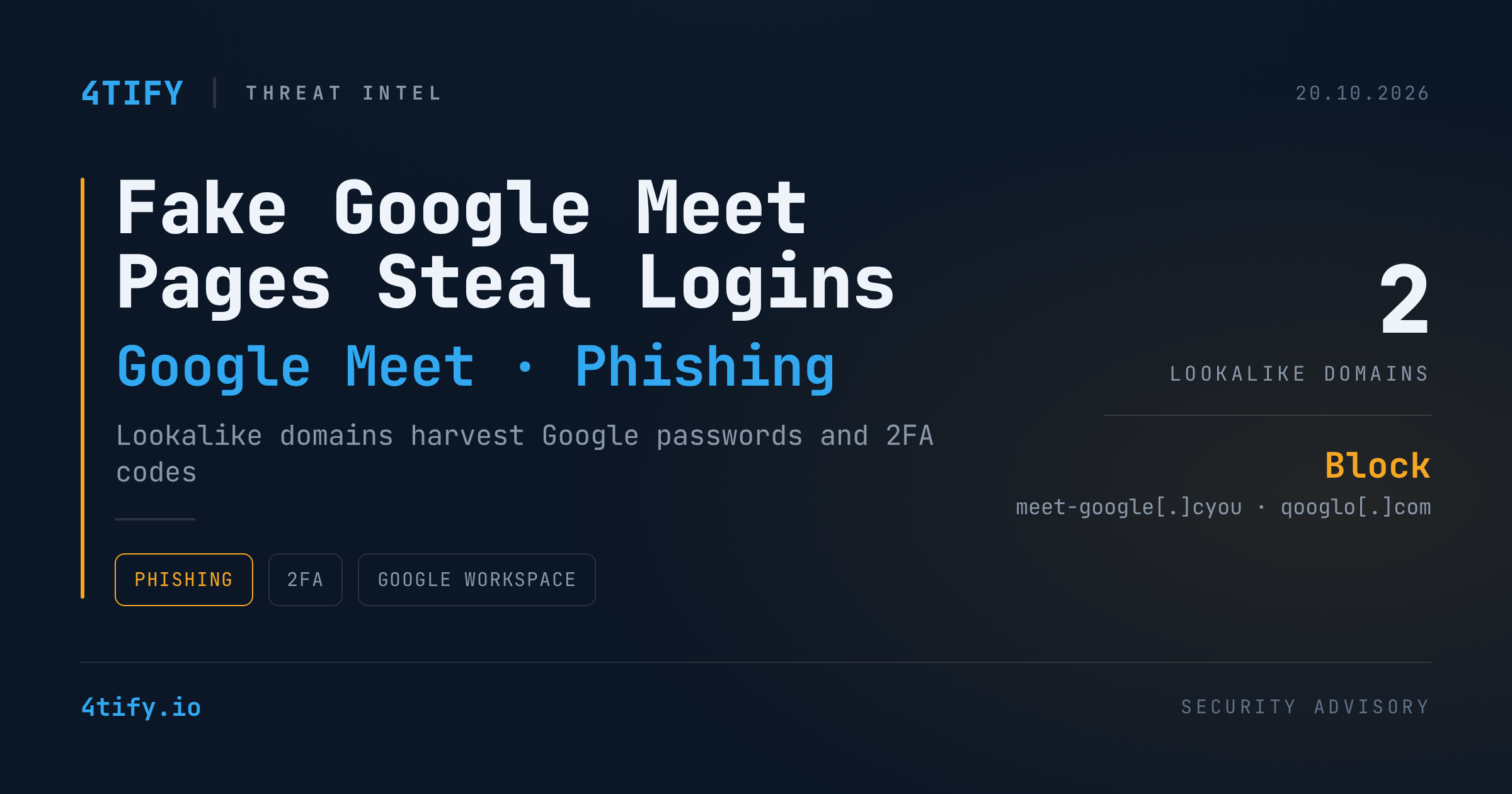
Fake Google Meet Pages Target Google Logins and 2FA Codes
Two lookalike domains are hosting counterfeit Google Meet pages built to harvest Google account passwords and the one-time verification codes that protect them. The campaign was flagged publicly on October 19–20, 2026, and one of the sites also leaves its own backend configuration exposed to anyone who visits.
What happened
The pages borrow Google Meet's branding and meeting-invite language so that a sign-in prompt feels routine. A victim who follows the link sees what appears to be a normal Google login and is asked for a password and then a 2FA code.
The two reported domains are:
meet-google[.]cyouqooglo[.]com(note the "q" and "o" swapped in for "g" and "e")
Neither is affiliated with Google; the only legitimate address for the service is meet.google.com.
Separately, the attackers' infrastructure appears to be sloppy: an /install page on the setup reportedly displays database connection settings with a password already filled in. The password value has not been published, and there is no public confirmation that anyone has used it.
What is not yet known: how victims are being lured to the pages, whether the kit relays credentials to Google in real time (adversary-in-the-middle) or simply stores them, and whether any accounts have been confirmed compromised. No malware sample, IP addresses, or file hashes have been shared, and there is no evidence tying this campaign to earlier fake-Meet operations such as ClickFix-style lures.
Why it matters
Google Meet links arrive constantly in work calendars, classrooms and personal chats, so a meeting page rarely raises suspicion. A Google account is also rarely "just email" — it can unlock Drive documents, contacts, saved passwords and connected business apps. A captured password plus a fresh 2FA code, used quickly, can be enough to take over the account and then send convincing messages to the victim's own contacts.
What to do
For individuals
- Open Meet by typing
meet.google.comor joining from a trusted calendar invite — not from an unexpected link. - Read the whole domain before signing in. A padlock only means the connection is encrypted, not that the site belongs to Google.
- Move to phishing-resistant sign-in: passkeys or hardware security keys. SMS and app codes can be phished; passkeys are bound to the real domain.
- If you may have entered details: change your Google password via the official account page, review Security → Recent security activity, sign out unfamiliar devices, and change the password anywhere else you reused it.
For organizations
- Block
meet-google[.]cyouandqooglo[.]comat DNS, proxy and email gateways. - Hunt in proxy and web logs for these paths:
/meet,/install,/assets/js/demo.js,/api/demo/sessions,/api/demo/sessions/{token},/api/demo/sessions/{token}/resend. A hit is a lead to investigate, not proof of compromise. - Review Google Workspace sign-in logs for unusual locations, new devices and suspicious OAuth grants, and enforce security keys or passkeys for admins and high-risk users.
- Brief staff on lookalike Meet links in the next security-awareness update.
Phished credentials rarely stay put — they tend to be resold, shared and reused. Our Deep/Dark Web monitoring watches for your organization's accounts surfacing in credential dumps and criminal marketplaces, so a password stolen by a page like this can be reset before it is used against you.
Indicators of compromise
| Type | Indicator |
|---|---|
| Domain | meet-google[.]cyou |
| Domain | qooglo[.]com |
| Web path | /meet |
| Web path | /install |
| Web path | /assets/js/demo.js |
| API path | /api/demo/sessions |
| API path | /api/demo/sessions/{token} |
| API path | /api/demo/sessions/{token}/resend |
Domains are defanged ([.]) on purpose — re-fang only inside controlled tooling such as your SIEM or threat-intel platform.
Source: reporting by Cyber Security News; indicators originally shared by security researcher Anurag (@Malwarehunterr).