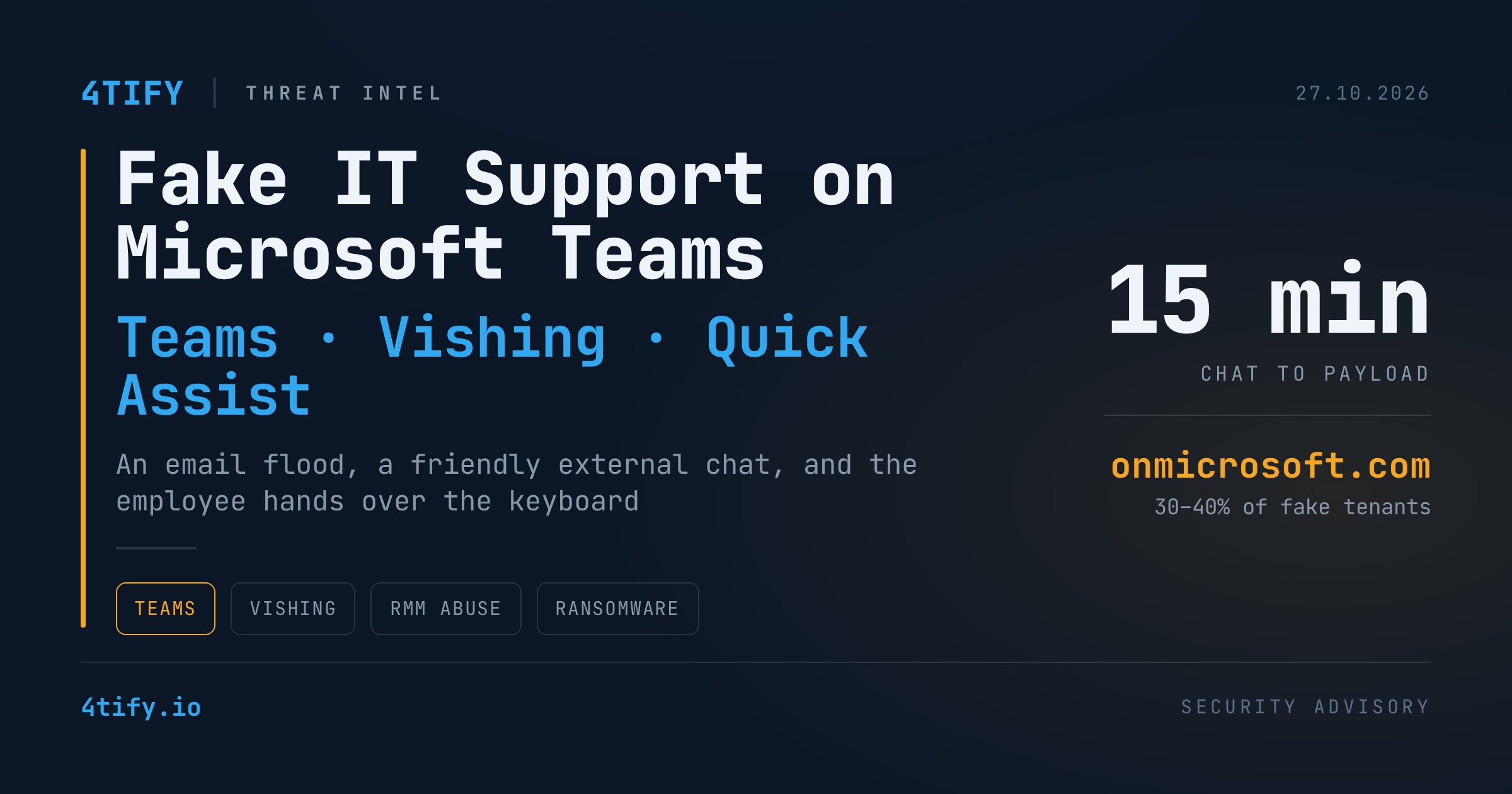
Fake "IT Support" on Microsoft Teams Is Talking Employees Into Handing Over Their PCs
A fast-moving social-engineering campaign is using Microsoft Teams as its front door. Attackers set up Microsoft 365 tenants dressed up as corporate helpdesks, message employees from outside the organisation, and talk them into launching remote-assistance tools. No Teams vulnerability is involved. The exploit is trust, and the whole thing can go from first message to malware in about fifteen minutes.
What is happening
The playbook rests on three ingredients that each look harmless on their own.
A believable helpdesk identity. Attackers register or acquire Microsoft 365 tenants and give the sending account a display name such as "IT Support (Internal)", "IT Service Desk – Liam" or "HelpDesk Manager". Roughly a third to 40% of the cases seen in recent months used a default onmicrosoft.com tenant domain. The rest used paid domains, with the .top extension accounting for about half of them. Teams still marks the sender as external, but a friendly name, a support title or an "(Internal)" label is often enough to make an employee ignore that warning.
An email flood to create the problem. Shortly before the chat begins, the target's inbox is hit with hundreds of newsletter sign-ups and confirmation emails within minutes. The employee is confused and annoyed. Then "IT" appears on Teams offering to fix it. The fabricated problem gives the impersonator a believable reason to ask for screen sharing, remote control or a quick software install.
A legitimate remote-access tool. Quick Assist was the tool most often used, with AnyDesk, ScreenConnect, TeamViewer, Zoho and others also observed. Because the victim starts the session themselves, nothing is "hacked" in the traditional sense. Operators typically approach several employees within about five minutes and have a payload running within fifteen.
A new infection chain
In one recently documented variant the impersonator had the employee open PowerShell and run a downloaded installer. The command pulled an MSI package from Azure Blob Storage containing a script and a compressed archive, all executed under the victim's own account with Windows Explorer as the parent process.
About thirty seconds later a bundled script ran from the user's local application data folder. It decoded hex-encoded content, AES-decrypted a further PowerShell stage, verified the result against a hash, and then launched that stage through a ScriptBlock. The next stage extracted a Python interpreter and an implant, waited five seconds, started another MSI transaction and began querying Active Directory for computer and user objects. The collected account names and descriptions were sent to command-and-control endpoints chosen at random from a list embedded in the code.
In many intrusions the operators also installed a second remote-management tool once they had control. That creates a parallel access channel that can survive the removal of the original malware.
Why it matters
Every step uses things your environment already trusts: Teams, signed remote-support software, Microsoft cloud storage, and the user's own identity. The initial behaviour looks like a normal support session, and the elapsed time between chat and payload is shorter than most ticket response times.
The same hands-on-keyboard approach has been linked to later stages that include recon bursts, run-key persistence and DLL side-loading, HTTPS or gRPC beacons blending into port 443 traffic, lateral movement over WinRM, Kerberoasting, data exfiltration via Rclone or S3, and ransomware deployment. A single successful Teams chat is a plausible opening move for a full-blown extortion incident.
Audit logging also has gaps. The initial chat-creation event is a useful early signal, but it does not capture the full conversation, so endpoint evidence becomes essential when reconstructing how a chat turned into a compromise.
What to do
- Tighten external access in Teams. Move from open federation to an allow-list of trusted partner domains. If a department genuinely needs open external chat, isolate it and monitor it.
- Control remote-support tooling. Block or application-control Quick Assist, AnyDesk, ScreenConnect, TeamViewer and similar tools unless they are explicitly approved, and alert on new installations.
- Establish a verification habit. Unsolicited help, however friendly, must be confirmed through a known helpdesk number or service portal. A familiar-looking chat interface is not proof that the sender is internal IT.
- Correlate the signals. Email flooding, a new external chat, a remote-tool launch, PowerShell or MSI activity in user context, Active Directory enumeration and identity alerts are weak alone and strong together. Build detections that join them.
- Hunt for the indicators. Look for Teams contacts from onmicrosoft.com tenants with "support", "helpdesk" or "IT" in the name, for recently registered .top domains, for helpdesk-lookalike domains, and for scripts running from a "PowershellCleaner" folder under the user's AppData path.
- Tell your people. An inbox flood followed by an IT offer of help is a known precursor, not a coincidence. Make that pattern part of awareness training now.
The only honest way to know whether your staff would hand the keyboard to a stranger is to test it. 4tify's penetration testing engagements include controlled social-engineering scenarios, such as an "IT support" approach over Teams, so you can measure how your organisation responds and close the gaps before a real operator tries the same move.