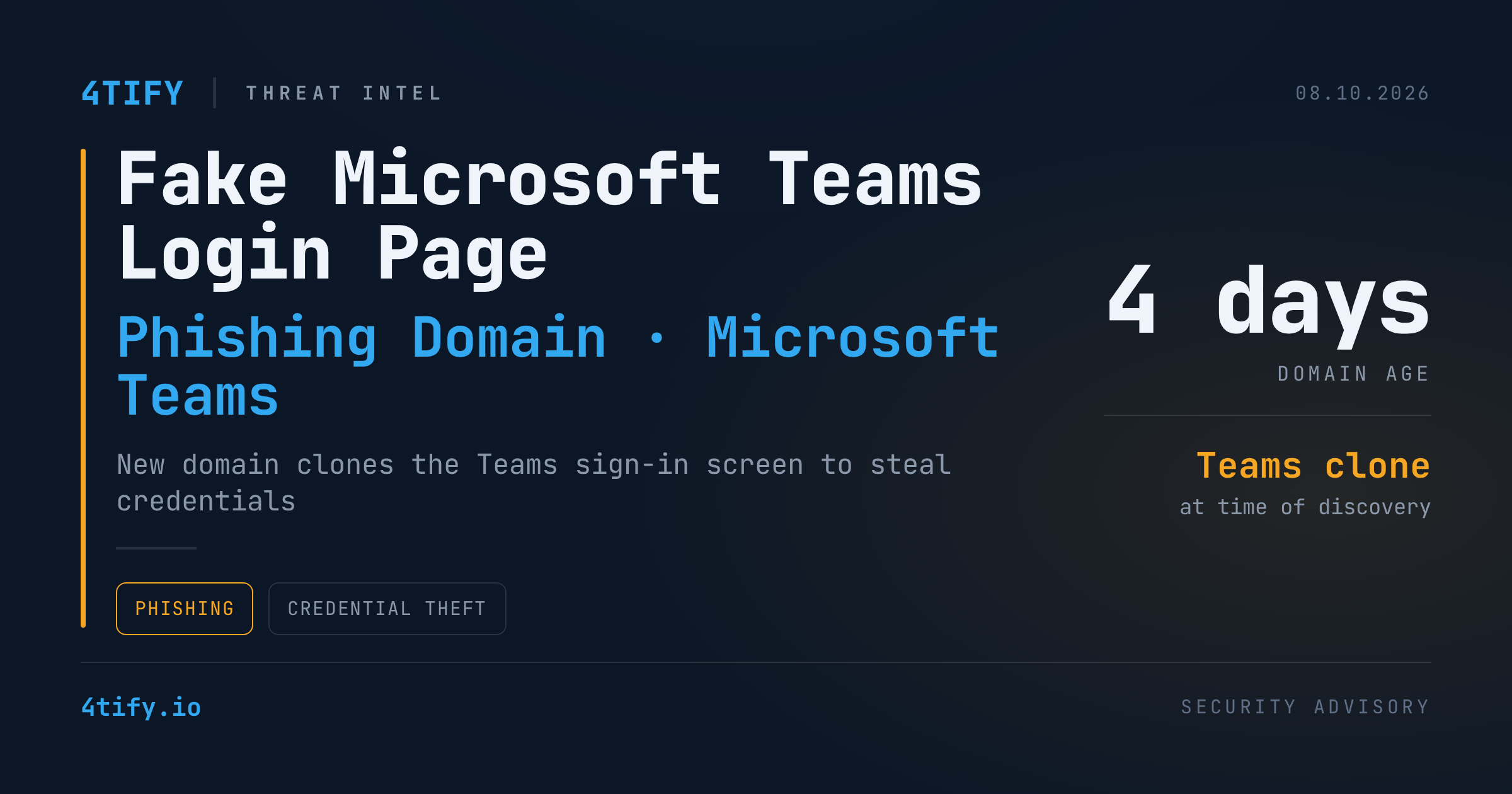
A newly registered domain built to mimic the Microsoft Teams login screen and surrounding interface is actively harvesting employee credentials, according to recent threat-intel findings.
What happened
The site, registered only days before it was flagged, reproduces the Teams sign-in flow and page layout closely enough to pass a quick glance as the real thing. At the time it was spotted, the domain wasn't yet being flagged by at least one major endpoint security product — a reminder that brand-new infrastructure often slips past signature- and reputation-based detection before it has a track record.
The page is built for straightforward credential phishing: it collects the email address and password a visitor enters, nothing more elaborate. There's no evidence so far of a bundled malware payload, and no confirmed detail on how victims are being steered to the page. Phishing emails, chat messages, fake meeting invites, and poisoned search results are all plausible delivery paths for a clone this convincing.
Why it matters
Collaboration-tool phishing works precisely because employees click through Teams prompts many times a day without a second thought. A near-exact clone narrows the gap between a legitimate login and a credential trap, and an attacker only needs one valid set of credentials to get a foothold.
It's worth being precise about what's confirmed and what isn't. The only solid indicator of compromise so far is the domain itself — there are no associated file hashes, IP addresses, or named victims tied to this campaign yet, and no evidence the operators have used any captured logins against real Microsoft 365 environments. A single scanner missing a brand-new domain at one point in time also isn't proof every control missed it, so this is best treated as an emerging indicator to act on rather than a fully mapped incident.
What to do
- Add the reported domain to DNS filtering, secure web gateway, and tenant-level block lists rather than relying on endpoint detection alone.
- Review recent sign-in activity for unusual logins, newly added authentication methods, or unexpected data access that could point to a compromised account.
- If any account is suspected of exposure, reset the password, revoke active sessions, and refresh tokens — a password change alone isn't enough.
- Remind staff that meeting invites, emails, and chat messages shouldn't be trusted to deliver login links; navigate to Teams directly or through a saved bookmark instead.
- Prioritize phishing-resistant MFA, such as FIDO2 security keys or passkeys, for the accounts most likely to be targeted.