

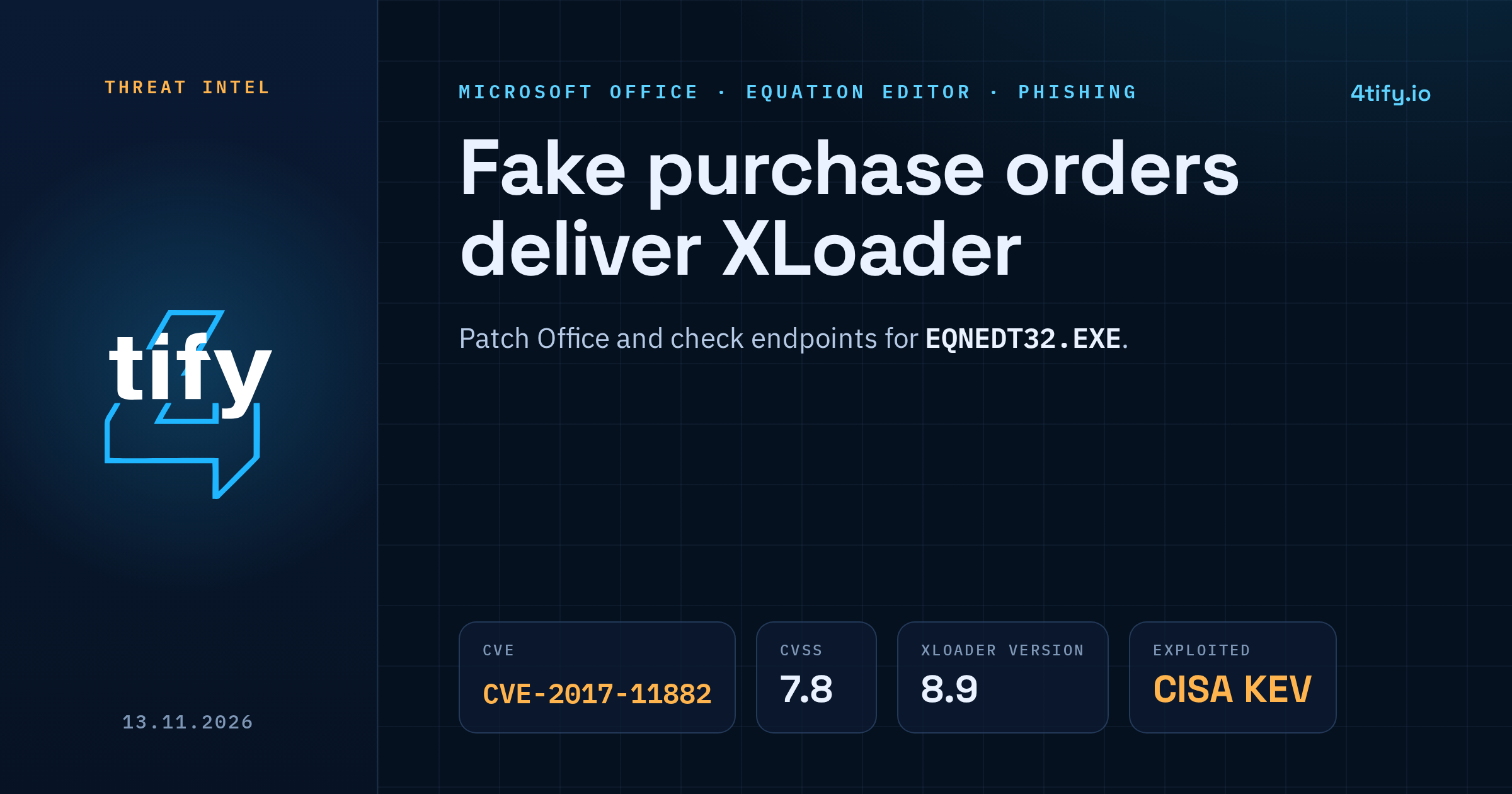
Fake purchase orders deliver XLoader through an old Word flaw
A phishing campaign documented on 12 November 2026 is sending emails dressed up as purchase-order confirmations. The attached Word file contains no macros. Opening it on an unpatched copy of Office is enough to start a chain that ends with the XLoader information stealer running in memory.
The bug doing the work is CVE-2017-11882, a memory corruption flaw in Microsoft's old Equation Editor that was fixed in November 2017. Attackers keep using it because unpatched Office installations are still around.
What happened
The emails ask the recipient to open an attached DOCX "purchase order" and confirm the order details. It reads like routine procurement mail, and that is the point: people in purchasing, sales and finance open documents like this all day.
Inside the DOCX sits a malicious RTF document. Word pulls it in through altChunk, the feature behind "Import Content from Another Document". From there the infection runs in steps:
- An embedded OLE object writes a VBScript file to the temp folder (
%TMP%\724812.vbs). - A second embedded object exploits CVE-2017-11882 in Equation Editor and runs that script through Windows Script Host.
- The script decodes Base64 data into
%TMP%\Quisque.Daland launches a first PowerShell script. The data file holds three parts: a loader, an encrypted payload and a second PowerShell script. - The first PowerShell stage stores its code in the registry and adds a Run entry, so it starts again every time the user logs in.
- The second PowerShell stage starts the loader, which decrypts the payload with XOR and runs it in memory.
The final payload is XLoader version 8.9. It collects system details and browser data, and it can download more malware onto the machine.
No threat actor has been named, and there are no figures yet on how many organisations received the emails or how many machines were infected. Earlier XLoader campaigns used the same Equation Editor route with order-themed documents, although the file names and later stages differed.
Who is affected
Anyone who opens the attachment on a Windows machine where Office still has the vulnerable Equation Editor (EQNEDT32.EXE). The NVD entry lists Office 2007 SP3, 2010 SP2, 2013 SP1 and 2016 as affected and scores the flaw 7.8 (High). Microsoft fixed it in November 2017 and removed Equation Editor from Office with its January 2018 security updates. Machines that missed those updates, or run old and unmanaged Office builds, are still exposed.
CVE-2017-11882 has been in CISA's Known Exploited Vulnerabilities catalog since 3 November 2021.
What to do now
- Patch Office and look for Equation Editor. Install current Office updates. On endpoints, search for
EQNEDT32.EXE. If it is still there and can run, that machine is open to this chain. - Confirm unexpected orders through a known contact, by phone or a separate email thread, not by replying to the message. Compare the sender's domain with the one your partner normally uses.
- Hunt for the persistence. Check the current user's registry for these values:
HKCU\Environment→TOROHKCU\SOFTWARE\AppDataLow→LaborisHKCU\SOFTWARE\Microsoft\Windows\CurrentVersion\Run→Cupidatat
- Correlate the chain. Word starting
cmd.exeorcscript.exe, followed by PowerShell writing a Run key, is a strong signal even before any other detection fires. - Block the published indicators: the C2 address
hxxp://www[.]dumbsplash[.]com/ilto/, the files724812.vbsandQuisque.Dalin the temp folder, and the MD5 hashes5bd3c5f273ba5ae4c4ae745c6943a4f7,8b3542531d98a47524c0f468d0158996ande0d7a34bc9f4590bc073d08b50c854d1.
A 2017 exploit only works where a 2017 patch is missing. Our vulnerability scanning service is built to find that kind of gap, flagging endpoints and servers that still carry old, actively exploited flaws like this one so they can be fixed before a convincing email lands in someone's inbox.