What happened
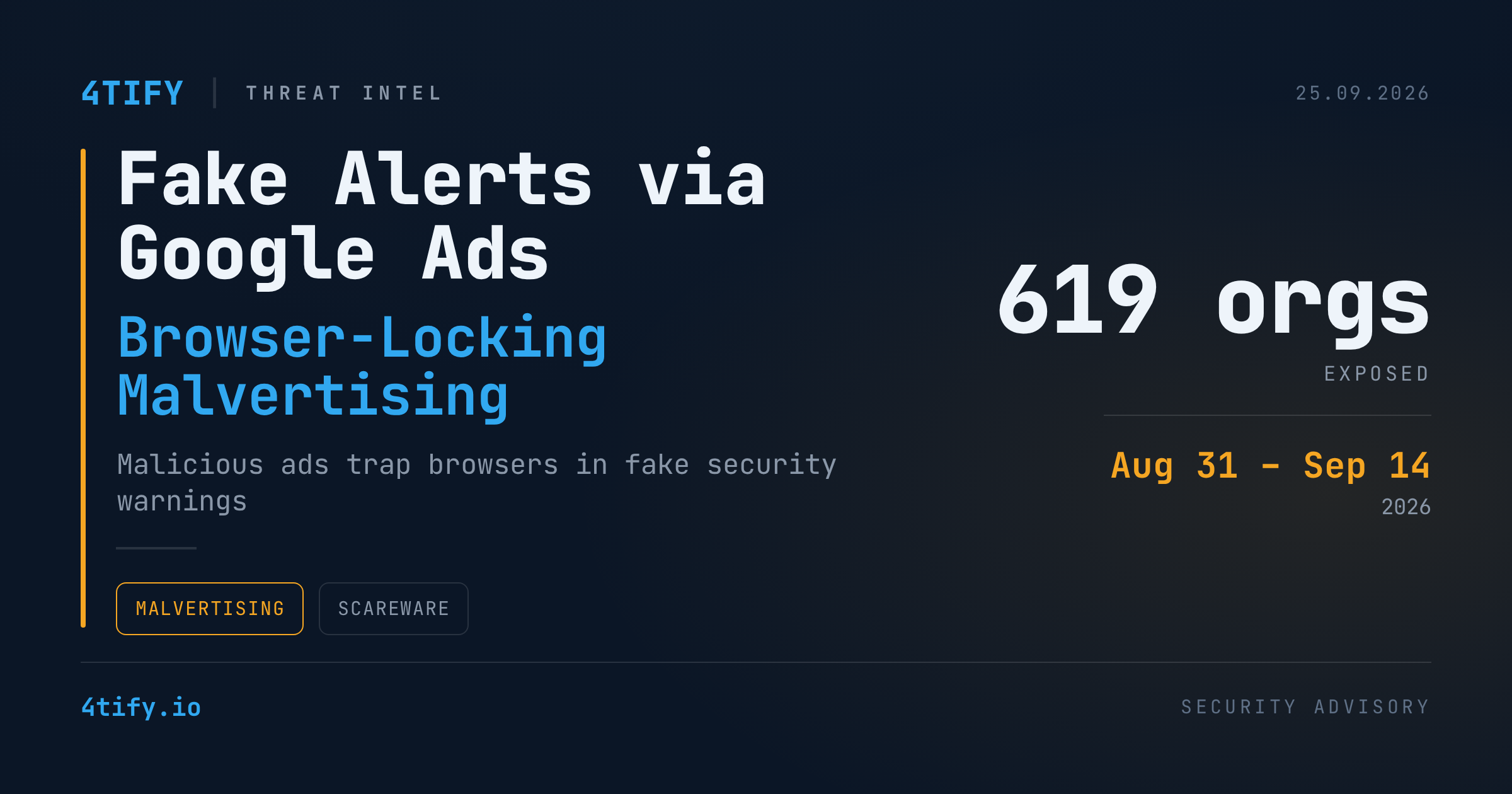
Between August 31 and September 14, 2026, a malvertising campaign abused Google's ad network to funnel visitors of everyday sites — maps, weather, property listings, document hosting, sports — into fake "your device is locked" security warnings. Researchers tracked the operation across more than 250 ad campaign IDs, at least 284 legitimate publisher sites, and 457 distinct scam hosts, with exposure touching an estimated 619 organizations. Those figures describe reach, not confirmed infections or losses — a distinction worth keeping in mind.
The publishers serving the ads were not compromised; this is paid-placement abuse, not a website hack. Nearly every recorded visit carried ad-click markers, consistent with traffic bought through normal ad auctions rather than organic search or referral traffic.
How the trick works
Landing pages open with an innocuous spinner, morph into a fake storefront, then flip into a full-blown "security emergency." The page waits for genuine mouse movement before it triggers — a simple but effective filter against automated scanners that never move a cursor.
Once triggered, the page decrypts a hidden server address, retrieves a browser-locker payload tailored to Windows or macOS, and builds the warning entirely in browser memory. No separate locker file ever touches disk or crosses the network in a form a scanner could inspect, and if the remote decryption step fails, the page simply falls back to the storefront instead of breaking cover. The approach mirrors other browser-locking kits built for the same kind of stealth.
On Windows, the fake alert imitates a Microsoft Defender scan; on macOS it borrows Apple's visual language. Both versions push a "support" phone number as the only way out. The first click sends the browser full-screen, hides the tabs and address bar, hides the mouse pointer, blocks normal exit shortcuts, plays alarm sounds, and deliberately makes the page feel like it is lagging. A flashing black warning and a tab-close prompt pile on the pressure — but the machine itself is never actually locked.
Why it matters
The page is theater, not proof of infection — simply loading it does not install malware. The real danger is the next step: calling the number can lead to a scammer talking the victim into paying for fake repairs, disclosing financial information, or granting remote access to the machine. Exposure skewed heavily toward the United States (roughly 62% of ad-click geography), followed by Japan (16%) and Australia (14%).
What to do
- Don't call the number on the page — a phone number shown by a webpage is never proof a security vendor is involved.
- If the warning appears, hold Escape for a few seconds to exit full-screen mode, then close the tab normally.
- If that fails, force-close the browser (Task Manager on Windows, Force Quit on macOS) and reopen it without restoring the previous session.
- Teams that buy ad inventory on the same networks should watch for anomalous ad-click patterns and know how to report abuse to the ad platform.
- Treat any browser page demanding an immediate phone call as a red flag, no matter how convincing the branding looks.