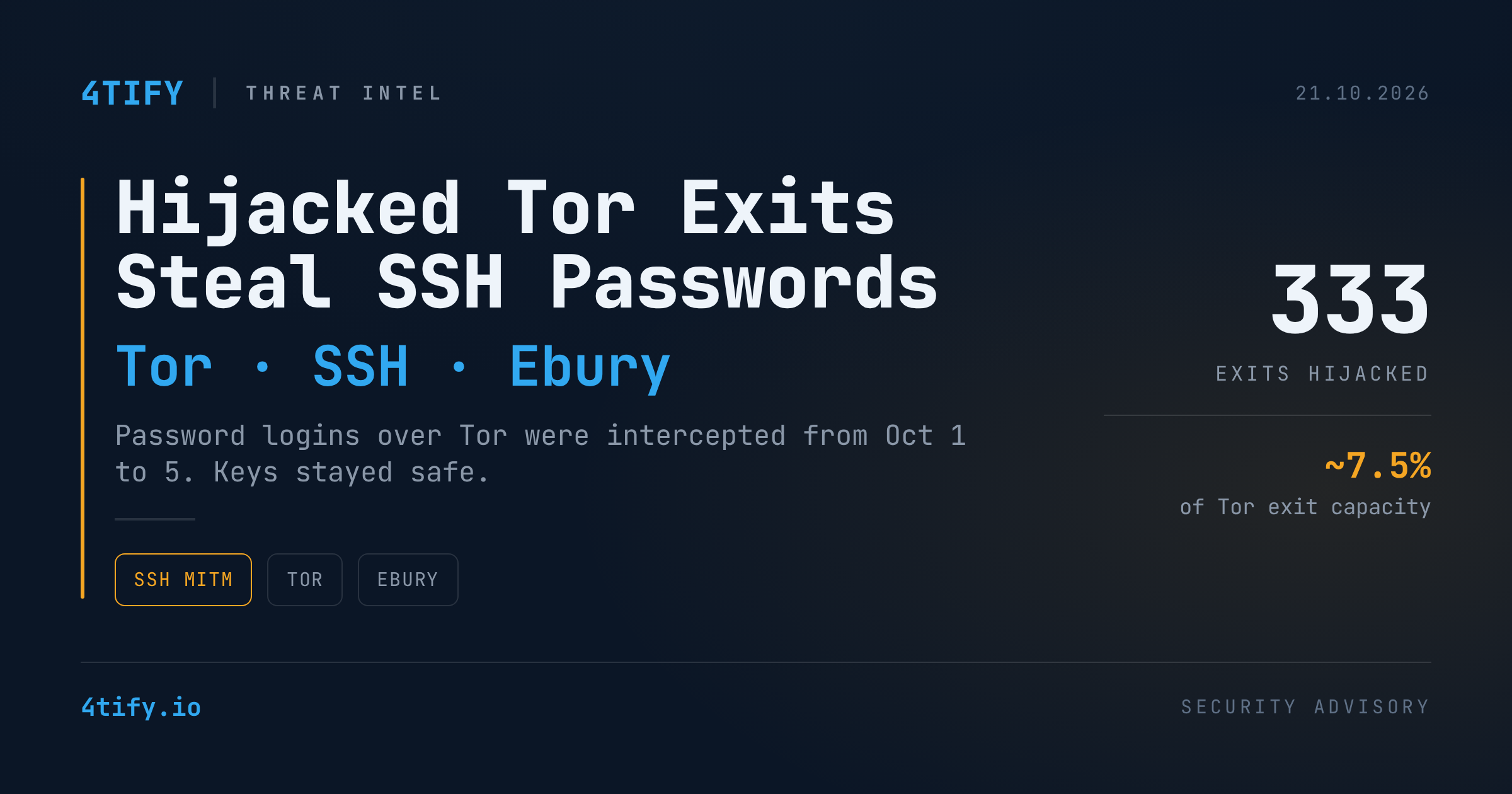
Hijacked Tor Exits Turned SSH Password Logins Into a Credential Trap
For about four days in early October, anyone who logged into an SSH server over Tor with a password risked giving it away. An attacker took over more than 300 Tor exit relays, pointed their SSH traffic at a small set of interception servers, and collected the credentials that came through.
What happened
Between October 1 and October 5, 2026, hundreds of Tor relays had their exit policy rewritten so that they allowed SSH (port 22) and Telnet. On most of them the encrypted mail ports (IMAPS, POP3S) were closed and the plaintext ones were opened. Some relays that had never been exits were turned into exits.
An independent researcher found the problem on October 2 after getting a changed-host-key warning on an SSH connection over Tor. They then tested every exit and found 333 relays sending SSH traffic to the same 12 interception servers. A separate analysis of public Tor directory data counted 377 relays from 59 operators that took on the attacker's exit policy. At the peak, those relays carried about 7.5% of Tor's exit capacity. The analysis itself notes that a matching policy does not prove a relay was compromised.
The Tor Project's network health team flagged the relays as BadExit on October 4. By 17:00 UTC on October 5, none of them were left in the consensus.
How the interception worked
The interceptor ended the victim's SSH session on its own server, then opened a second session to the real server. That made it a classic man-in-the-middle:
- Password logins were exposed. The password is sent inside the encrypted session to whichever server is on the other end, which here was the attacker. The interceptor passed the session through so it worked normally, could watch the commands typed, and could log in again separately with the stolen password to check for sudo and drop a Perl-based installer.
- Key-based logins were not. An SSH public-key signature is tied to the specific session, so it can't be replayed against the real server. The worst an interceptor can do there is show a fake shell.
- Host-key warnings were the giveaway. Users who already knew the server got OpenSSH's "remote host identification has changed" warning. First-time users only saw the usual prompt to accept a new key.
Why it matters: the root cause was ordinary
The biggest affected relay family was taken over through its internet-facing management server. Its operator later traced the break-in to one password reused across SSH, sudo and backups, kept in plaintext, with SSH password authentication left enabled. The attacker logged in on the first try in late August, got root within minutes, installed the Ebury OpenSSH backdoor (version 1.8.3), and moved on to a second server.
That Ebury build hides in a single setuid library (libkeyutils.so.1.10.2) that no package owns. The packaged libraries stay untouched, so dpkg -V and debsums find nothing, and it is newer than the public indicators. It also survived a reboot. Ebury has been around since 2009 and has infected hundreds of thousands of servers, so other compromised hosts very likely exist.
How the other operators' machines were entered is still an open question. Affected relays were heavily clustered at one hosting provider, which raises the possibility of compromise at the hoster level, but that is not confirmed. Who is behind the campaign is also unknown.
What to do
If you use SSH over Tor (or any untrusted network):
- If you accepted an unfamiliar or changed host key over Tor between October 1 and 5, treat the password you typed as stolen. Change it and check that server for compromise.
- Use key-based authentication and disable
PasswordAuthenticationon internet-facing SSH. - Never ignore a host-key-changed warning. Verify fingerprints out of band, or publish them with SSHFP/DNSSEC.
If you run Linux servers (Tor relays or otherwise):
- Look for a setuid
libkeyutils.so.1.10.2that no package owns, and forlibkeyutils.so.1symlinked to it. Also check for unexpected abstract UNIX sockets, fake system daemons running inside thessh.servicecgroup, NAT rules redirecting port 22, and unfamiliar users,authorized_keysentries, cron jobs or systemd units. - Investigate from a rescue system or offline disk image where you can. On a live host, log in with a key, never a password, because Ebury captures typed credentials.
- If you find the implant: take the host offline, preserve disk and logs, reinstall rather than clean, rotate every credential and key that was on the box, and (for relay operators) generate a new relay identity and report to the Tor Project's bad-relays list.
- Get rid of password reuse and plaintext secrets, especially on management and jump hosts.
This campaign started with an internet-facing management server that still accepted SSH passwords, an exposure that is easy to overlook and easy to find. Our Attack Surface Management service continuously maps your internet-facing hosts and flags risky exposures like this before an attacker uses them.
Originally reported by The Hacker News. This summary was prepared by the 4Tify team.