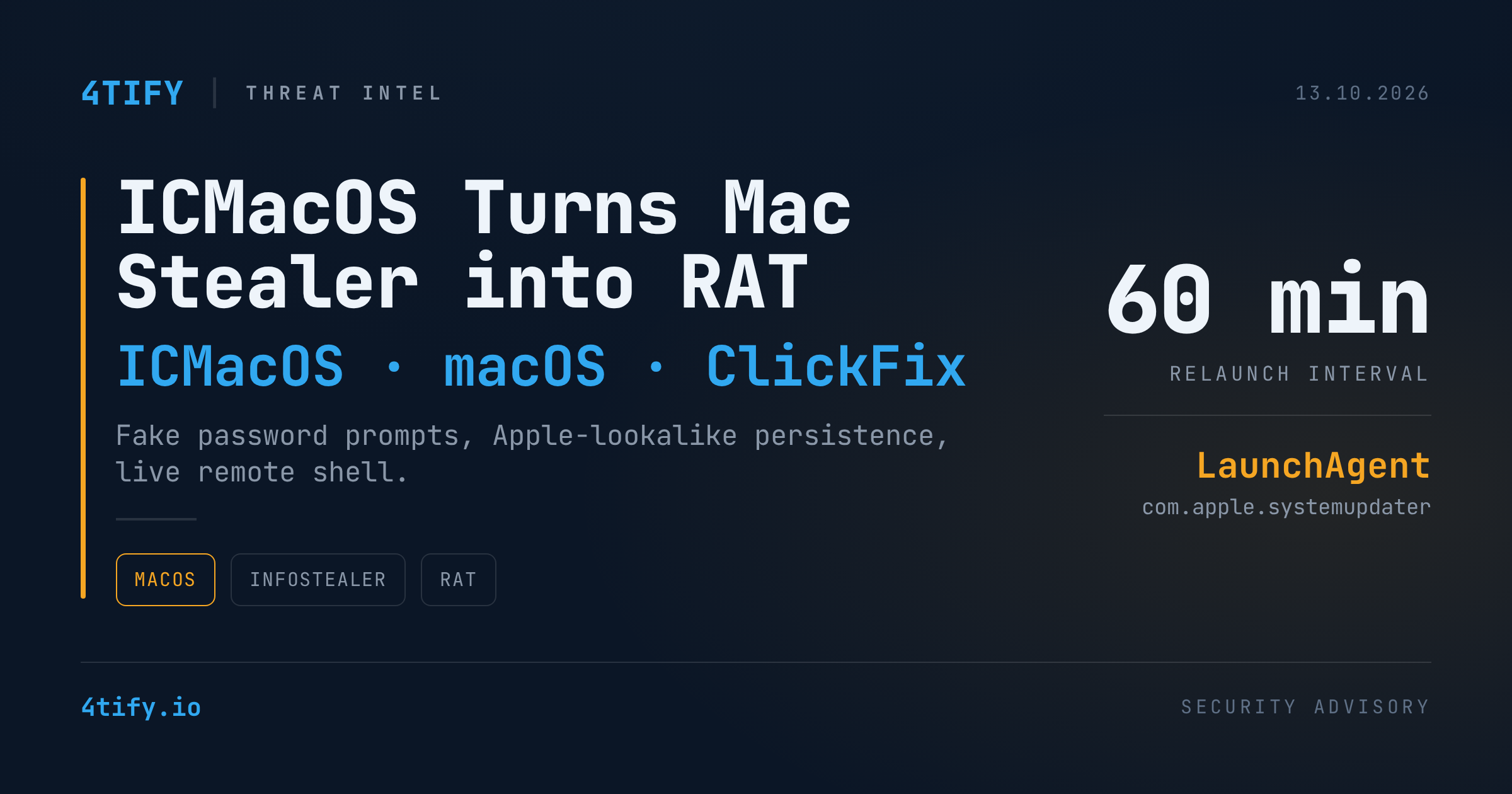
ICMacOS: a Mac infostealer that now stays on as a remote access trojan
ICMacOS (also tracked as Icarus macOS) started out as a typical macOS infostealer: get in, grab passwords and crypto wallets, leave. Researchers at SOCRadar's Threat Research Unit now report that a second version has turned it into a remote access trojan. It installs a persistence mechanism and opens a live command channel. For Mac-heavy teams, especially engineering teams, that changes an infection from a one-time data grab into an ongoing compromise.
What happened
SOCRadar first identified ICMacOS in September 2026 and published its analysis on October 12. The malware is sold as a subscription on Russian-speaking cybercrime forums by an actor calling themselves GlowComa. Prices run from several hundred dollars up to roughly $1,700 a month. Buyers get a Go-based web panel backed by MySQL for managing infected Macs and stolen data, plus Telegram alerts when new loot arrives.
How victims get infected. The infection relies on the user, not on a software flaw. Lures follow the ClickFix pattern: a web page talks the visitor into pasting a command into Terminal. That command pulls a campaign-specific dropper, which:
- adjusts Terminal settings to hide what is running, then uses AppleScript to display a fake "System Preferences" password prompt;
- checks the typed password against the user's login Keychain, allowing up to five attempts, so the attackers know they have a working password;
- detects Intel vs. Apple Silicon, downloads the matching payload and starts it in the background;
- closes Terminal and shows a fake error message, which the operator can configure.
What it steals. The main payload is a 64-bit Go Mach-O binary. Version 1 avoids Russian-language systems and machines in CIS countries. It collects:
- browser passwords, cookies, history and autofill, plus password-manager data and crypto wallets;
- developer secrets: AWS credentials, Kubernetes configs, SSH keys, Git credentials and
.envfiles; - data from Telegram, WhatsApp, Discord, Apple Messages, Apple Notes and Termius;
- Keychain contents, decrypted with the captured password, with extra fake admin prompts if needed.
A separate Python module also targets VPN profiles, Slack, Signal, Zoom and documents. It converts browser cookies into a format attackers can replay to hijack sessions. Everything is zipped into a hidden archive and sent out over HTTPS.
What version 2 adds. The new build checks its privileges and looks for copies of itself that are already running. It then installs a LaunchAgent that poses as an Apple updater (com.apple.systemupdater) and relaunches every 60 minutes if killed. It also keeps a WebSocket connection open to its server, which lets the operator run shell commands on the Mac and see the output in real time. It also adds clipboard, Outlook, Steam, autofill and shell-history collection.
Why it matters
- Stolen secrets reach beyond the laptop. One stolen
~/.awsfolder, kubeconfig or SSH key can open cloud accounts, clusters and production servers. Password resets on the Mac alone won't close that access. - Persistence makes cleanup harder. Before, cleanup meant "rotate what was stolen". Now attackers may still have a live shell on the machine.
- MFA does not stop cookie replay. Stolen cookies can let attackers into SaaS accounts without the password or the second factor.
- ClickFix sidesteps traditional defenses. No exploit is needed. The user runs the command, so patching alone won't stop it.
What to do
- Train users on ClickFix right away. No real website, CAPTCHA or "verification" step will ever ask you to paste a command into Terminal. Treat any password prompt that appears right after running Terminal as hostile.
- Hunt for the known artifacts on macOS endpoints:
~/Library/LaunchAgents/com.apple.systemupdater.plist, which is not a real Apple LaunchAgent name;- hidden files in
/tmpsuch as.update-helper.log,.cache-update.log,.update-tmp/ICMacOs.gzand.systemd-private-helper.zip; osascriptlaunched from Terminal shells that display password dialogs, and new LaunchAgents with Apple-style names.
- Block and alert on the network indicators (defanged):
escapeai[.]live(config, payloads, upload and WebSocket C2),mikoblico[.]xyz,85.137.253[.]61,45.13.186[.]247. - If you find an infection, assume full credential compromise. Isolate the Mac. From a clean device, rotate cloud keys, SSH keys, Git tokens and secrets stored in
.envfiles. Revoke active sessions and OAuth tokens, and review cloud and Git audit logs for misuse. - Reduce how many secrets live on laptops. Prefer short-lived SSO-issued cloud credentials, hardware-backed SSH keys and a secrets manager over long-lived keys in dotfiles.
- Use MDM and EDR on Macs. Block unknown LaunchAgent creation and watch for Terminal →
curl/bash→osascriptprocess chains.
At 4Tify, we check for exposed credentials and leaked secrets as part of our assessments. Malware families like ICMacOS feed exactly the kind of stolen-credential markets those checks are built to catch.