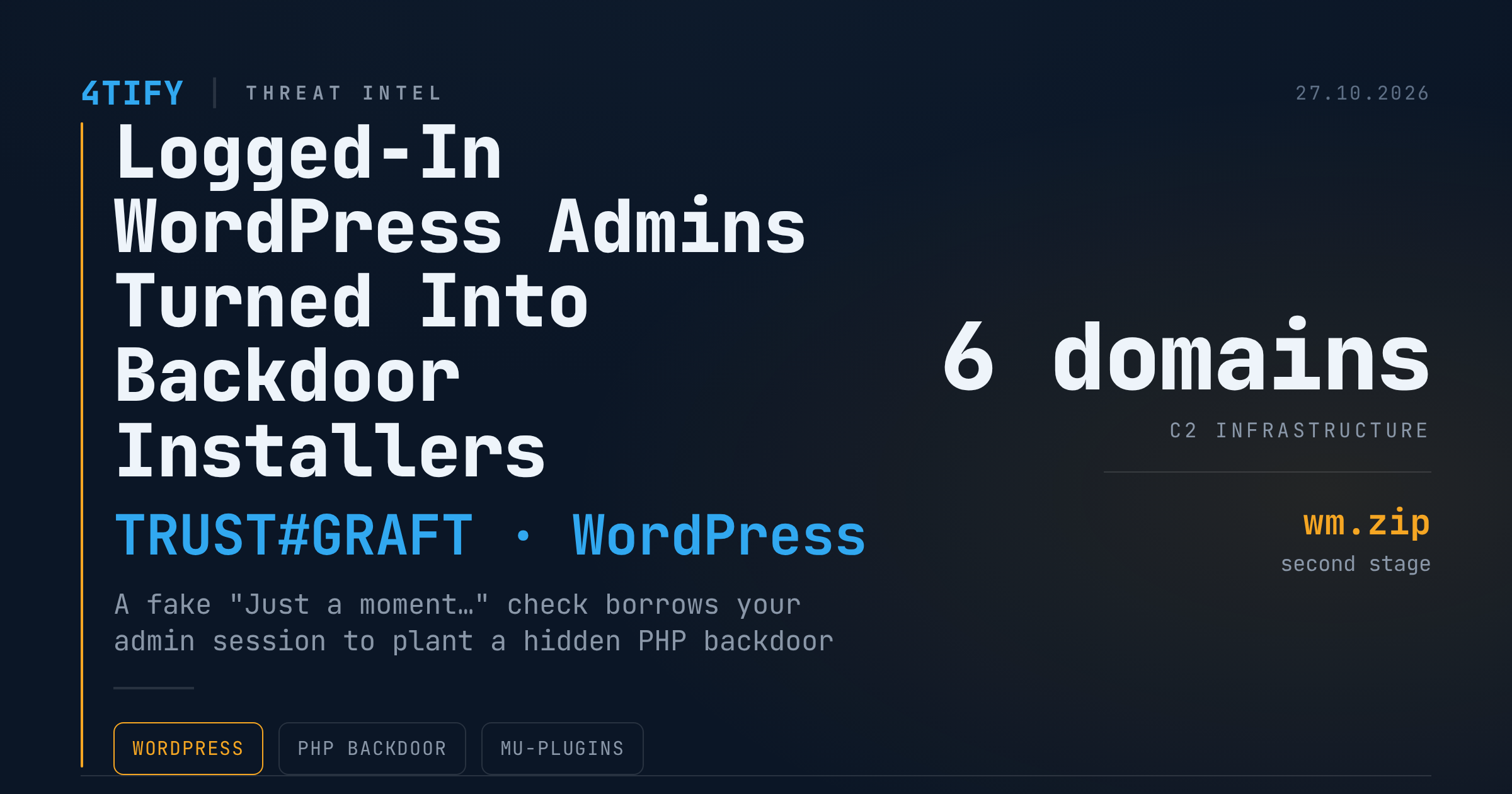
Logged-In WordPress Admins Are Being Turned Into Backdoor Installers
Most WordPress administrators keep wp-admin open in a tab while they browse the rest of the web. A newly analysed attack chain, tracked as TRUST#GRAFT, is built around exactly that habit. It does not guess, phish or steal the administrator's password. It simply waits for an administrator who is already signed in, then uses that browser's trusted session to install a malicious plugin on the site. The payoff is a persistent PHP backdoor tucked into a folder that the normal Plugins page never displays.
What happened
The chain starts with a JavaScript loader placed on a compromised WordPress page. How that first script gets onto the page has not been confirmed, so treat the initial access vector as an open question rather than a settled fact.
When a visitor lands on the page, the loader covers it with a full-screen iframe styled to look like a Cloudflare-style "Just a moment…" verification screen. While the visitor waits, the script quietly fingerprints the browser: screen size, graphics details, timezone and the number of installed browser plugins. It also looks for signs of sandboxes and automated analysis tools. The collected data goes to a controller server, which decides whether this particular visitor is worth a second stage.
If the visitor is an authenticated WordPress administrator, the key step follows. Riding on the browser's existing login cookies, the script requests the plugin upload page, reads the security nonce from it, downloads a ZIP archive named wm.zip from a staging server and submits it through the standard plugin installation endpoint. It then opens the Plugins page and activates the new plugin. WordPress accepts every request because, from its point of view, a legitimate administrator with plugin-install rights is doing all of this.
This is not a login bypass. The account must already be an administrator with permission to install plugins. But it is a very effective way to turn that trust against the site.
The backdoor and how it hides
The uploaded plugin calls itself Web Media Optimizer 2.1. The name suggests a harmless image tool. It is nothing of the sort. The plugin:
- injects remote JavaScript into the site's public pages;
- disables TLS certificate validation when it fetches its controller script;
- can set an administrator login cookie for the first admin account using a hardcoded token, giving the operators a way back in without a password.
On activation it also copies itself to wp-content/mu-plugins/wmedia-recovery.php. WordPress loads every file in the mu-plugins folder automatically, and those files do not appear in the regular Plugins list. Deleting the visible plugin therefore does nothing to the copy that actually matters, which is why this class of must-use plugin malware keeps resurfacing in cleanups that stopped too early.
Why it matters
Malware that only activates inside an authenticated session is hard to catch with routine scans. A scanner hitting the public site sees a page that may look clean, while the dangerous behaviour only fires for a logged-in administrator. Anyone who uses one browser profile for both day-to-day browsing and site management is exposed, because the attack needs nothing more than a visit to the wrong page while wp-admin is still signed in.
What to do
- Separate your admin browsing. Use a dedicated browser profile, or a separate browser, for wp-admin. Never browse unrelated sites from it.
- Sign out when you are done, and immediately after anything that looks like an unexpected "verification" overlay.
- Rotate administrator credentials and invalidate active sessions if you suspect exposure.
- Limit plugin upload rights. Few accounts need the ability to install plugins, and WordPress can disable file modification entirely on sites that deploy plugins through other means.
- Watch mu-plugins. Alert on any new PHP file under
wp-content/mu-plugins/, and review that folder as part of every cleanup. - Clean thoroughly. Remove the visible plugin, the mu-plugins copy and any injected remote script tag. Leaving one of the three behind is enough for reinfection.
Indicators to look for
- Plugin name: Web Media Optimizer 2.1
- Second-stage archive: wm.zip
- Persistence file: wp-content/mu-plugins/wmedia-recovery.php
- Controller script: ads.php
- Command-and-control domains (defanged): caapman[.]me, vtevens[.]icu, gerlace[.]com, nutmann[.]club, okuneva[.]sbs, vilialobos[.]lol
- SHA256 of wm.zip: 9215d17e5138cee498bb529e69b1cc7267305136535025e9b49fe173cf648720
- SHA256 of wmedia-recovery.php: 86d775c2d5cb459541cd2b0b967fac65ce20c60e483c71c9f7e108d5ad0bd564
- SHA256 of ads.php: 2dfa9e708fdb92e5d36080065f978a33a692c0fe813a75be9c7cdff03be51b6e
Domains are intentionally defanged. Only re-fang them inside a controlled threat-intelligence platform or SIEM.
Attacks like this succeed because the signs are small: an unexpected script tag on a public page, an extra file in a folder nobody checks, a plugin that nobody remembers installing. Our vulnerability scanning service is designed to surface exactly those small signs on WordPress estates, from outdated cores and plugins to unexpected injected scripts, so a borrowed admin session does not quietly become a permanent foothold.