

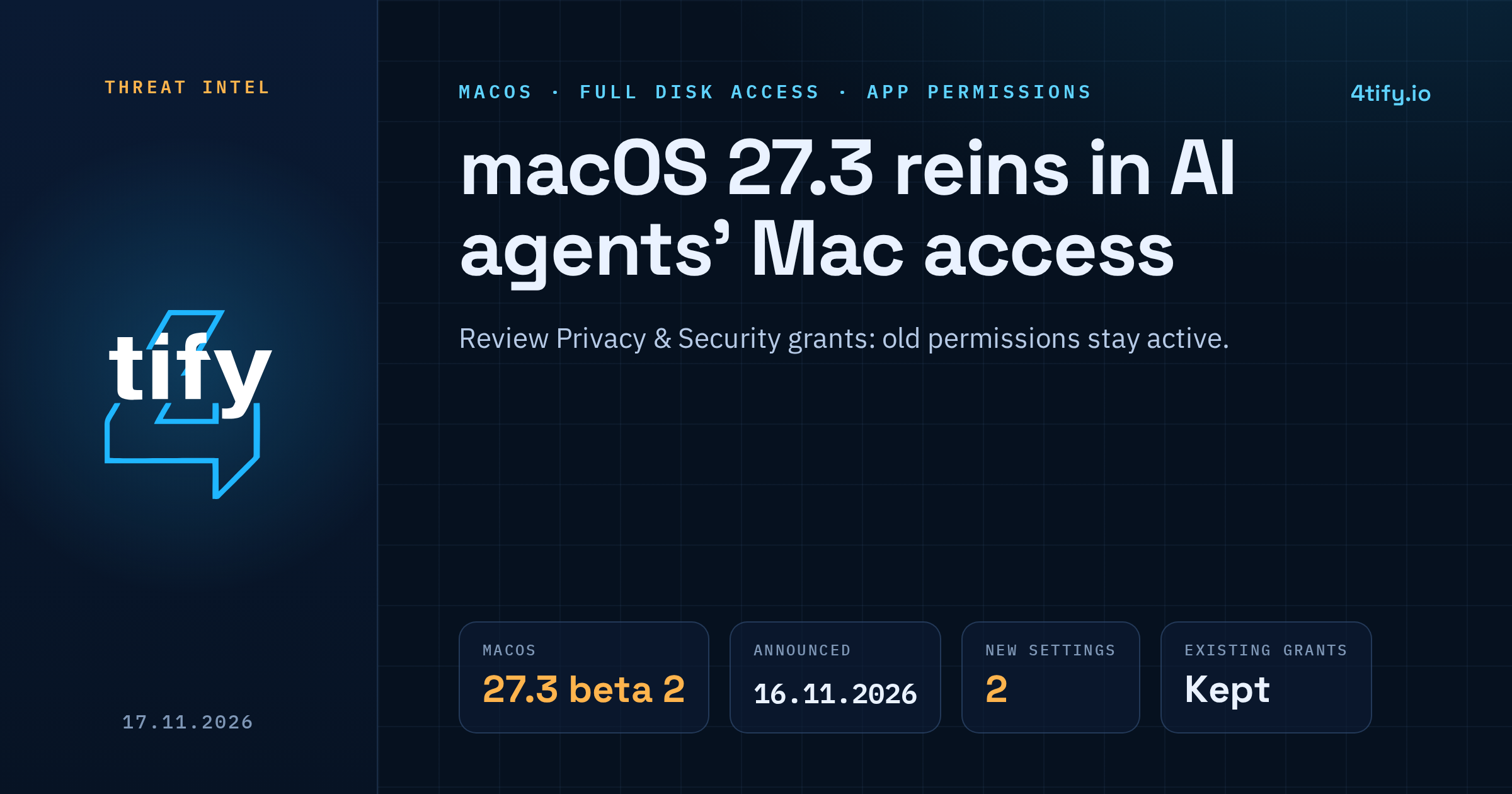
Apple is changing how Mac users hand out the two most powerful app permissions in macOS. The update, which arrived in macOS 27.3 beta 2 on 16 November 2026, targets Full Disk Access and the setting known as Device Control and Data Access, and Apple names AI agents as a key reason for doing it.
What happened
Apple published the details in a developer news post on the same day the beta shipped. The company says it wants more transparency and finer choices for both permissions, warning that granting this kind of access puts all of the data on a Mac at risk.
The move follows an October announcement in which Apple said Full Disk Access largely sidesteps the normal privacy controls so that backup apps can work, and that some developers were using it in ways that could expose files, mail, messages and browsing history without users fully understanding what they had agreed to.
What changes in macOS 27.3
- Device Control and Data Access is split in two. One part becomes System & App Protection Override, which lets an app override built-in protections. The other becomes Accessibility, meant for assistive tools.
- One way to grant access. Users pick the requesting app from a list, instead of facing different flows for different permissions.
- Narrower grants by default. macOS will steer users to allow only the specific apps (for System & App Protection Override) or the specific folders (for Full Disk Access) a workflow actually needs.
- Clearer scope. Users get a better view of how much data an app will reach, or control, if they give it full permissions.
- Ask every time. Apps can be set to request permission each time they need access.
- A visible indicator. When one app is controlling another through System & App Protection Override, macOS shows an indicator.
Nothing here stops anyone from installing or running an AI agent that wants broad access. The aim is that a person approving the request can see what they are handing over.
Who is affected
Anyone running Macs that get macOS 27.3 once it leaves beta. Apple has not announced a release date.
Permissions that users have already granted stay in effect, so an app that holds Full Disk Access today keeps it after the update. The new screens appear when an app asks for permission from then on.
Developers feel this first. Apple asks them to rework their onboarding and to make sure their apps cope when they only get a limited set of folders or apps. Backup tools that depend on Full Disk Access, and assistive technology that uses the new Accessibility setting, can request entitlements so new installations behave as they did before 27.3. Apple says apps it already knows about are not affected and keep working without an entitlement. Further entitlement details have not been published yet.
Why it matters
AI agents that run locally can read files, drive other apps and act across the system. Given Full Disk Access or broad device control, a single agent, or an attacker who compromises it, can reach mail, messages, browser history and documents in one step. Splitting the permission and scoping it to named apps and folders shrinks what a misbehaving or hijacked tool can touch.
What to do now
- Review existing grants. Open System Settings > Privacy & Security and check Full Disk Access and the control and accessibility lists. Because old permissions carry over, anything granted months ago is still live. Remove apps you no longer use or don't recognise.
- Treat AI agents like privileged software. Give them only the folders and apps a task needs, and use the ask-every-time option for tools you run occasionally.
- Watch for the indicator. After the update, the on-screen indicator tells you when one app is driving another. If you didn't start that, stop the app and investigate.
- Managed fleets: test macOS 27.3 betas against your backup, security and accessibility tools now, and track Apple's entitlement guidance as it appears.
- Developers: request only the access your feature uses, explain why in your onboarding, and test the limited-access paths before 27.3 ships.
If your team builds tools or agents that ask users for this level of access, our AI-assisted code review can flag where an app requests or uses more permission than its features need, before your users are asked to approve it.