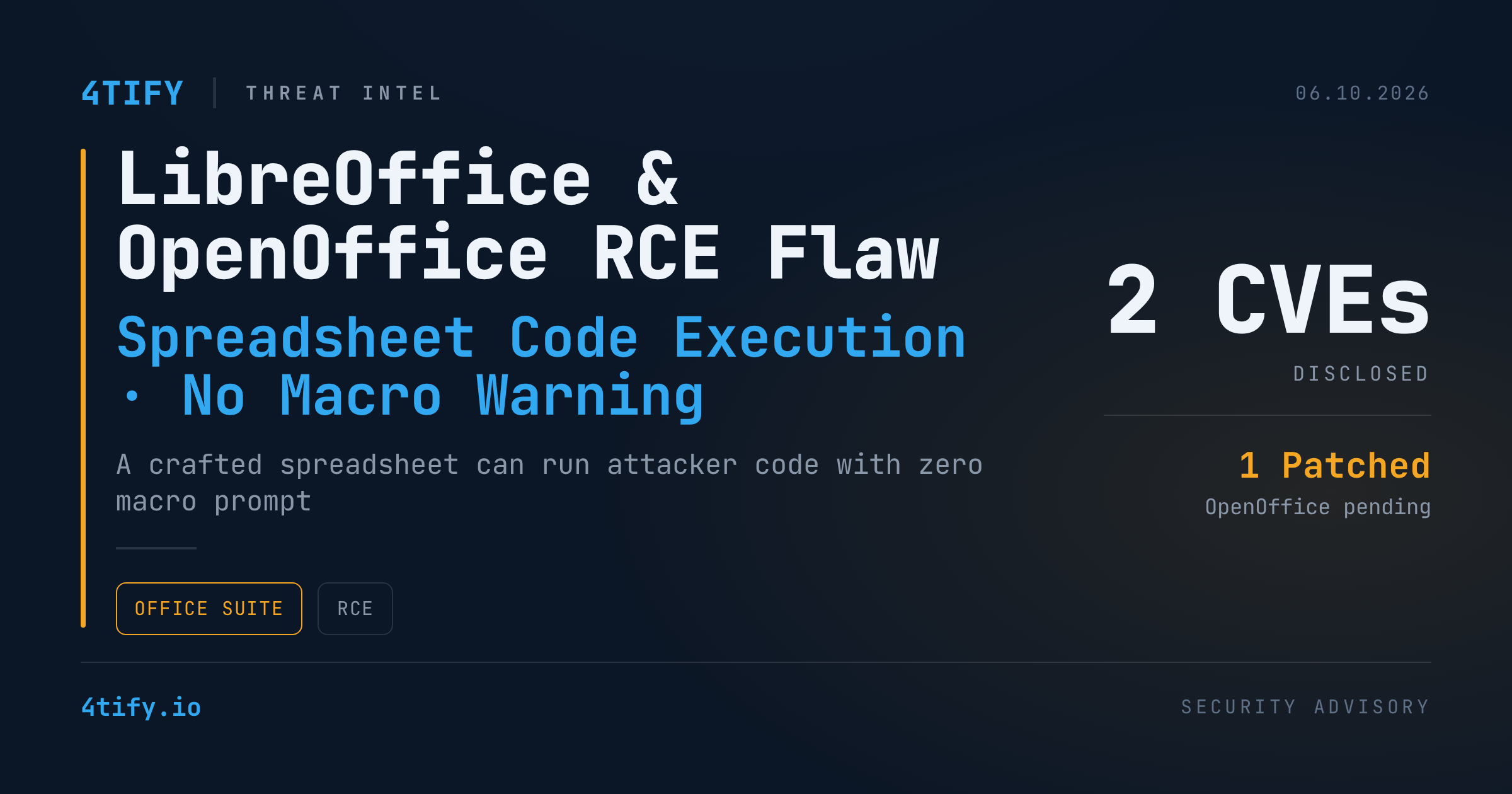
A security flaw affecting both LibreOffice and Apache OpenOffice allows a specially crafted spreadsheet to execute attacker-controlled code the instant it's opened — without triggering the macro-security prompt users rely on to catch malicious documents.
What happened
Researchers found that both office suites support a "database range" feature: a block of spreadsheet cells that can pull live data from an external database file (an ODB). That ODB file can point to a JDBC driver — a piece of Java code — hosted anywhere, including a remote server. When the spreadsheet is opened and the range refreshes, the program fetches that driver and runs it automatically. Each piece of this chain is a legitimate feature on its own; combined, they let code run with none of the "do you trust this document" friction that macros require.
The technique only works when the application's Java support is enabled, and researchers stress it is currently proof-of-concept only — there are no known in-the-wild attacks. In their demonstration, the payload simply launched the Calculator app as a harmless stand-in, but the same path could deliver and run arbitrary Java code, and it works the same way on Windows and Linux.
LibreOffice has already shipped a fix, tracked as CVE-2026-63277, in versions 26.2.5 and 26.8.0 — anything older remains exposed. Apache OpenOffice's matching flaw, CVE-2026-59265, is still unpatched as of its current 4.1.16 release; a fix is expected in 4.1.17, which is still in testing.
Why it matters
Spreadsheets are one of the most common attack vectors in phishing and business-email-compromise campaigns precisely because they look routine. A technique that skips the macro warning entirely removes one of the few visual cues users are trained to notice, which makes this class of bug attractive even as a proof of concept — expect copycat research and, eventually, real-world attempts once the technical details are widely known.
What to do
- Update LibreOffice to 26.2.5 / 26.8.0 or later immediately.
- Apache OpenOffice users: until 4.1.17 ships, disable Java support in the application's settings (Tools → Options → Advanced) to block the attack path.
- Treat spreadsheets from unknown or unverified senders the same way you'd treat an unsigned executable — don't open them in a Java-enabled office suite.
- If you manage endpoints at scale, consider disabling Java support organization-wide for OpenOffice installs until the patch lands, and prioritize the LibreOffice update in your next patch cycle.