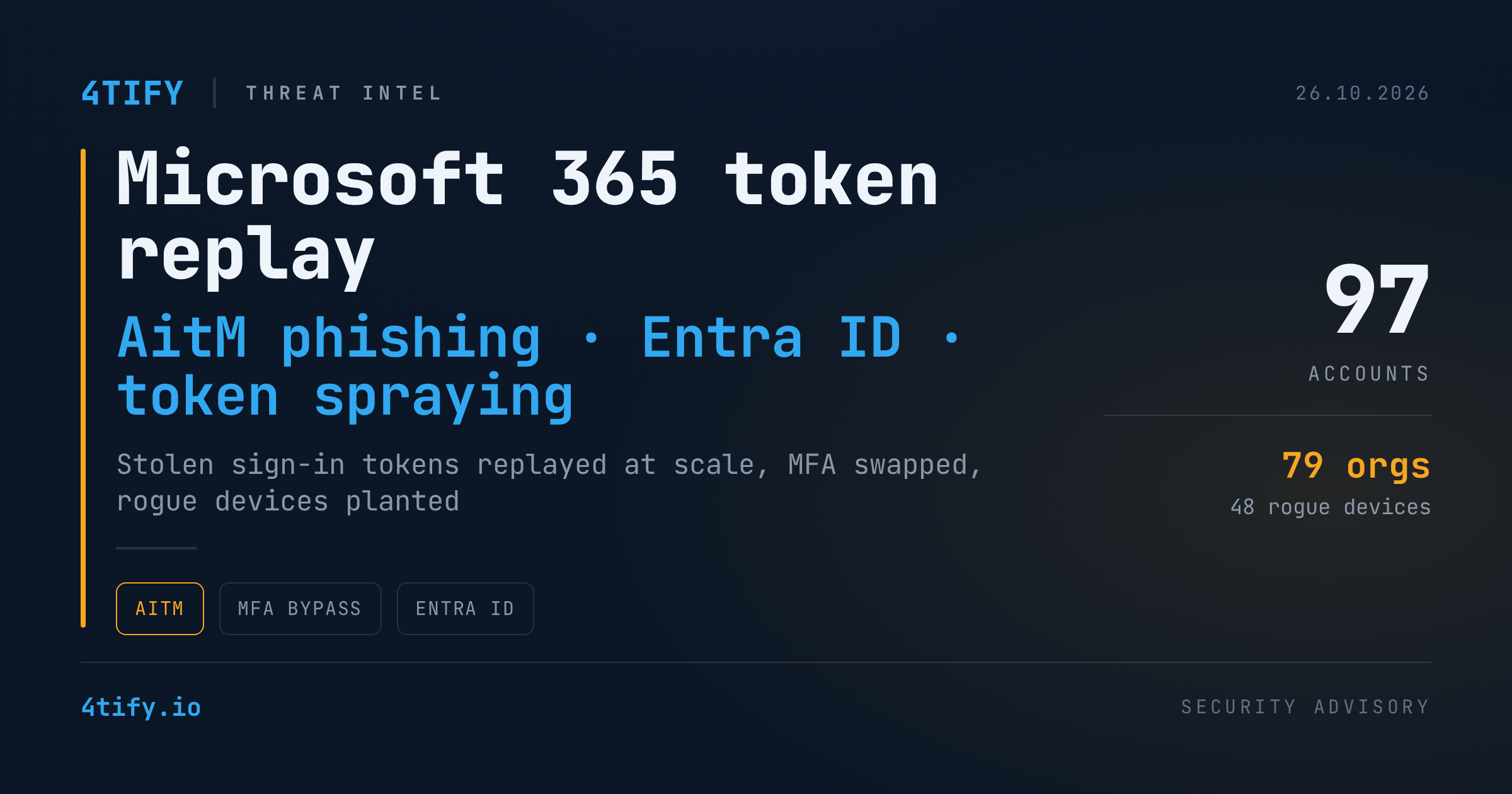
Microsoft 365 token-replay campaign compromises 97 accounts across 79 organizations
A months-long campaign against Microsoft 365 tenants is a reminder that a password, and even a one-time MFA code, stops mattering the moment an attacker holds a valid sign-in token. Between 14 July and 22 September 2026, attackers funnelled victims through look-alike Microsoft login pages, captured the tokens Microsoft issued after each successful sign-in, and replayed them from their own machines. The tally: 97 compromised accounts at 79 organizations, 48 rogue devices registered in victim directories, and inbox rules designed to hide payroll fraud.
How the attack works
The entry point is an adversary-in-the-middle (AitM) login page. The victim lands on a page that looks like Microsoft's sign-in form but actually sits between them and the real service. Whatever the victim types, including the username, password and MFA code, is forwarded to Microsoft in real time, so the login succeeds and nothing looks wrong to the user.
The attackers are not after the password. They want the access token Microsoft issues once the sign-in and MFA challenge are complete. That "proof of login" is replayed from attacker-controlled devices within minutes, driving automated sign-in attempts against Microsoft 365 services without ever having to pass MFA again.
Because the same technique was applied to many stolen tokens across many tenants at once, the pattern has been described as token spraying, the token-based cousin of password spraying.
Scale and infrastructure
Across the campaign window, more than 200,000 sign-in attempts were traced back to a single network range, 193.26.115[.]0/24. Of those, 497 sign-ins succeeded. The earliest activity came from a Romanian-geolocated address in that block, one that has also been associated with AsyncRAT remote-access-trojan traffic.
The range belongs to a German hosting provider that rents out virtual servers, and several other addresses in the same block already carry malicious or suspicious reputations. Brands linked to that provider were caught up in an international law-enforcement takedown in January 2025 and have since resurfaced under new names. The operator has publicly denied any involvement in criminal activity, so treat the infrastructure link as context rather than attribution.
Stolen tokens were not coming from one place either. The campaign drew on AitM relays behind fake sign-in pages, device-code phishing, and social engineering performed while a victim was going through a legitimate login.
Persistence: new MFA methods and fake devices
Once inside, the attackers moved fast to make sure a revoked session would not lock them out again.
- Their own authenticator app. Attackers registered a new MFA method so they could satisfy future challenges themselves. In at least 19 organizations the victim's existing MFA methods were removed and replaced within three hours of the first malicious sign-in. In one case on 21 July 2026, an authenticator named "iPhone 13" was active less than 51 minutes after the session was hijacked.
- Rogue devices. At least 48 fake computers were registered in victim organizations' Entra ID directories. A registered device is a far more durable way to request fresh tokens than a stolen session, and it stays in the directory until an administrator notices and deletes it.
Inbox rules built for payroll fraud
The mailbox activity points squarely at business email compromise. Hidden inbox rules with throwaway names such as ".", "s", "d", "iT", "sss" or a string of dots were set up to delete incoming messages mentioning payroll, deposit or bonus, or to shuffle them into rarely opened folders like RSS Feeds and Conversation History. That is the classic preparation for diverting salary payments or hijacking an invoice conversation.
In one compromised mailbox, a rule marked every incoming message as read and deleted it. The account was then used to blast spam to hundreds of external recipients before Entra ID Protection rated it high risk.
Why this matters
MFA was present in these tenants, and it was passed. The attack lives entirely after authentication, which means the signals you need are different from the ones most teams alert on:
- a successful sign-in from a new IP or device seconds or minutes after a legitimate one;
- a new MFA method or authenticator app appearing on an account;
- unexpected device registrations in Entra ID;
- inbox rules with meaningless names, or rules that delete or move mail;
- new enterprise application consents.
Blocking IP ranges helps for a day. Rented virtual servers are cheap and the operators rotate them.
What to do
If you suspect a token-replay compromise in your tenant:
- Revoke all active sessions for the account, then reset the password.
- Audit registered devices in Entra ID and remove anything you cannot account for.
- Review the account's MFA methods and delete any that the user did not add.
- Check inbox rules, forwarding settings and recently consented enterprise applications.
- Restrict or block the device-code authentication flow with Conditional Access.
For long-term hardening, Conditional Access policies should require MFA, or block access outright, for all users, all cloud apps and all client app types, with no exceptions carved out for convenience. Pair that with phishing-resistant authentication such as passkeys or FIDO2 keys wherever you can, alert on MFA-method changes and new device registrations, and add 193.26.115[.]0/24 to your watchlists.
Identity configuration is one of the areas our penetration testing engagements examine most closely in Microsoft 365 environments. We check whether Conditional Access, device-code restrictions and MFA registration policies actually stop a replayed token, so you find the gap before an attacker does.