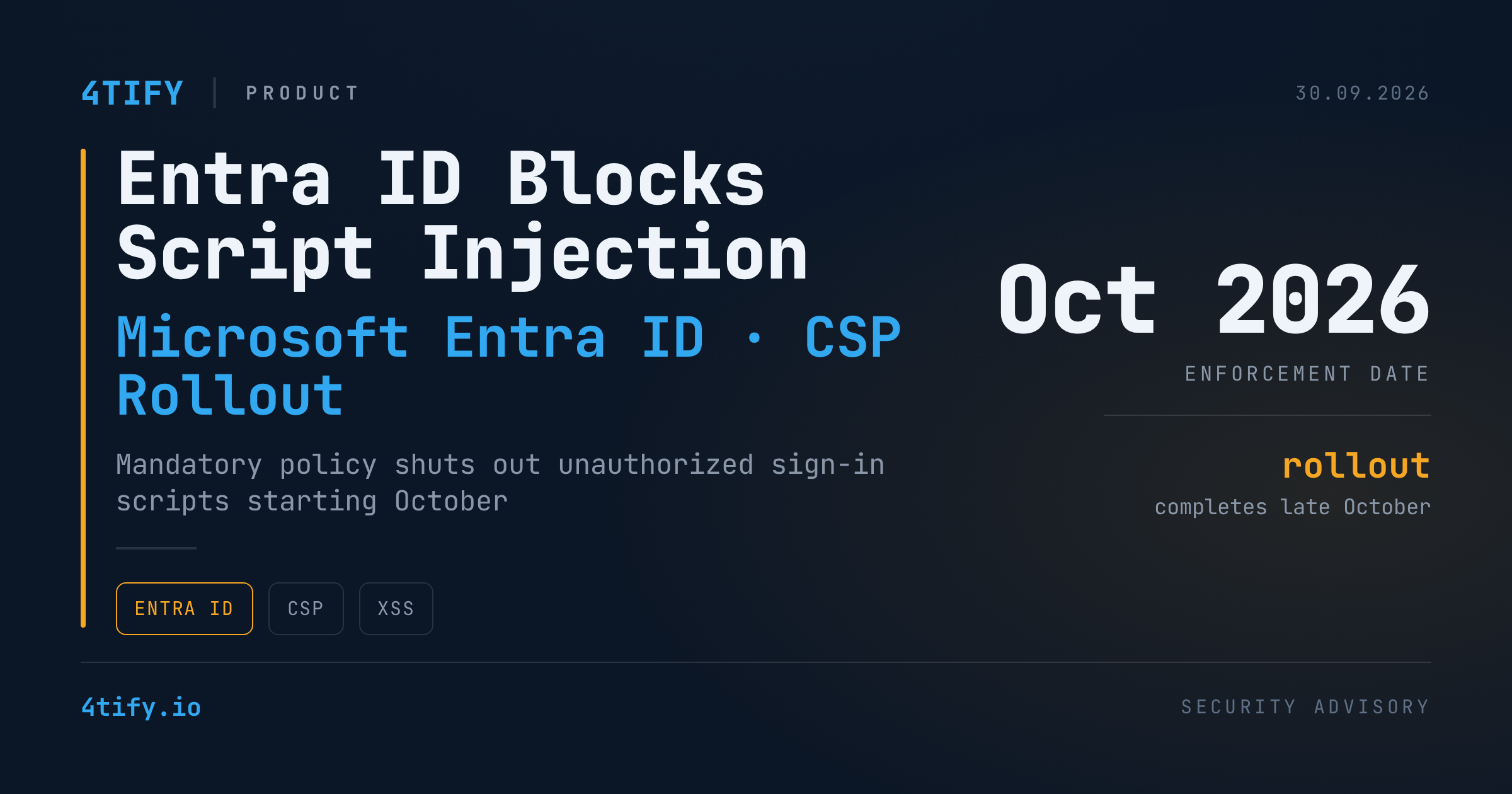
Microsoft will begin enforcing a stricter Content Security Policy (CSP) on Entra ID sign-in pages starting mid-October 2026, shutting out any script that isn't served from a trusted Microsoft content delivery network.
What's changing
- The CSP will only allow scripts from trusted Microsoft CDN domains during Entra ID sign-in flows.
- Rollout completes by late October 2026.
- Enabled by default — no tenant configuration required.
- Applies only to browser-based sign-in at login.microsoftonline.com; the Microsoft Authentication Library (MSAL) and API-based authentication flows are untouched.
- Users can still sign in even if a script-injection tool they relied on stops functioning.
Why it matters
Attackers have long abused script and code injection — including cross-site scripting (XSS) — to plant malicious code on login pages and harvest credentials as they're typed. Locking sign-in pages down to first-party scripts closes off a well-worn route into identity infrastructure.
The change is part of Microsoft's broader Secure Future Initiative (SFI), launched after state-linked attackers breached Exchange Online mailboxes across dozens of organizations and hundreds of individuals in 2023. Under the same initiative, Microsoft has also stripped ActiveX from Microsoft 365 and Office 2024 apps, and cut off legacy authentication protocols for Office, SharePoint, and OneDrive.
What to do
- Enterprises: audit any browser extensions, tools, or scripts that currently inject code into Entra ID sign-in pages — CSP will block them once enforcement begins.
- Test now: open the browser developer console during authentication and look for red CSP violation entries naming the blocked script or domain.
- Don't wait for the deadline: identify broken dependencies before the enforcement window closes, not after your users are locked out of a workflow.