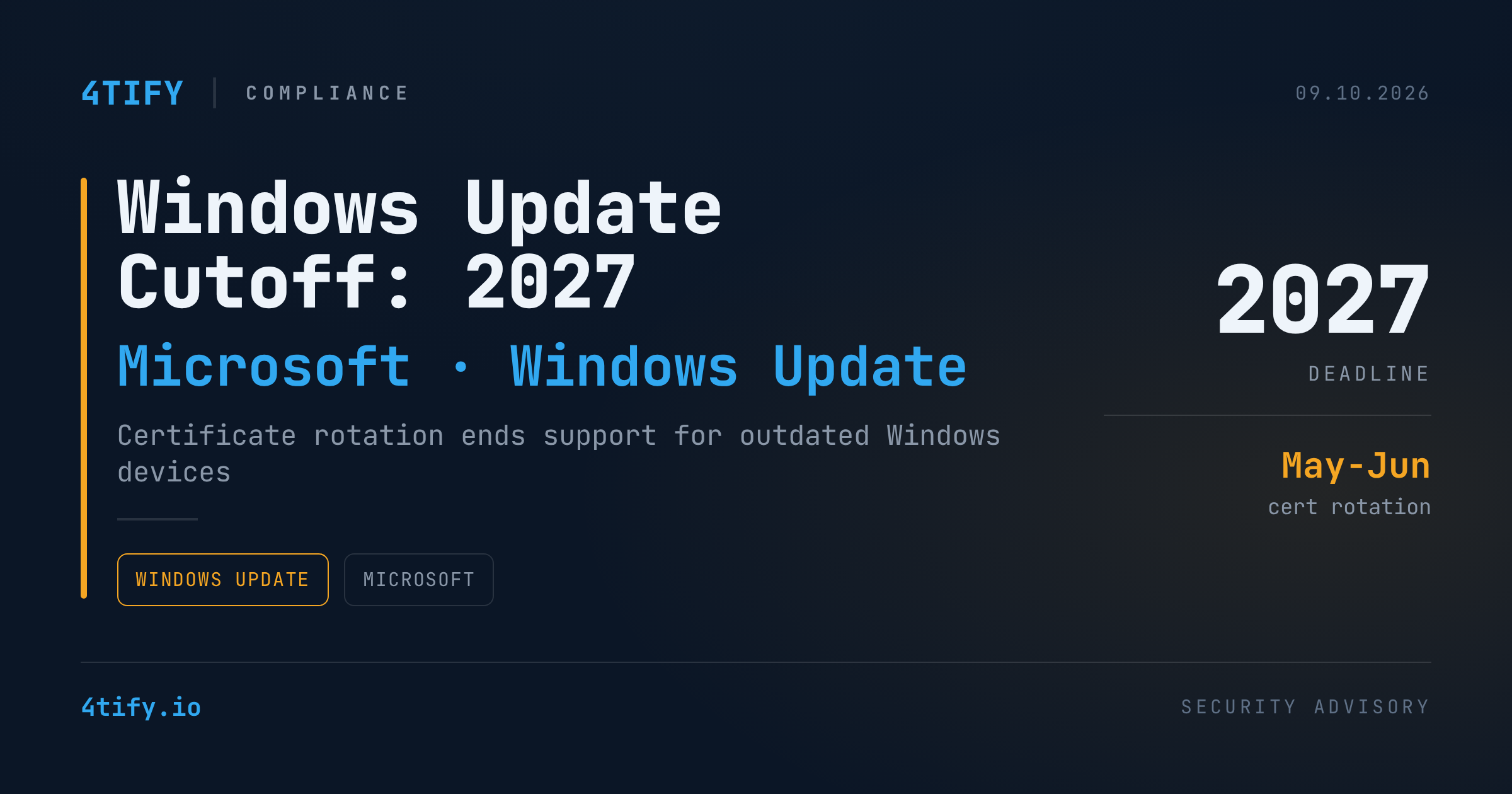
Microsoft has set a hard deadline for Windows devices to lose access to security updates entirely, tied to a routine but consequential change: the rotation of the digital certificates that authenticate Windows Update traffic.
What happened
Beginning in mid-2027, Microsoft will rotate the certificates that Windows Update relies on to verify and deliver patches. Two expiration dates are now confirmed: May 17, 2027, and June 19, 2027. Devices that haven't installed the prerequisite updates by those dates will lose the ability to authenticate with Windows Update — and with it, all future security patches.
Microsoft has published version-specific guidance:
- Windows 11, version 25H2 and later: no action needed.
- Windows 11 24H2 and Windows Server 2025: install the September 2025 security update (or later) before June 19, 2027.
- Other supported Windows 11 builds, Windows Server 2022, and Windows 10: install the July 2026 security update (or later) before June 19, 2027.
- Windows 10 Enterprise 2019 LTSC, Windows Server 2019, and Windows Server 2016: install the July 2026 security update (or later) before May 17, 2027.
- Any other, unsupported Windows version: upgrade to a currently supported release — there is no patch path that keeps it compliant.
Devices already running a fully supported, up-to-date Windows version have already received the replacement certificates automatically and require no further action. The change does not affect devices that receive updates through Windows Server Update Services (WSUS), which distributes patches internally rather than pulling them directly from Windows Update.
Why it matters
Losing Windows Update access isn't a cosmetic inconvenience — it's a silent expansion of attack surface. A device that stops receiving security patches keeps running, keeps processing data, and keeps sitting on the network, but it accumulates unpatched vulnerabilities indefinitely. In mixed fleets — common in organizations with legacy servers, embedded systems, or devices kept online past their support window — this can produce a population of systems that look operational but are quietly drifting out of a defensible security posture, long before anyone notices a breach.
The 2027 dates sound distant, but the lead time only helps if organizations act on it. Patch cadences, hardware refresh cycles, and change-management processes for large device fleets routinely take 12 to 18 months from planning to completion.
What to do
- Inventory now. Identify every device — endpoints, servers, VMs — running an unsupported or soon-to-be-unsupported Windows version, including anything kept on an old build for compatibility reasons.
- Patch to the prerequisite baseline. For supported versions, confirm the September 2025 or July 2026 security updates (as applicable) are deployed before the relevant certificate deadline.
- Plan upgrades for legacy systems. Anything outside the supported matrix needs a migration plan well before May and June 2027 — not a scramble in April.
- Check WSUS-managed fleets separately. Confirm whether your update distribution model is affected, since WSUS-managed devices follow a different path.
- Build it into existing patch management. Treat the certificate rotation as a hard compliance checkpoint inside your regular vulnerability and patch management cycle, not a one-off task.
Need help auditing your Windows fleet's update exposure or building a 2027 upgrade roadmap? 4Tify's assessment team can help you map the risk before the deadline does it for you.