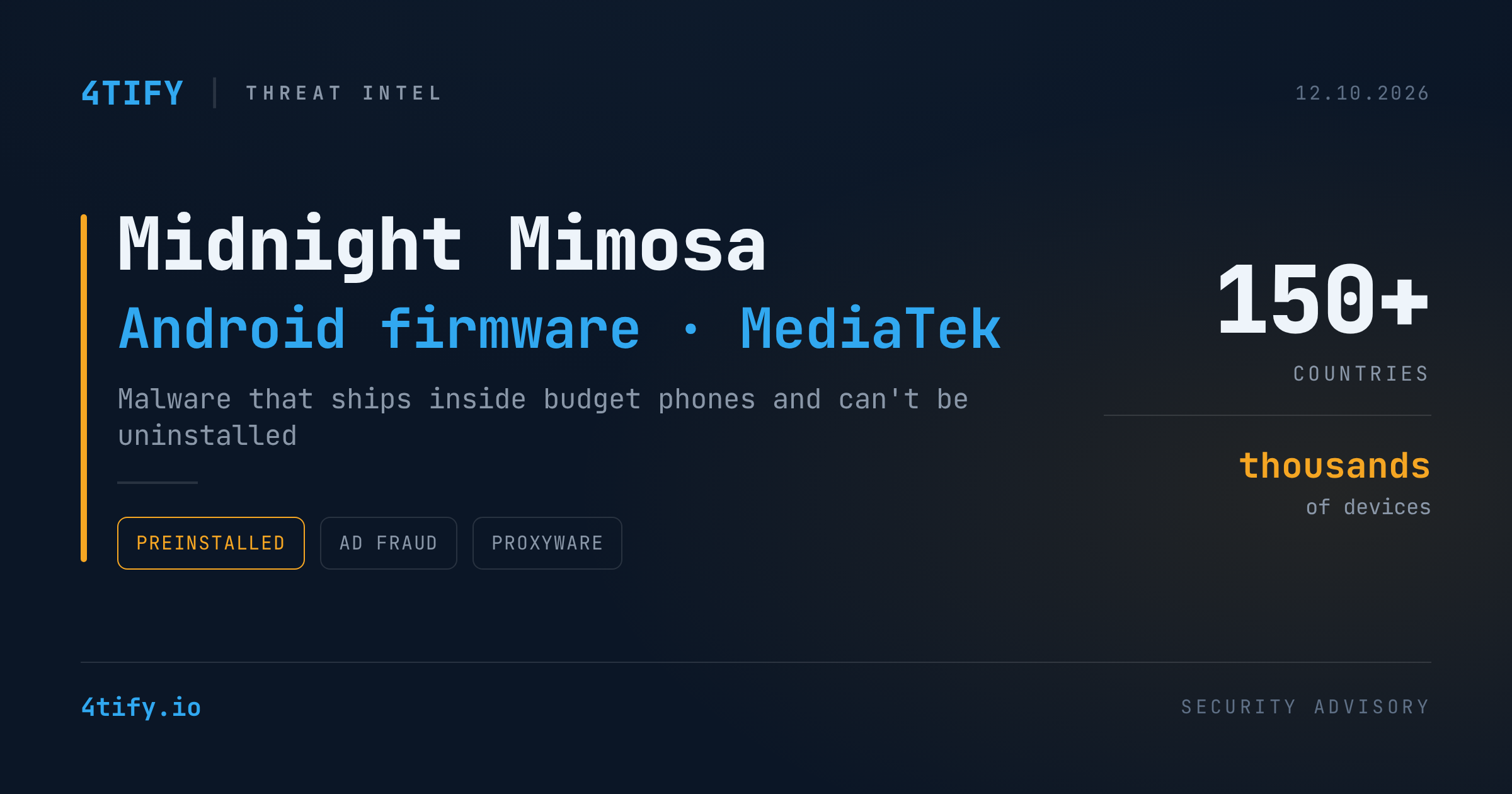
Midnight Mimosa: Android Malware That Ships Inside the Phone
Some budget Android phones are compromised before anyone takes them out of the box. Researchers at Bitdefender have documented Midnight Mimosa, a malware family built into the firmware of low-cost Android devices running on MediaTek chipsets. No malicious download, phishing link or permission prompt is needed. The infection is already part of the system image when the phone is sold.
What happened
According to Bitdefender's analysis (published October 8, updated October 9, 2026), the campaign has reached thousands of devices in more than 150 countries over roughly two years of observation. Mexico, France and Italy show the most activity, followed by the United States, Germany, Brazil and Spain. These figures reflect Bitdefender's own telemetry, not a full global count.
Key points from the research:
- It looks like a system app. The core is a component labelled simply "System" (
com.android.system.lite). It is signed with a platform certificate and runs as Android's system user, so it can silently install packages and grant permissions. The normal uninstall menu cannot remove it. - Its real behaviour arrives later. A native library (
libeasy.so) decrypts a hidden framework, which then pulls further DEX/JAR modules. Some modules are disguised as.pngor object files. Because of this, the shipped APK says little about what the device will actually do once it is in use. - The money comes from ad fraud and proxyware. Bitdefender counted at least 32 disguised cover apps (weather tools, app lockers, file managers, text scanners). The firmware installs and removes them on rotation, and they generate hidden ad impressions and clicks timed to look human. A separate fake app-lock payload can enrol the phone as a residential proxy. Bitdefender did not, however, see traffic being relayed in its own test.
- It works around Google Play's defences. The malware temporarily disables the Play Store package, apparently to avoid Play Protect, and restores it when the user is active. Some samples falsely list Google Play as their installer. The same ad-fraud code also turned up in 13 apps on Google Play, without the system-level privileges.
- It could do more. The component requests Accessibility, notification and SMS access. Researchers did not observe these permissions being used for data theft. Combined with remote code loading, though, they would let the operators expand the campaign well beyond ad fraud.
Why it matters
Midnight Mimosa moves the risk away from user behaviour and into the device supply chain. User awareness and app-store vetting cannot help when the threat is a trusted system component that came with the device. Counterfeit "flagship" model names on some affected units make it hard to tell what hardware is actually in use, or who made it.
Attribution remains open. Some affected firmware carries certificates bearing the name of a Shenzhen manufacturer, but Bitdefender did not establish that the company created, approved or knowingly distributed the malware. Where the code entered the supply chain is still unknown. Bitdefender also corrected one network finding: an address first described as proxy command infrastructure is in fact a sinkhole, not confirmed attacker infrastructure.
What to do
- Know your mobile fleet. List the Android devices that can reach corporate email, VPN or SaaS, and flag unbranded, grey-market or "too-cheap-to-be-true flagship" handsets.
- Set a hardware baseline. Allow only devices from vendors with a track record of signed firmware and regular security patches, ideally Android Enterprise Recommended models. Enforce this through your MDM.
- Hunt with the published indicators. Load Bitdefender's IoCs (package names, MD5 hashes, domains) into your SIEM, DNS filtering and mobile threat defence. Treat the sinkholed address as a sinkhole, not as attacker infrastructure.
- Watch for the behaviour. Look for apps that appear and disappear on their own, the Play Store being disabled without explanation, or unexplained background data use and battery drain.
- Reflash, don't uninstall. On a confirmed infection, normal removal will not work. Reflash clean firmware from the vendor or retire the device, then rotate any credentials it held.
- Bring it into procurement. Treat phones like any other supply-chain dependency: buy from authorised channels and add firmware integrity to vendor due diligence.
Credit: this summary is based on original research by Bitdefender, as reported by Cyber Security News.