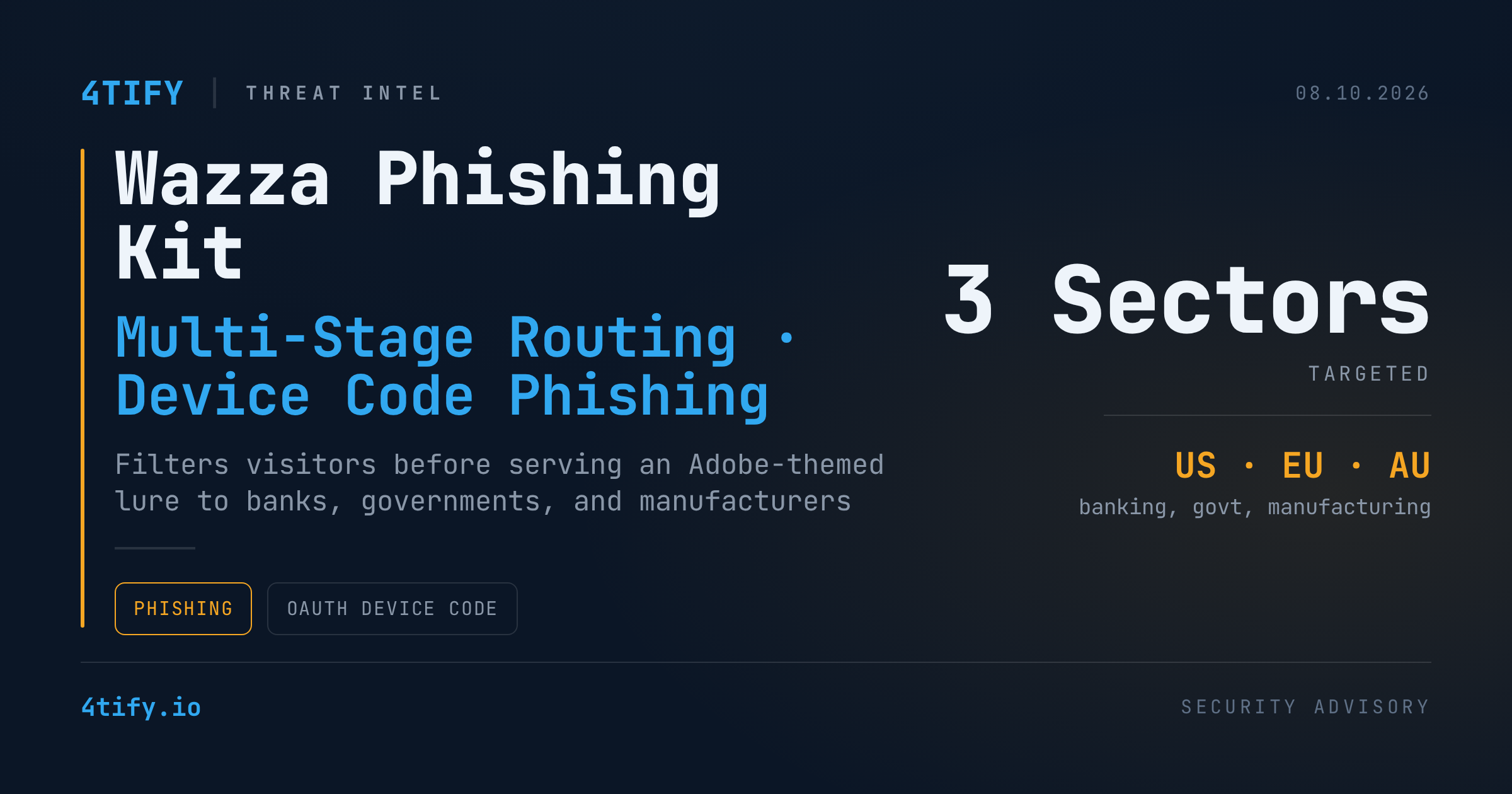
A new phishing kit tracked as Wazza is running its phishing pages through a multi-stage routing chain before a single victim ever sees the lure — and it has already been spotted hitting banking, manufacturing, and government targets across the US, Europe, and Australia.
What happened
Unlike a classic phishing page that serves its fake login form to anyone who clicks the link, Wazza decides first whether a visitor is worth showing the lure to. Traffic lands on a wildcard subdomain that checks in with a configuration endpoint to confirm the campaign is still live, then picks up a tracking marker and a short-lived signed session token from a separate relay. Only after a validation domain confirms the token and inspects browser behavior does the visitor get forwarded to the actual phishing page.
That page doesn't ask for a password outright. It impersonates an Adobe document-sharing notification and walks the victim through a Device Code authentication flow — copy a code, paste it into a "verification" prompt, and the attacker ends up with a live, authorized session instead of a harvested password.
Researchers tracking the campaign found the sector mix — banking, manufacturing, government — consistent with attackers chasing high-value accounts and trusted identities, but noted the Adobe branding and routing logic are modular: the dressing can change while the underlying filtering-and-validation chain stays the same.
Why it matters
The layered routing is the real story here. A link that looks unremarkable to an automated scanner — because the scanner never passes the checks a real browser would — can still deliver a working phishing page to a human target. For security teams, and especially managed providers juggling many customers at once, that ambiguity translates directly into longer investigations and more escalations just to determine what a URL actually does.
It also changes what a successful compromise looks like. Because the end goal is an authenticated session rather than a stolen password, standard "was the password reused anywhere" response playbooks aren't enough — the attacker walks away with an active, trusted login.
What to do
- Don't judge suspicious links by static analysis alone — detonate them in an isolated, interactive environment that can follow redirects and complete the routing chain the way a real visitor would.
- Treat any prompt asking a user to "copy a code here, paste it there" to open a shared document as a red flag, regardless of which brand it claims to be — legitimate document shares don't work that way.
- Build detection and response around anomalous OAuth/device-authorization activity, not just known-bad domains — this kit's domains and branding can rotate.
- If a Device Code phishing attempt is suspected, revoke the resulting session/tokens and force re-authentication immediately rather than only resetting a password.
- Feed confirmed indicators into continuously updated threat intelligence rather than a one-time blocklist — the infrastructure behind kits like this is built to be replaced.