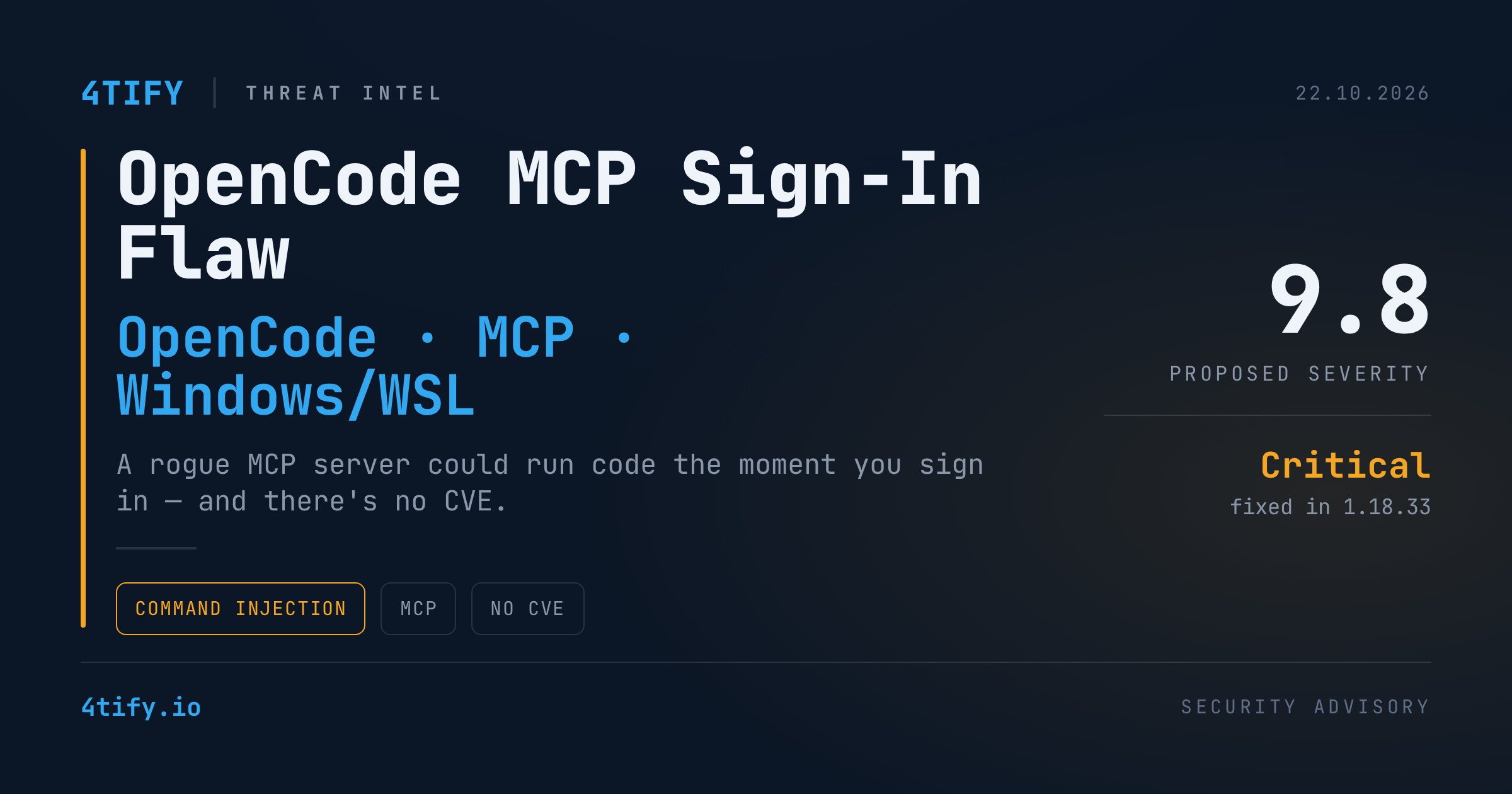
OpenCode Bug Let a Rogue MCP Server Run Code During Sign-In on Windows and WSL
Developers using the OpenCode AI coding agent on Windows or WSL should check their version today. Versions 1.0.137 through 1.18.32 contained a command-injection flaw that let a malicious — or simply hijacked — remote MCP server execute code on the developer's machine at the moment they signed in to it. The fix landed in 1.18.33 on September 28, but it shipped silently: there is no CVE and no security advisory, so your scanners and dependency alerts will not tell you that you're exposed.
What happened
OpenCode connects to MCP (Model Context Protocol) servers to give its agent extra tools. When a remote MCP server needs authentication, it tells the client where to send the user for an OAuth sign-in — the authorization endpoint — and the client opens that address in a browser.
On Windows and WSL, OpenCode handed that server-supplied address to an older release of the widely used open package. That release wrapped the address in a PowerShell command without escaping it. An address crafted to carry PowerShell syntax (for example a $() subexpression) would be expanded and executed before the browser ever appeared — with the developer's own privileges.
A few details shape the real-world risk:
- The trigger is the sign-in itself. The vulnerable path runs only when the developer starts authentication (e.g.
opencode mcp author the equivalent request). Merely having the server configured or opening a session does not reach it. - The server doesn't have to start out hostile. A legitimate MCP server that is later compromised, or a domain that lapses and changes hands, can serve the same booby-trapped address.
- A plain HTTPS URL is enough. The usual guard — accept only
http/httpsschemes — does not stop this, because the payload rides inside an ordinary HTTPS address. OpenCode added that check too, but what actually closed the hole was moving to a fixedopenversion. - macOS and Linux are not affected, because there OpenCode launches the browser without passing the address through a shell.
The issue was reported privately to Anomaly, the company behind OpenCode, on August 29 and disclosed publicly on October 19 with a proposed severity of 9.8 (critical). The fix was merged as a refactor of the browser-launch code, and neither the pull request nor the release notes mention security. Anomaly declined to request a CVE; its security policy treats user-configured MCP servers as "outside our trust boundary."
Why it matters
This is not a new bug class. In July 2025 the mcp-remote proxy had an almost identical flaw — a malicious server's authorization endpoint reaching the command line — tracked as CVE-2025-6514. The open package's Windows behavior was itself flagged as a command-injection risk back in 2023 and fixed in its version 11; OpenCode simply stayed on an older release.
Two lessons stand out:
- AI agents inherit the trust problems of every server they plug into. An MCP server you added months ago is effectively a piece of code-adjacent infrastructure — if its owner or its domain changes, your workstation's attack surface changes with it.
- "No CVE" does not mean "no risk." When a vendor fixes a flaw quietly, CVE-driven tooling stays blind. The only reliable check here is the installed version.
There are no public reports of this flaw being exploited in the wild, and no indicators of compromise were published. It is also a separate matter from a reported breach of OpenCode's hosted Console around the same time, which may have exposed some users' stored API keys for OpenAI, Anthropic and Google — worth reviewing on its own if you use that service.
What to do
- Upgrade OpenCode to 1.18.33 or later on every Windows and WSL machine — check the version directly rather than waiting for a scanner alert.
- Inventory your MCP servers with
opencode mcp list, and remove any remote server you haven't vetted, especially until you've upgraded. - Treat MCP servers like third-party dependencies: know who operates each one, watch for domain or ownership changes, and prefer servers you control.
- Check bundled helper libraries, not just headline packages. Here the root cause was an outdated version of a common utility pulled in by the tool.
Flaws that never receive a CVE are exactly where a dependency feed falls short. Our team's AI-assisted code review looks at how a codebase actually uses its libraries — outdated helpers, unescaped input reaching a shell — so this class of silent, CVE-less issue gets caught in your own projects and tooling, not after the fact.
Credit: this story was first reported by The Hacker News; the vulnerability was discovered and disclosed by Pillar Security.