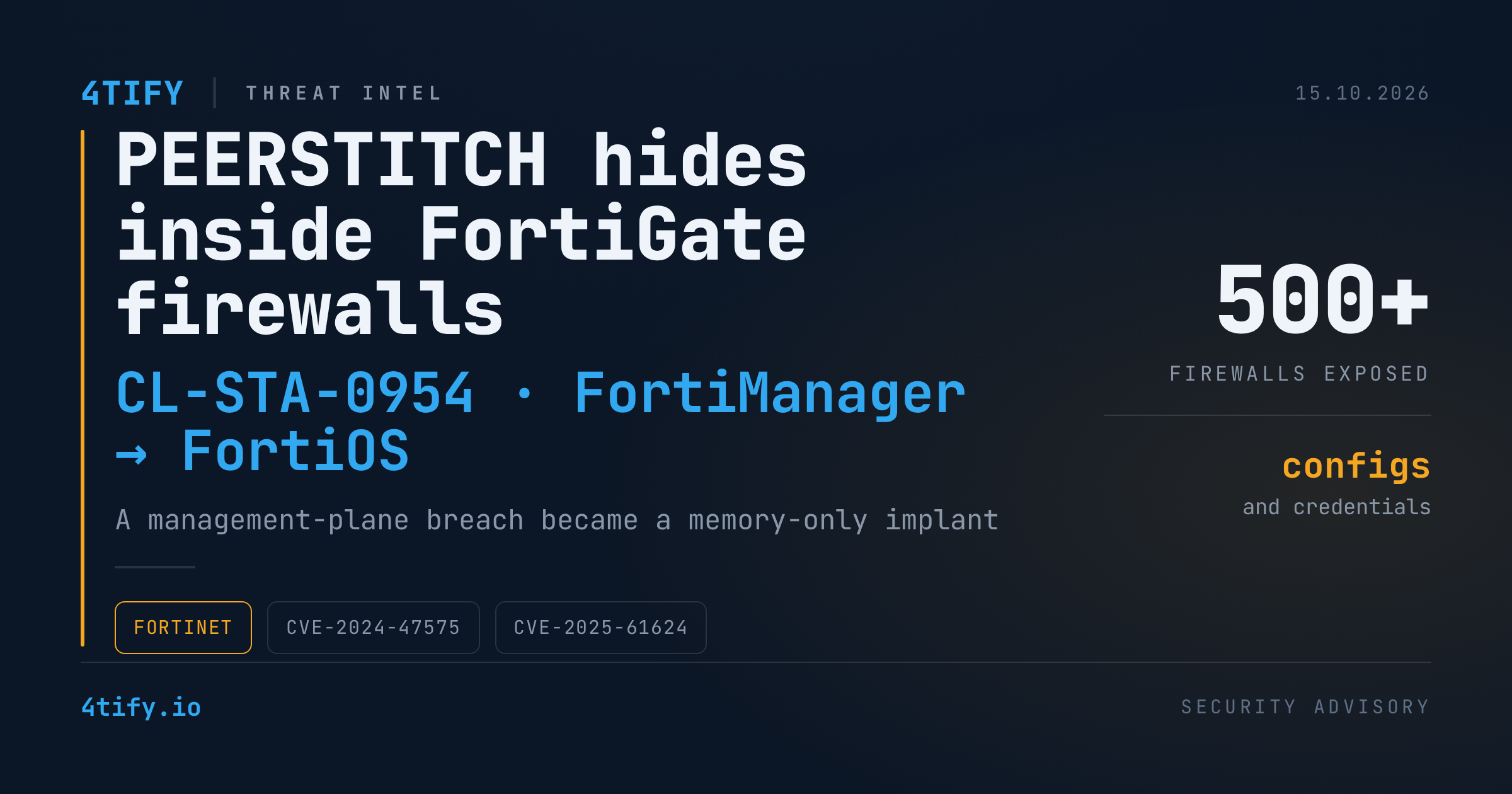
PEERSTITCH: How a FortiManager Breach Turned Into Memory-Only Implants on FortiGate Firewalls
A threat cluster that Palo Alto Networks Unit 42 tracks as CL-STA-0954 (also referred to as UNC5820) broke into a telecommunications managed service provider by going after the box that controls everything else: its FortiManager appliance. From there, the attackers pivoted onto managed FortiGate firewalls and planted PEERSTITCH, an implant that lives inside legitimate FortiOS processes instead of on disk.
What happened
Step 1: compromising the management plane. In September 2024, the intruders exploited CVE-2024-47575 ("FortiJump"), a missing-authentication flaw in FortiManager's device-management channel that lets a remote attacker run commands without logging in. They registered a rogue FortiGate, packaged up the appliance's data, and took it out of the network.
That archive covered more than 500 managed firewalls: configurations, serial numbers, public IPs, routes, firewall rules, and the encrypted admin and VPN credentials and certificates that FortiManager uses to trust its devices. Unit 42 says the administrative and VPN passwords could be recovered from the stolen files. Note the hedge, though: the researchers say the theft does not by itself confirm that every client firewall was compromised.
Step 2: quiet reconnaissance. After a period of inactivity, the attackers used FortiManager to push unauthorized packet-capture rules to selected firewalls. The captures targeted unencrypted HTTP plus TFTP, RADIUS and LDAP, traffic that can expose files, authentication data and directory activity. Using the recovered credentials, they then opened rogue SSL-VPN sessions into internal network-management segments.
Step 3: root on the firewall. According to Unit 42, the group abused a second flaw, CVE-2025-61624, a path-traversal bug in FortiOS's system.auto-script feature. With administrator access, a crafted script name (e.g. ../../../../setup) writes files outside the intended directory and runs them as root, turning a restricted admin shell into full control of the underlying OS.
Step 4: the PEERSTITCH implant. A loader pulled a Node.js runner, JavaScript/WebAssembly components and a native ARM64 binary named lldprx. After a delay, lldprx attached via ptrace to two core daemons, miglogd (logging) and iked (IKE/IPsec VPN). Inside each one it carved out a 16 KB read-write-execute memory region, loaded its payload, and redirected execution. The two daemons then exchanged session tags through /proc/<pid>/mem, so that VPN traffic carrying specific markers could take a code path that skips normal FortiOS security checks.
The design is what makes it dangerous: no persistent binary, no listening port, no outbound beacon of its own. It hides inside processes and traffic that defenders expect to see.
Step 5: a backup channel and cleanup. The attackers also abused Apache's mod_md (automatic certificate management) so that certificate-validation activity would run commands through Node.js and call back to their infrastructure, giving them a second remote-control route. To cover their tracks they stopped logging, wiped crash logs, deleted rogue accounts and auto-script objects, replaced a malicious Apache config with harmless-looking content, and had lldprx delete itself on exit.
Why it matters
Central management consoles are a single point of trust. Once FortiManager fell, the attackers held a full map of the customer estate plus the keys to authenticate against it. For an MSP, one breach becomes a breach of every tenant. Memory-only implants inside system daemons also defeat the usual "scan the disk, check open ports" health checks, and a clean reboot or a clean-looking config is not proof of a clean device.
What to do
- Patch both flaws. Make sure FortiManager is fixed for CVE-2024-47575 and FortiOS is on a release that addresses CVE-2025-61624. Keep FortiManager's FGFM interface off the internet.
- Audit FortiManager. Look for unknown device registrations (including serials or IPs you don't recognise), unfamiliar admin accounts, and unexpected policy or packet-capture pushes.
- Hunt on FortiGates. Review auto-script objects for traversal strings such as
../../, check for unexpected sniffer/packet-capture profiles, and correlate SSL-VPN logins against known users and locations. - Check process memory. Following Unit 42's guidance, inspect the memory maps of
miglogdandikedfor anonymous ~16 KB RWX regions, and look for cross-process writes to/proc/<pid>/memand unexplained crashes of those daemons. - Diff configs against known-good backups, including Apache/ACME (
mod_md) settings on the appliance. - Assume exposure and rotate. If your management server was compromised, treat every credential, certificate and trust secret it stored as burned: admin and VPN passwords, pre-shared keys, certificates.
- Block and hunt the published IoCs. Unit 42 lists infrastructure including
23.240.77[.]233and47.18.167[.]159(malware hosting/ACME),45.32.41[.]202and198.199.122[.]22(rogue FortiGate activity), plus file nameslldprx,pM.js,index.js,index.wasmandipssem.js. Pull the full hash list from the original research into your SIEM or TIP.
Need help working out whether your Fortinet estate is exposed? 4Tify's external attack-surface monitoring and vulnerability assessments flag exposed management interfaces and vulnerable firmware before attackers do.
Based on reporting by Cyber Security News and technical research published by Palo Alto Networks Unit 42.