

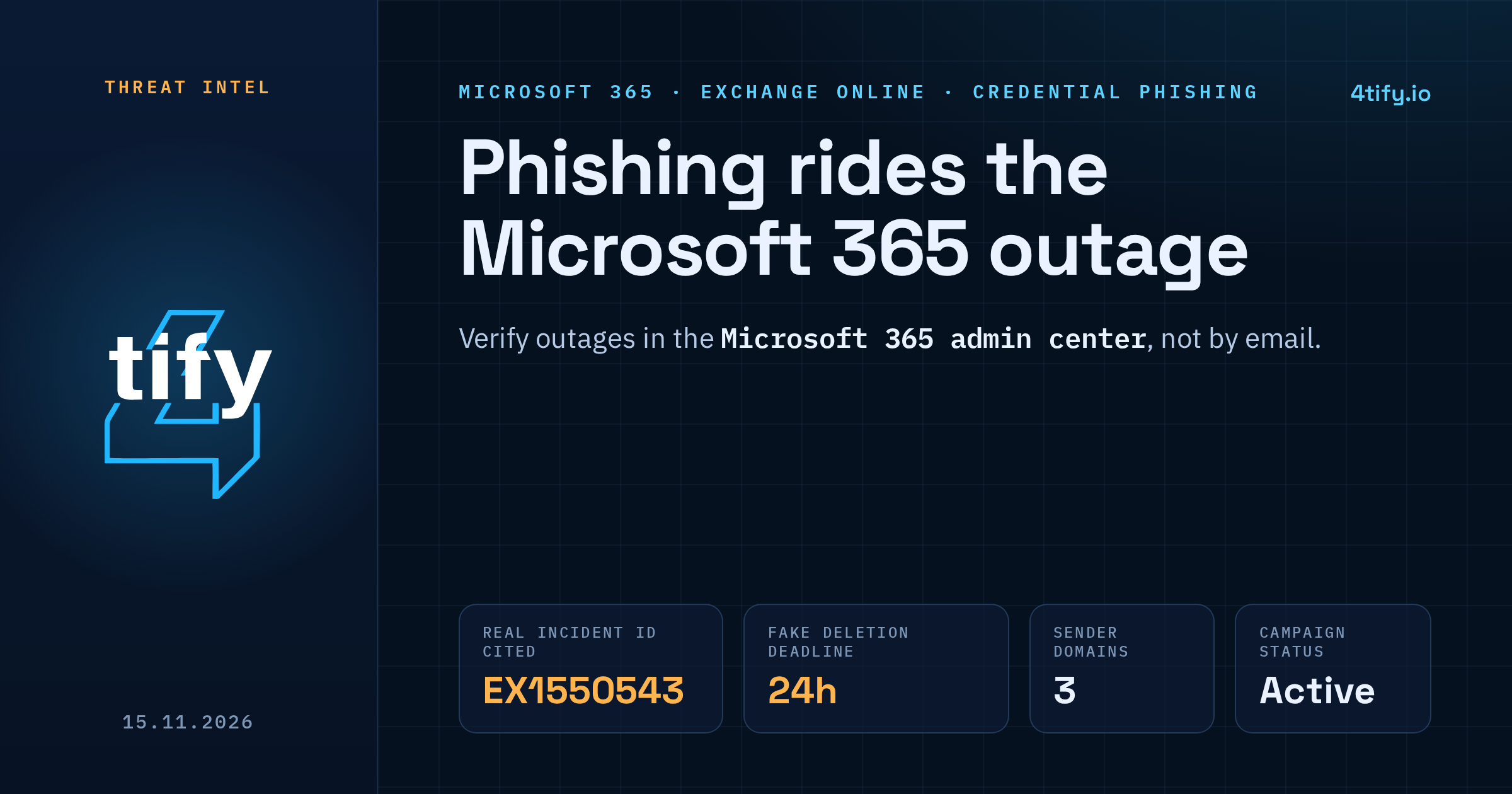
Phishing campaign exploits Microsoft 365 outage with real incident ID
Microsoft Threat Intelligence has warned of an active phishing campaign that uses last week's Microsoft 365 disruption as bait. The emails pose as Microsoft 365 service health notices and quote the real Exchange Online incident number, EX1550543, to make a fake "restore your messages" request look routine.
What happened
On 12 November 2026, Exchange Online and other Microsoft 365 services started failing across several regions. Microsoft said a number of servers became unexpectedly unavailable and the remaining infrastructure could not absorb the load. The disruption ran for more than a day, and many organisations spent that time worrying about mail that never arrived.
By 13 November, fraudulent messages built around the outage were already landing in inboxes. Microsoft published its warning on 14 November. It describes a phishing campaign that exploits the disruption. It does not say anything about what caused the outage itself.
What the emails look like
The message claims that a handful of emails (four, in the example Microsoft shared) were held during the outage and will be deleted within 24 hours unless the recipient clicks a "Restore messages" button. The deadline is there to make people click before they think.
Details security teams can search for:
- Subject: "Outage - " followed by a six-character code.
- Sender display name: a prefix specific to the targeted organisation, followed by "Outage Notification" or "Service Health".
- Sender domains: moments-notice[.]com, planetmaison[.]com and newbooker[.]com.
- Links: recipient-specific SendGrid click-tracking URLs that redirect to reallifeaccounting[.]com, with the path /themelist0.html observed.
The real incident number is the clever part. Admins who followed the outage in Microsoft 365 service health saw EX1550543 there, so finding it in an email feels like confirmation. It isn't. A genuine incident number says nothing about who sent the message.
Who is affected
Microsoft says similar messages reached organisations across multiple US sectors. It has not published a victim count. Any company on Microsoft 365 is a plausible target, because the lure depends only on the outage being real.
Microsoft describes the activity as consistent with credential phishing. It has not confirmed that passwords were actually collected or that malware was delivered. No group has been named as the operator.
What to do now
- Search your mail. In Defender for Office 365, use Threat Explorer or Defender XDR advanced hunting (the EmailEvents, EmailUrlInfo and UrlClickEvents tables) to find messages matching the subject pattern, display names, sender domains and redirect domain above. Purge what you find.
- Check who clicked. For anyone who clicked, review their sign-ins from 12 November onward. If anything looks wrong, reset the password, revoke sessions and look for new inbox rules or MFA methods.
- Confirm your Safe Links policies. Safe Links checks URLs at the moment of click, but only for users a policy actually covers.
- Tell staff where outage news really lives. Microsoft posts service status in the Microsoft 365 admin center. An email asking you to "restore" mail after an outage should be checked there, not acted on.
- Block the indicators at your mail gateway and web proxy. Don't block SendGrid as a whole; plenty of legitimate mail goes through it.
Attackers will keep using real outages because people expect follow-up messages after one. If an employee does hand over a password to a page like this, it often turns up later on criminal forums or in combolists. The Deep/Dark Web monitoring our team runs watches those places for your domains and staff accounts, so a stolen login can be reset before someone uses it.