

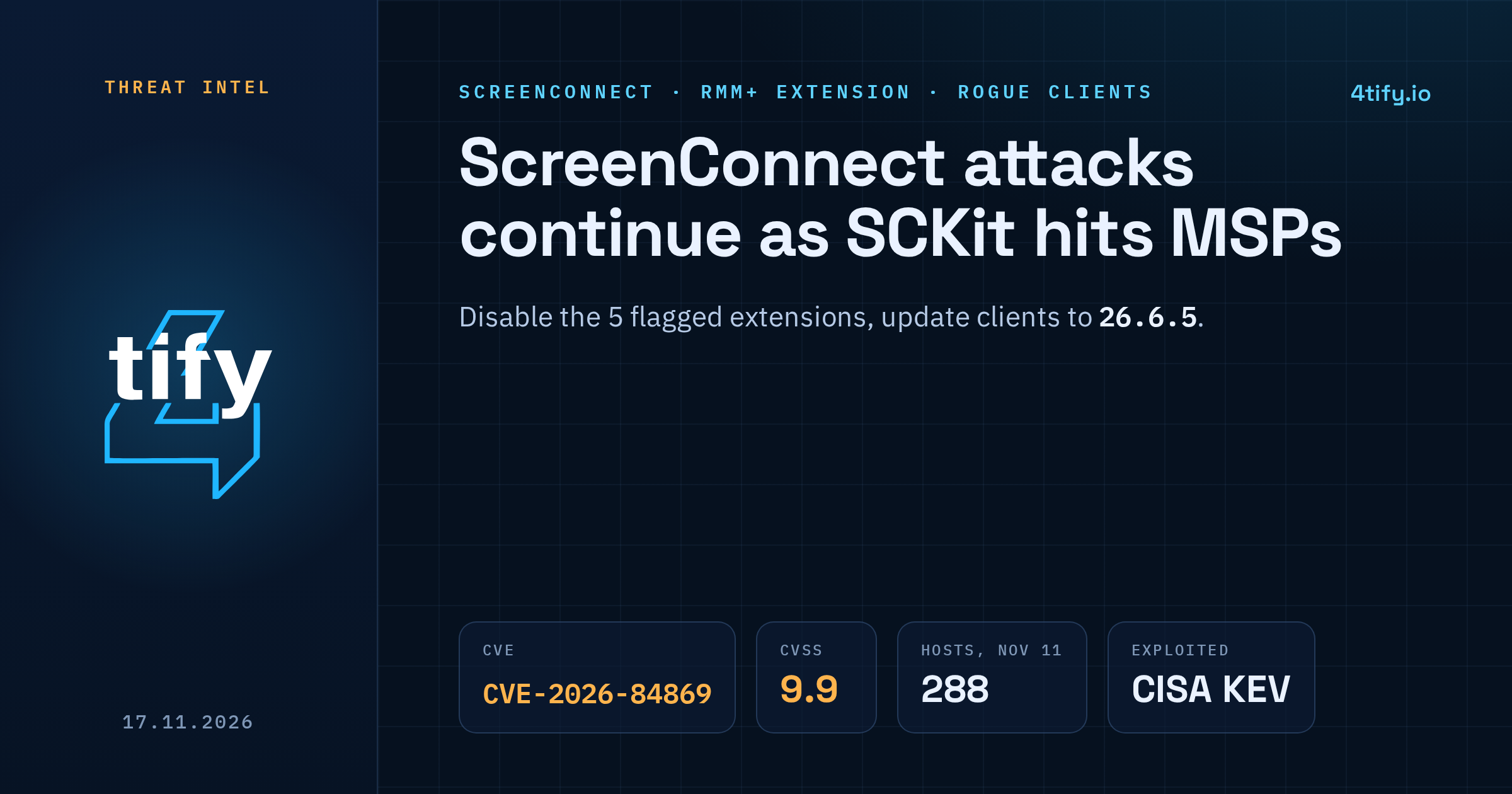
ConnectWise said on November 16 that it has finished investigating unauthorized access to partner ScreenConnect environments. The work on the partner side is not finished. New activity keeps turning up on on-premises servers where a set of third-party extensions is still switched on and where technician clients have not been updated.
What happened
On November 11, attackers used several cloud-hosted ScreenConnect consoles to push commands to managed endpoints. At least 288 machines across 48 organizations received rogue ScreenConnect clients, all within roughly 90 minutes. A second wave on November 13 reached 205 hosts in 41 organizations from new infrastructure.
The suspected way in was RMM+, a third-party ScreenConnect extension. Versions 1.0.31 and 1.0.32 accepted a blank access key when an administrator had never set one. Because the extension sits outside ScreenConnect's own accounts, roles and MFA, an empty key was enough to send commands. ConnectWise said it found no evidence that its own infrastructure was compromised or that a ScreenConnect vulnerability was the entry point. No threat actor has been named.
ConnectWise disabled five extensions in about 400 partner environments as a precaution: Labtech Plus, RMM Plus, RMM+, RMM Plus Password Link and RMM+ Password Link. Having one installed does not by itself mean an environment was breached.
How SCKit works
The payload is a toolkit of 16 scripts and components called SCKit. It installs extra ScreenConnect clients that report to attacker servers, then replaces the legitimate client with a component named RelayTrap that reuses the machine's real ScreenConnect libraries so the host still looks normal. A scheduled task called TrapWatch keeps the swap in place.
The dangerous part targets the technician. When a support engineer connects to an infected machine, RelayTrap tries to push a file to the engineer's workstation through CVE-2026-84869. That flaw in the ScreenConnect client lets files be transferred and executed during an active session without authorization or host confirmation. It is rated 9.9 on CVSS 3.1, was fixed in version 26.6.5 on September 8, and CISA added it to the Known Exploited Vulnerabilities catalog on September 11. If the jump works, other SCKit components try to steal session cookies and reuse the technician's rights against other customers.
So far that spread has not been seen succeeding. In a lab reproduction against a patched client, the transfer was queued but never ran.
Who is affected
- MSPs and IT teams running on-premises ScreenConnect with any of the five extensions still enabled. ConnectWise cannot switch them off for you.
- Anyone whose technician machines run a ScreenConnect client older than 26.6.5. Updating the server does not update the clients.
- Customers of those providers, since the rogue clients land on managed endpoints.
ScreenConnect servers themselves are not affected by CVE-2026-84869, and cloud instances were already moved to 26.6.5.
What to do now
- Disable Labtech Plus, RMM Plus, RMM+, RMM Plus Password Link and RMM+ Password Link on on-premises servers. Do not re-enable or reinstall them until ConnectWise publishes new guidance.
- Check every technician workstation and confirm the client is 26.6.5 or later. On-premises servers must be on 25.4 or newer before they can take 26.6.5. Upgrade steps and a temporary workaround (removing the TransferFiles permission from all roles) are in the ConnectWise bulletin.
- After patching, reinstall host clients, update access agents, review users and roles, change passwords and turn on MFA.
- Hunt for leftovers. Look for unknown ScreenConnect clients, a TrapWatch scheduled task, the C:\ProgramData\RelayTrap\ folder and a RelayTrapLiteAlert Run value. In one case the rogue client ran as a LocalSystem service named "Windows Update Agent".
- Do not investigate a suspect machine over ScreenConnect. Use a separate channel. End active ScreenConnect web sessions, rotate credentials, and review Run Command and Toolbox history.
Patching and disabling extensions will not remove access an attacker already set up. Affected hosts need cleaning and a check for reinfection before they go back into service.
Remote support tools and their plugins tend to drift out of date quietly, one technician laptop at a time. Our vulnerability scanning service flags outdated ScreenConnect clients and other remote-access software across your estate, so a known exploited flaw like this one is found before an attacker uses it.