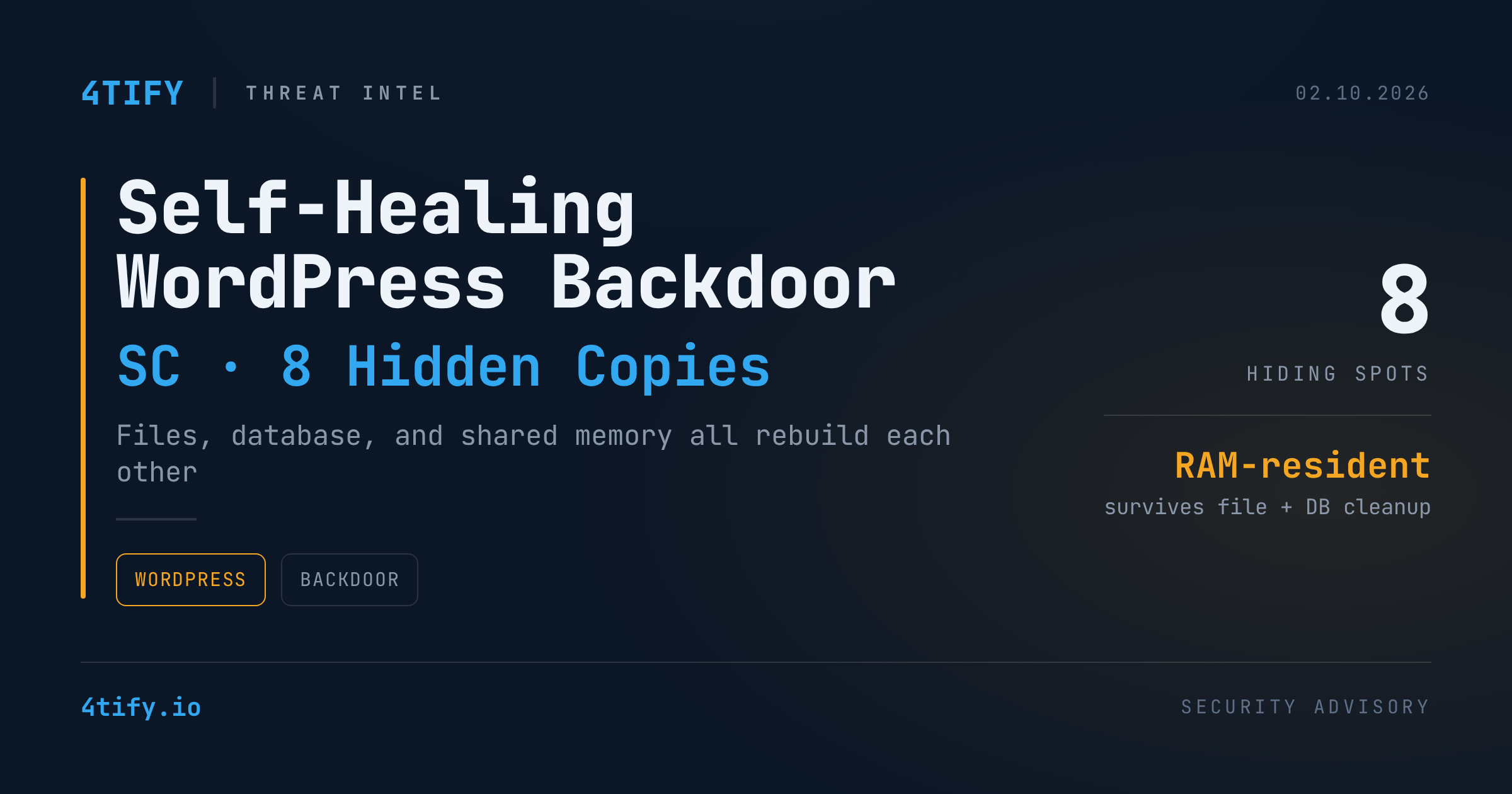
Security researchers have detailed a WordPress backdoor engineered to survive the kind of cleanup that normally ends an infection. Instead of living in a single file, the malware — tracked by investigators under the internal marker "SC" — plants itself in up to eight places across a compromised site at once, and wires each copy to rebuild every other one.
What happened
Analysts at the security firm Sucuri traced the backdoor across WordPress drop-in files, a cloned theme, a fake plugin installed in two separate locations, the site's database, and — on servers that support it — a block of System V shared memory. Removing any single piece doesn't help: the moment a cleaned file is requested again, a surviving copy decodes, decompresses, and silently restores it.
The malware's components don't use readable function names; its code is unscrambled at runtime through a substitution cipher, which is part of what let it blend into normal WordPress file listings during initial incident response.
The most unusual persistence layer sits in RAM rather than on disk. On hosts that support System V shared memory, the backdoor writes its payload into a memory segment tied to a fixed numeric key instead of a filename. That segment doesn't go away when files are deleted or the database is wiped, and on shared hosting it can even survive under a completely different account than the one that was compromised.
The backdoor also registers its own WordPress cron jobs — mixing randomized hook names with one consistent "fetch" hook — so the site keeps checking in and redeploying on a schedule, independent of whether anyone actually visits the site.
Once installed, the backdoor gives an attacker full remote control: injecting arbitrary JavaScript to serve skimmers or other malware to visitors, executing PHP on demand, and toggling or deleting other plugins to cover its tracks. Its command-and-control channel is routed through blockchain infrastructure, which makes the "phone home" traffic harder to blocklist than a conventional domain or IP.
How the initial break-in happened isn't confirmed yet, but researchers point to the usual WordPress entry points: outdated plugins and themes, weak admin credentials, compromised supply-chain components, and insecure file-upload functionality.
Separately, a high-severity unauthenticated SQL injection flaw in the wpForo Forum plugin (affecting all versions up to 2.4.14) is already under active, low-volume exploitation from a handful of attacker IP addresses spread across several countries — a reminder that this kind of persistence mechanism typically arrives through an unpatched plugin, not a zero-day in WordPress core.
Why it matters
Most WordPress cleanup workflows assume the infection lives in files an admin can see and delete. A backdoor that also lives in the database and in volatile memory breaks that assumption outright — a site can look clean after a plugin removal and a malware scan, and still be fully compromised an hour later. For agencies and site owners who treat "delete the malicious plugin" as the fix, this is a direct counter-example: the fix has to address every storage layer at once, or it isn't a fix.
What to do
- Treat any suspicious drop-in file (
advanced-cache.php,db.php,object-cache.php) inwp-content/as a red flag — these aren't typically present on a stock WordPress install and are prime targets for this kind of persistence. - When rebuilding a compromised site, don't stop at the files: audit the database for injected cron hooks and unexpected option entries, and, on hosts that support it, check for orphaned System V shared memory segments.
- Keep every plugin and theme current, and remove anything inactive — wpForo's actively exploited SQL injection flaw is a live example of how a single outdated plugin opens the door.
- Enforce strong, unique admin credentials and MFA, since weak login credentials remain one of the most common ways attackers get the first foothold needed to plant persistence like this.
- When in doubt after a cleanup, rebuild the site from a known-clean backup and rotate every credential and API key tied to it, rather than trusting a partial removal.