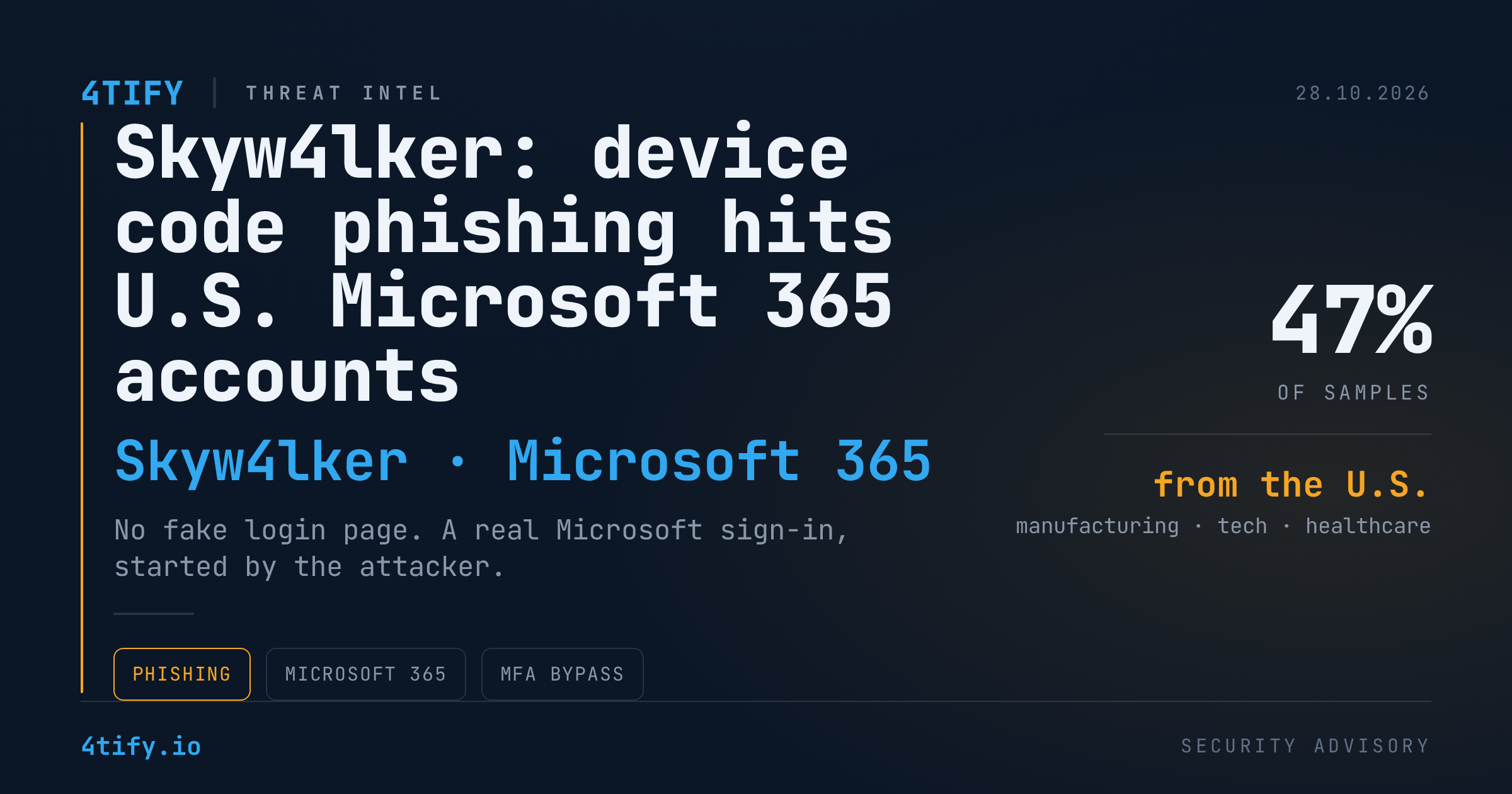
Skyw4lker: Device Code Phishing Campaign Targets U.S. Microsoft 365 Accounts
A phishing campaign tracked as Skyw4lker is quietly taking over Microsoft 365 accounts at U.S. organisations, and it does so without a single fake login page. Instead of stealing a password, the attackers convince the victim to finish a genuine Microsoft sign-in that the attacker started. The result is a valid session token, issued by Microsoft itself, in the hands of a criminal.
What happened
Skyw4lker has focused on manufacturing, technology and healthcare companies, mostly in the United States. The lure is built to look like everyday business paperwork: a password-protected document presented as a contract, a service proposal or a vendor agreement. In environments where staff exchange statements of work and procurement files all day, nothing about it looks unusual.
Opening the document sends the victim to a landing page hosted on Google Sites, a legitimate service that rarely trips web filters. From there, the page hands the user over to a real Microsoft authentication flow and asks them to enter a short code to "allow access" to the document.
That code is the trick. The attacker has already initiated a device code authorization request with Microsoft. When the victim types the code into the real Microsoft page and approves the sign-in, Microsoft issues the access and refresh tokens for the victim's account to the attacker's session. No credentials are typed into a phishing page, and in many configurations the victim's MFA prompt is satisfied along the way.
Behind the scenes, the phishing kit runs obfuscated JavaScript and a PHP backend. It creates a session for each victim, records their IP address and geolocation, and repeatedly polls the backend until Microsoft confirms that the sign-in completed.
In the samples seen so far, close to half of the submissions came from the United States, followed by India, Canada, the United Kingdom and the Philippines.
Why it matters
Device code phishing is built for organisations that have already invested in MFA and identity security. The attack never needs to replicate the Microsoft login experience, because the login is real. What your identity logs will show is a successful, legitimate authentication, often with MFA satisfied, and nothing in the sign-in event itself flags it as malicious.
That makes it hard to catch from identity telemetry alone. Establishing what actually happened means connecting the email, the document, the Google Sites redirect, the authentication flow and the attacker's infrastructure into a single timeline. Static inspection of the document only reveals the starting URL. The malicious behaviour appears only once the page runs in a browser.
For a healthcare provider or a manufacturer, a compromised Microsoft 365 mailbox can expose patient data, intellectual property, supplier communications and the kind of internal context that makes follow-on invoice fraud or ransomware far more convincing.
Phishing remains among the most frequently reported categories of internet crime in the United States, and reported losses keep climbing year after year. Skyw4lker shows that the technique is evolving faster than most awareness training.
What to do
- Restrict device code flow. In Microsoft Entra ID, use a Conditional Access policy on authentication flows to block device code sign-ins for users who do not need them. Most office workers never do.
- Tighten Conditional Access. Require compliant or hybrid-joined devices for Microsoft 365 access and limit sign-ins from unexpected countries, so a token issued through this flow is far less useful.
- Hunt in your sign-in logs. Filter Entra sign-in events for the "Device Code" authentication protocol and review every hit, especially those followed by a new location, new mailbox rules or application consents.
- Check web and email telemetry for password-protected "contract" or "proposal" attachments and for redirects to Google Sites pages that lead into a Microsoft sign-in.
- Respond fast on suspicion. Revoke refresh tokens, reset the password, and review mailbox forwarding rules and registered applications for the affected account.
- Tell your users that Microsoft will never ask them to type a code into a sign-in page to open a document. A code request is a red flag, not a formality.
Configuration gaps such as an open device code flow or missing Conditional Access coverage are exactly what our penetration testing team looks for when assessing a Microsoft 365 tenant, so that a campaign like Skyw4lker finds a closed door instead of an open sign-in.