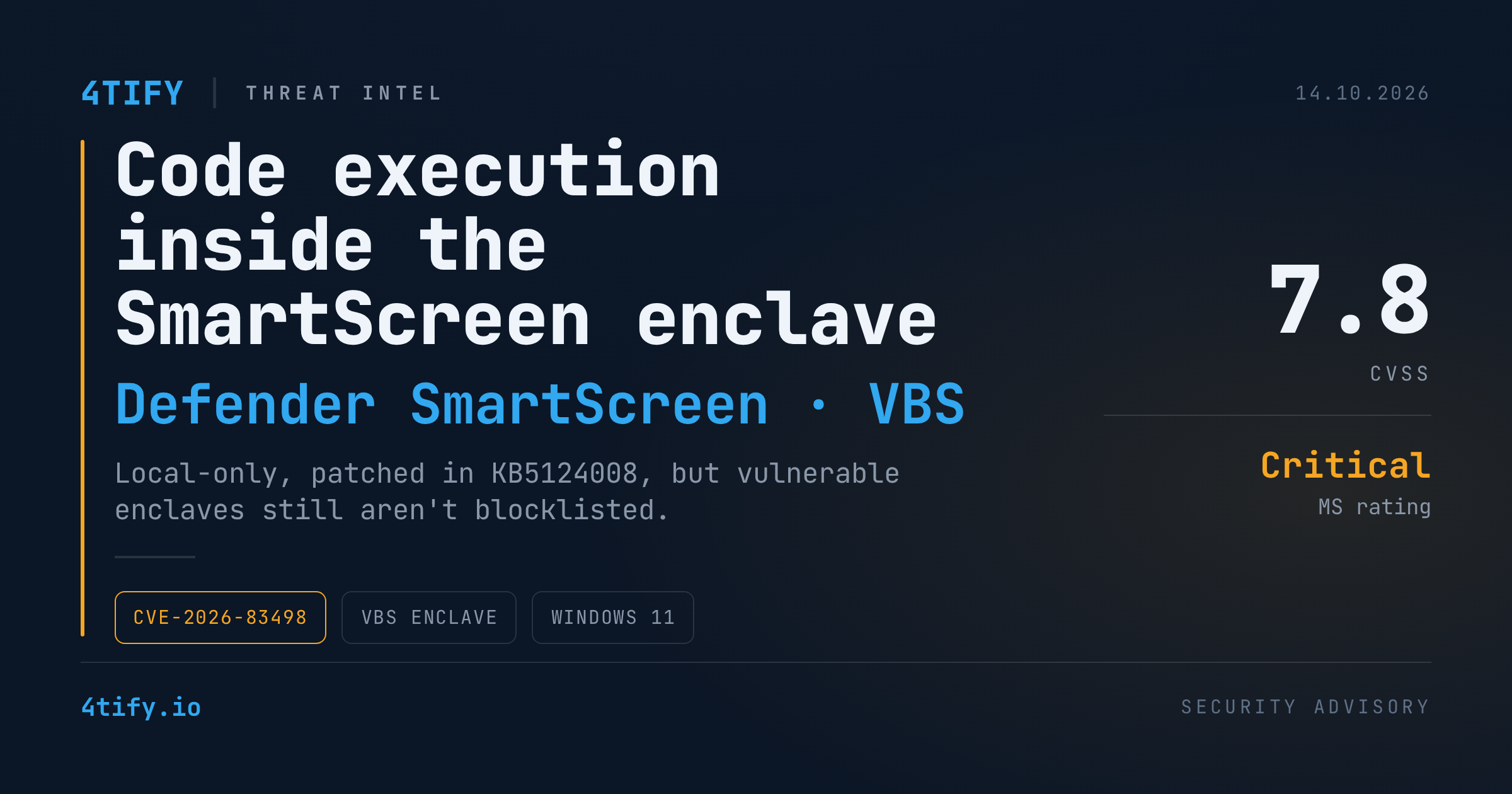
SmartScreen Enclave Bug (CVE-2026-83498): When Windows' Most Trusted Memory Runs Attacker Code
Virtualization-based security (VBS) enclaves exist for one reason: to keep secrets safe even after the rest of Windows has fallen. New research from security firm Doyensec shows that the promise has limits. The researchers chained a tiny memory write and a timing bug into running their own code inside the enclave that backs Microsoft Defender SmartScreen's phishing protection.
The good news: Microsoft patched it in September, there's no sign it was used in real attacks, and it can't be triggered remotely. The less comfortable news: the fix leaves a broader "bring your own vulnerable enclave" gap open.
What happened
- The target:
SFAPE.dll, the VBS enclave behind Enhanced Phishing Protection in Defender SmartScreen. It holds a hashed copy of your Windows sign-in password so Windows can warn you if you type or paste it somewhere unsafe, like a phishing page or a text file. On Windows 11 the enclave is loaded bylsass.exe, which runs as SYSTEM. - The starting bug: calling the enclave's initialization routine a second time makes it write a fixed four-byte error value to a caller-chosen address, and this time it skips the address check. Doyensec itself says calling this an arbitrary write would be "a huge overstatement."
- The chain: aimed carefully, that one write corrupts the value the enclave uses to tell its own memory apart from the host's, which disables a key safety check. A race condition in another function then causes a controlled wipe. That gives read/write access, which the researchers used to swap the table that decides which code the enclave may run.
- The outcome: attacker-chosen code running inside the enclave's isolated world (VTL1 / Isolated User Mode). The research did not show that a user's password was actually extracted.
Microsoft tracks the issue as CVE-2026-83498: an elevation-of-privilege bug rated Critical, CVSS 7.8. Microsoft says it found the same issue internally, and that the flaw was neither publicly known nor exploited before the fix. Doyensec published its write-up on October 13, 2026, more than a month after the patch.
Why it matters
The impact is narrower than "Critical" suggests, but the target is important:
- Local only. An attacker needs code already running on the machine with the ability to load and call the enclave (for SFAPE, that means LSASS). This is a way to go deeper from an existing foothold, not a way in.
- It breaks the strongest isolation boundary. VBS enclaves are designed to stay safe even against a compromised kernel or SYSTEM-level malware. Code running inside one is hidden from most EDR and kernel-level tools.
- The blocklist gap remains. The September update ships a policy that stops the old SFAPE enclave from loading. But Windows has no general blocklist for vulnerable enclaves like the one it keeps for vulnerable drivers. According to Doyensec, an older Microsoft Edge enclave with a similar read/write flaw (CVE-2023-36880) can still be loaded. It's unclear whether that's deliberate. Either way, it leaves room for the "bring your own vulnerable enclave" technique that earlier research by Akamai and Outflank used to hide malicious code and data from security tools.
What to do
- Patch. Deploy the September 8, 2026 cumulative update KB5124008 (Windows 11 24H2 and 25H2) or later. There is no separate workaround. The update is the fix, and it also stops the vulnerable enclave from loading.
- Check that the update actually landed. Use your patch-management or EDR inventory to find Windows 11 machines still missing the September (or newer) cumulative update, especially privileged admin workstations and jump hosts.
- Protect LSASS. Turn on LSA protection (RunAsPPL) and Credential Guard where supported. Alert on any process that opens a handle to
lsass.exeor injects into it. That is the foothold this chain depends on. - Hunt for odd enclave loads. Treat unusual or outdated signed enclave DLLs loaded by non-standard processes as suspicious. This includes old Edge enclave binaries showing up outside their normal install path.
- Assume a foothold, limit the blast radius. This bug only matters once an attacker is already on a host. Least privilege, application control (WDAC / App Control for Business) and fast isolation of compromised endpoints are what stop the first step.
Reporting: The Hacker News. Original research: Doyensec. Advisory: Microsoft — CVE-2026-83498.