

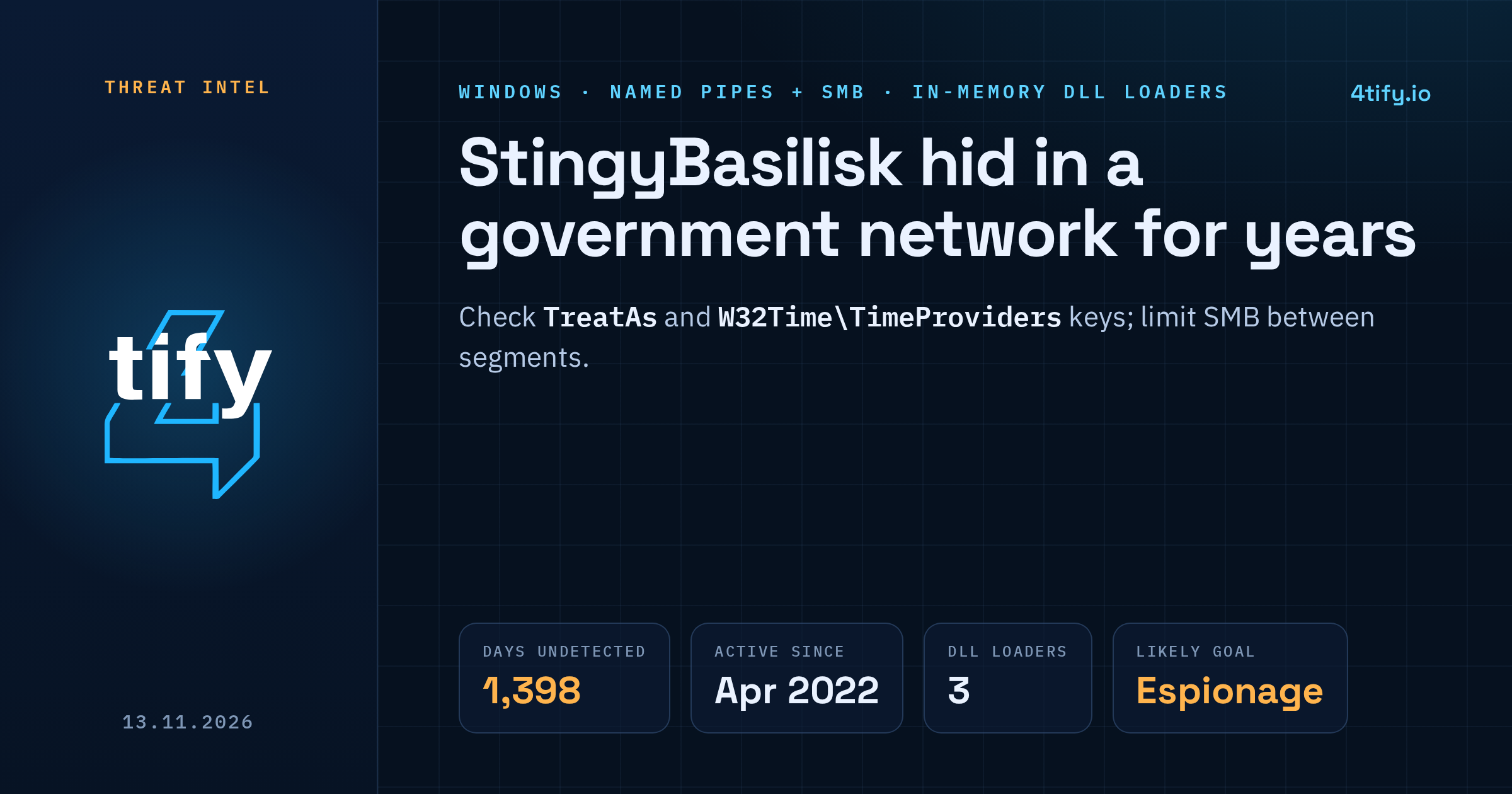
A previously unknown espionage group spent almost four years inside a government agency's network before it was found. The group, tracked as StingyBasilisk, has been active since at least April 2022 and kept its access for 1,398 days. It controlled its malware almost entirely through Windows named pipes, which let it reach network segments that had no direct internet access.
What happened
The intrusion was uncovered in early 2026 during an incident response engagement. How the attackers first got in is still unknown. What investigators did find was a network of custom agents, all talking to each other over named pipes, with only one host in the chain reaching an outside server. The attackers also disguised their tools as the organisation's own security software.
From February 2026 the group stepped up its lateral movement. Files were copied over SMB into C:\Windows\Temp and started remotely through the Windows Task Scheduler, using Impacket's atexec over the \pipe\atsvc pipe. The scheduled task names were random GUID-style strings rather than the tool's default, which is a small detail defenders can hunt for.
No reliable link to any known threat group has been found. The country of the victim has not been made public, and the evidence points to espionage as the goal.
The toolset
Every sample recovered was a DLL whose job was to wait for a payload and run it in memory, leaving very little on disk.
- SilentCOM survives reboots through COM hijacking. The attackers edited the TreatAs registry key of two built-in Windows components, Network List Manager and Network Configuration, so that Windows loads their DLL instead (for example
netprofmprox.dll, named to look like the realnetprofm.dll). It passes every call on to the genuine library, so nothing breaks, and it only runs insidesvchost.exe -k netsvcs. - TediousLoader registers itself as a Windows Time service time provider under the
W32Time\TimeProviderskey, which means it loads at every boot as Local System. It opens raw sockets on every network adapter and sits quietly until a packet with a secret signature arrives. That packet tells it where to connect or listen, and the code it then receives is decrypted with AES-256 and run in memory. - CunningDoor is started through DLL side-loading. Signed SafeNet libraries (
IKEYUI64.dllandeToken.dll) load malicious companions (iKeyAPI.dllandDLPReel.dll), which decrypt shellcode from files dropped in the Temp folder. - HenMapCaCon.dll, written in Go, runs a TLS server over a named pipe and can pull files off the infected machine.
The in-memory agent that the loaders deliver uses direct system calls, a Curve25519 key exchange and ChaCha20 encryption with altered constants. Investigators captured and decrypted one payload by watching named-pipe traffic for the pipe-name patterns the malware uses.
Who should pay attention
The victim here was a government body, but nothing in the toolset is specific to the public sector. Any Windows estate that relies on network segmentation to protect sensitive systems should take note: if SMB is open between segments, a chain of hosts linked by named pipes can carry commands into networks that never touch the internet.
What to do now
- Limit SMB between segments. Hosts in isolated zones rarely need SMB from ordinary workstations. Block it at internal firewalls where it is not needed.
- Log scheduled task creation (Task Scheduler operational log, event 106, and Security event 4698) and alert on tasks with GUID-like names created remotely.
- Check the registry for
TreatAsvalues underHKLM\Software\Classes\CLSIDon Network List Manager{DCB00C01-570F-4A9B-8D69-199FDBA5723B}and Network Configuration{5b035261-40f9-11d1-aaec-00805fc1270e}, and for any extra provider underHKLM\SYSTEM\CurrentControlSet\Services\W32Time\TimeProviders. - Hunt for unusual DLLs in
System32andC:\Windows\Temp, especially names that imitate system files, and signed SafeNet DLLs sitting outside their normal install path. - Watch named pipes. Sysmon events 17 and 18 record pipe creation and connection. Look for GUID-style pipe names opened by
svchost.exe -k netsvcsand for a pipe namedProProBitOpen. - Look further back. With a dwell time close to four years, the episode you find may be the end of a much longer campaign. Prioritise domain controllers and central management servers.
Long, quiet intrusions like this one depend on internal paths nobody has tested. Our penetration testing team checks exactly that: whether an attacker who lands on one workstation can reach supposedly isolated segments over SMB, scheduled tasks and named pipes, and which controls would catch them on the way.