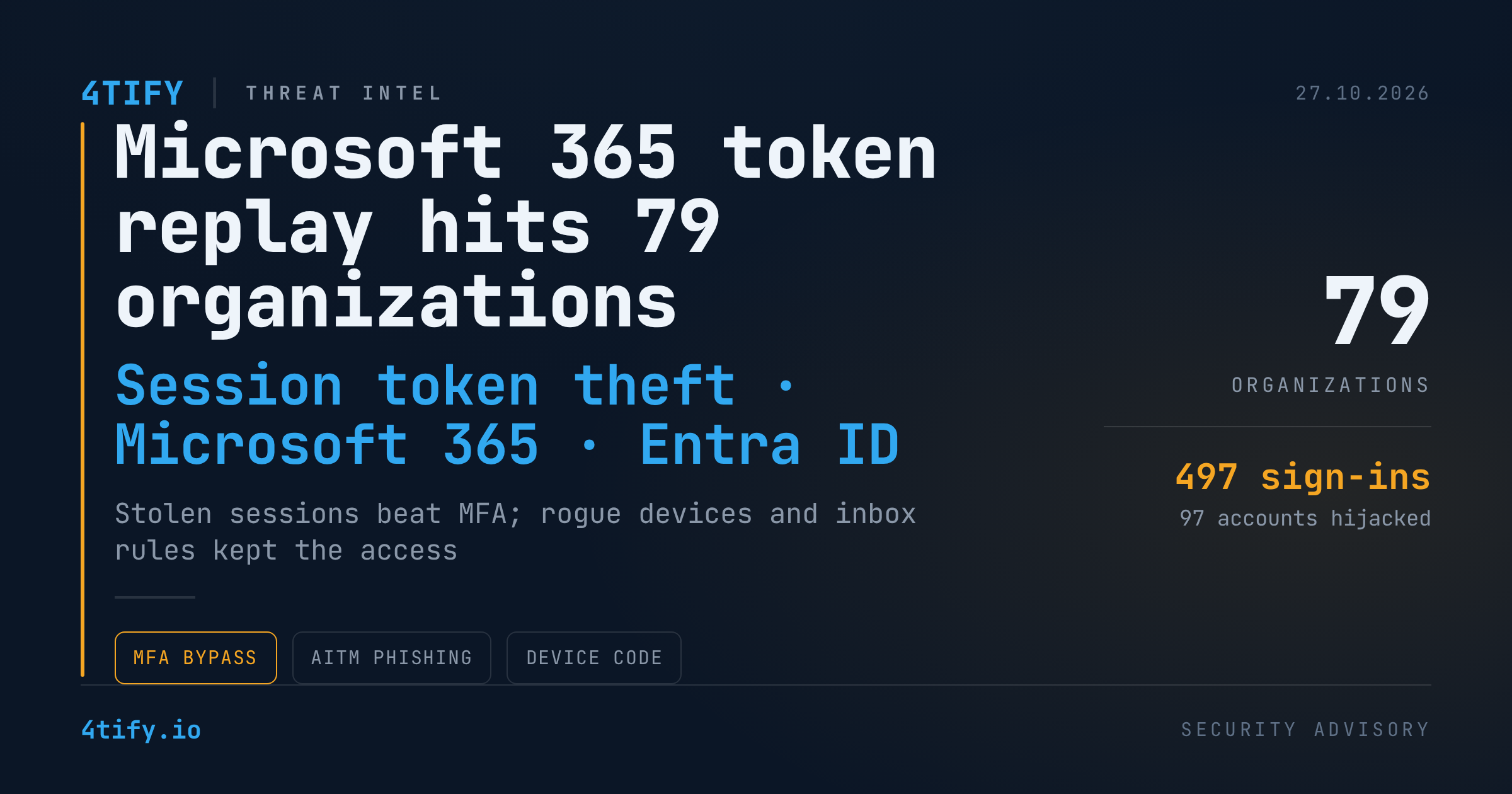
Token Replay Campaign Hijacks Microsoft 365 Accounts at 79 Organizations
Between mid-July and late September 2026, a coordinated campaign took over Microsoft 365 accounts at 79 organizations without ever cracking a password. The attackers stole authenticated session tokens, replayed them from their own infrastructure, and used the resulting access to lock victims out of their own multi-factor authentication (MFA).
What happened
The operation ran for roughly ten weeks, from 14 July to 22 September 2026. Across the environments where it was observed, it produced more than 200,000 failed sign-in attempts, 497 successful sign-ins and 97 compromised accounts. The attackers registered at least 48 rogue devices in Microsoft Entra ID to keep a foothold after the initial access.
Three entry techniques fed the campaign:
- Adversary-in-the-middle (AiTM) phishing. A look-alike sign-in page sat between the victim and Microsoft, forwarding the username, password and MFA challenge in real time and capturing the authenticated session that came back.
- Device-code phishing. In the August wave, victims were persuaded to approve an attacker-generated device code on Microsoft's legitimate sign-in page, handing over a session without any fake page at all.
- Social engineering to get targets to interact with either lure.
Once a token was captured, it was replayed from rented hosting in Germany. Two distinct toolsets handled the replay: one made scripted token exchanges through the Microsoft Office and Authentication Broker client applications to reach Microsoft Graph, Exchange Online and SharePoint; the other replayed full browser sessions through the OfficeHome client. The phishing relays and the replay hosts lived on separate infrastructure, so blocking one did not stop the other.
Speed was a defining trait. In one July incident the gap between the victim's sign-in and the attacker's takeover was twelve minutes. In the final September takeover it was four.
How the attackers dug in
In 19 of the affected organizations, the intruders removed the victim's existing MFA methods and registered replacements within three hours of their first sign-in, frequently labelled as an iPhone authenticator. Rogue Windows devices named with the DESKTOP- prefix plus eight hexadecimal characters gave them a second persistence path.
Mailbox abuse followed. Inbox rules with throwaway names such as a single dot or letter silently moved incoming mail into folders like RSS Feeds, RSS Subscriptions and Conversation History. One hijacked account sent a payroll-themed message to an external accountant while rules hid the banking-related replies. Other accounts were used to send spam to hundreds of recipients.
The activity has not been tied to a named malware family or a specific phishing kit, and no attribution to a particular group has been made.
Why it matters
Session token theft turns MFA into a one-time hurdle rather than a persistent control. Once the attacker holds proof that the challenge was already completed, Microsoft sees a legitimate session. The persistence steps, new MFA methods, enrolled devices and inbox rules, are designed to survive a simple password reset, which is why so many victims stay compromised after the "obvious" fix.
The bright spot: Conditional Access policies blocked 1,052 replay attempts at four organizations during one wave. Policy enforcement, not MFA alone, is what stopped the tokens from being useful.
What to do
- Hunt for the artifacts. Review Entra sign-in logs for sign-ins from unfamiliar hosting ranges, including the
193.26.115[.]0/24block,nodeor bareMozilla/5.0user agents, and error codes53003(blocked by Conditional Access) and50133(SSO artifact revoked). - Audit persistence. List MFA methods and registered devices added in the last ninety days and remove any the user cannot vouch for, especially devices matching the
DESKTOP-plus eight-hex pattern. - Check inbox rules across the tenant for rules with meaningless names or that move mail into RSS or Conversation History folders.
- Remediate properly. Revoke all sessions and refresh tokens, reset the password, strip unauthorized devices and MFA methods, delete malicious rules, then re-enrol MFA from a trusted device.
- Harden the tenant. Disable or tightly scope the device-code flow, require compliant or hybrid-joined devices for sensitive apps, enable token protection where available, and review newly consented applications.
- Train for the lure. Users should know that a legitimate Microsoft page asking them to approve a code they did not request is itself the attack.
Token replay only works where policy lets it. Our penetration testing team evaluates Microsoft 365 tenants against exactly this scenario, testing whether Conditional Access, device-code settings and MFA registration controls would stop a replayed session before it becomes a takeover.