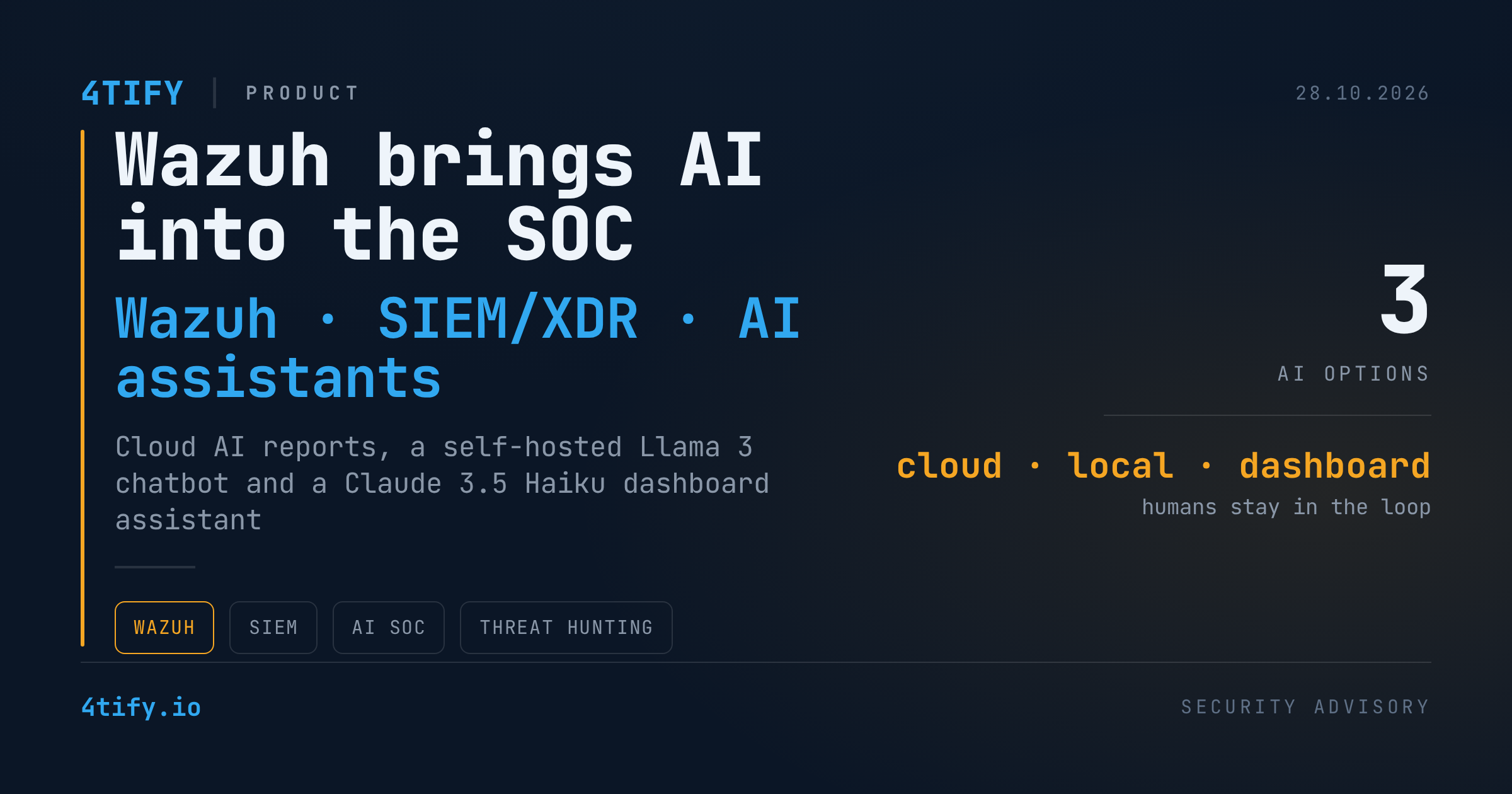
Wazuh Adds AI to SOC Workflows: Cloud Reports, Local LLMs and a Dashboard Assistant
Wazuh, the open-source SIEM and XDR platform, now offers three distinct ways to put a language model next to the analyst: an automated AI Analyst service for Wazuh Cloud subscribers, a fully self-hosted integration built on Llama 3 and Ollama, and an in-dashboard chat assistant running Claude 3.5 Haiku on Amazon Bedrock. The goal is the same across all three: cut repetitive triage work and give analysts context faster, without taking people out of the decision loop.
Why security operations teams are reaching for AI
A modern SOC ingests millions of events a day from endpoints, cloud workloads, network devices, identity providers and business applications. SIEM and XDR tooling delivers visibility, but the analyst still spends a large share of the shift correlating alerts, hopping between dashboards, documentation, vulnerability databases and threat feeds, and deciding on the next investigative step. The result is alert fatigue and a higher chance that an important event gets buried. Hybrid estates that span on-premises and cloud make consistent situational awareness harder still.
Attackers already use AI to automate intrusions and speed up vulnerability discovery. Defenders are adopting the same technology to summarize findings, add context and suggest remediation, and that is exactly where Wazuh has positioned its new capabilities.
Option 1: the Wazuh AI Analyst for Wazuh Cloud
The AI Analyst is a hands-off service for Wazuh Cloud subscriptions. It processes the subscription's security data through Amazon Bedrock and Anthropic's Claude models with no manual configuration. On the subscription's schedule it emails a digest of key indicators: a histogram of protected endpoints, alert volume, active vulnerabilities and an overall posture summary, with a full PDF report attached. The same reports are available inside the Wazuh Cloud console under the AI Reports section of each environment.
On privacy, the vendor's stated position is that subscription data is not shared with third parties and is not used to train models. Processing is isolated, transmission is encrypted and nothing is stored permanently. As with any AI output, the recommendations are advisory and should be checked against your own policies before anyone acts on them.
Option 2: self-hosted Llama 3 with Ollama
For teams that cannot send telemetry to a cloud provider, the second route keeps everything on the local network. Ollama runs Meta's open-source Llama model directly on the Wazuh server. A Python script decompresses the archived logs for a chosen period, vectorizes them into a FAISS store and exposes a LangChain-powered chatbot. An analyst can ask, in plain language, whether there were SSH brute-force attempts or logons by invalid users against any endpoint, and the assistant pulls the matching events, with timestamps, source addresses and ports, out of the archives. Because no data leaves the box, this setup suits organizations with strict privacy or data-residency obligations.
Option 3: Claude 3.5 Haiku inside the dashboard
The third option surfaces Anthropic's Claude 3.5 Haiku, hosted on Amazon Bedrock, as a chat box inside the Wazuh dashboard through the OpenSearch Assistant. Setup involves enabling the model in Bedrock, installing the relevant OpenSearch plugins and creating an ML Commons connector, model and conversational agent. Once wired up, the assistant answers everyday how-to questions, such as how to configure Wazuh active response to block an IP address after repeated failed SSH logins, and walks the analyst through the required configuration changes.
What to do with this
AI in the SOC is becoming a practical capability rather than a slogan, but it rewards teams that deploy it deliberately:
- Choose the deployment model by data sensitivity. Self-hosted LLMs for regulated or residency-bound data, cloud-hosted models where convenience and scale matter more.
- Keep humans accountable. Treat every AI recommendation as advisory. Blocking, isolation and other consequential actions still need an analyst's sign-off.
- Scope what the model can see. Feed it only the log sets it needs, restrict who can query the assistant, and log prompts and responses for audit.
- Measure the gain. Track time-to-triage and the handling of false positives before and after rollout, so the investment is judged on evidence.
- Validate the outside-in view separately. An assistant inside the SIEM only knows what the agents report. Exposed services, outdated software and misconfigurations on internet-facing hosts still need independent confirmation, which is what our vulnerability scanning service provides: a regular attacker's-eye check that the vulnerabilities your AI reports flag internally match what is actually reachable from the internet.
Used this way, AI shortens investigations and lifts the repetitive load off analysts while leaving them in charge of validation and the decisions that matter.