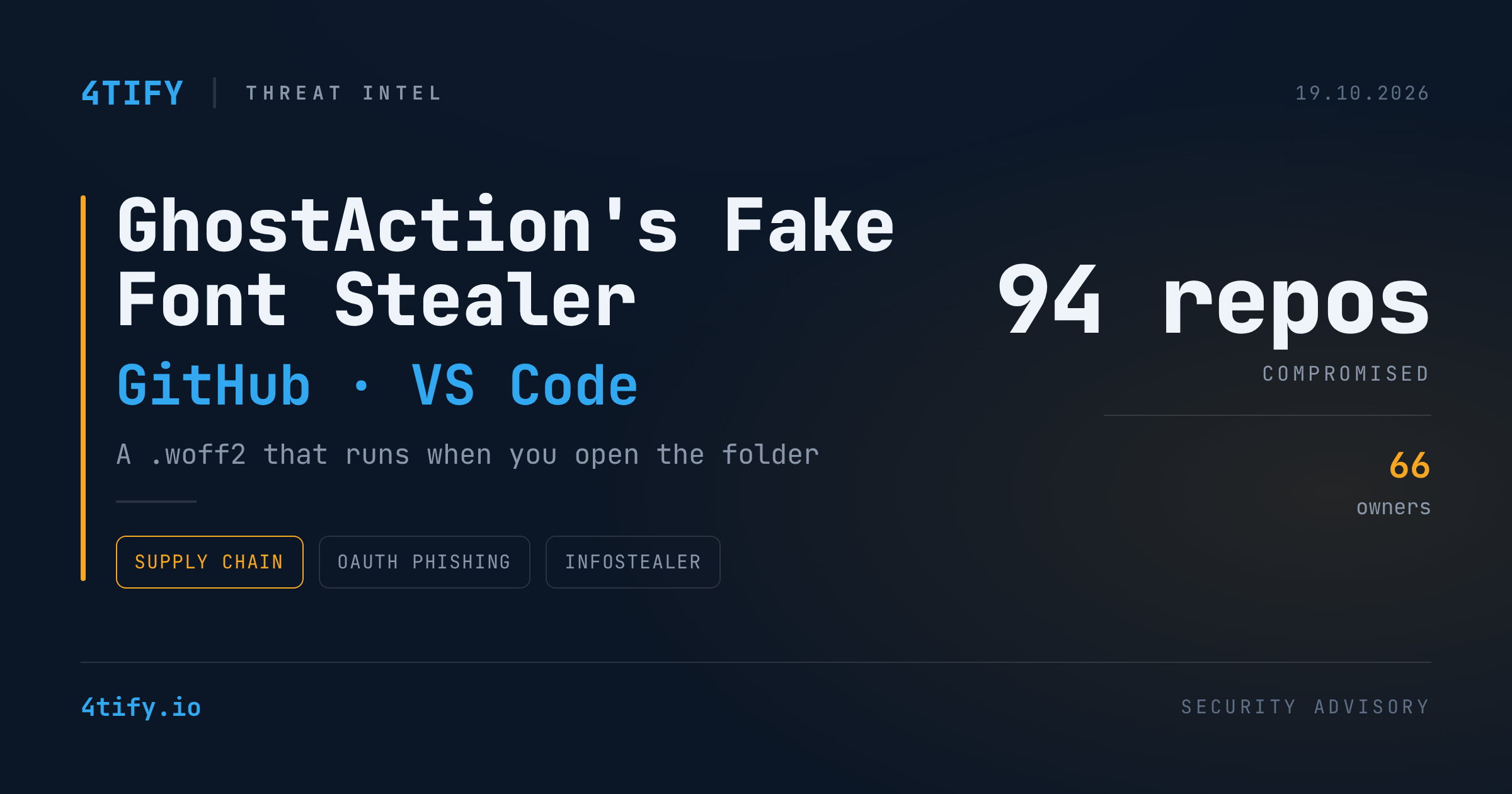
GhostAction Evolves: A Fake Font File Now Steals Developer Credentials Across 94 GitHub Repositories
The crew behind the GhostAction supply chain campaign has changed tactics. They no longer rely only on malicious GitHub Actions workflows. They now also phish open-source maintainers directly and plant a credential stealer, disguised as a web font, that keeps running on developer machines after the original workflow is removed.
What happened
A look-alike domain and a convincing alert. On October 9, 2026 the operator registered my-github[.]com and pointed it at 193.32.204[.]199. That is the same IP that already receives data stolen by the earlier GhostAction workflows. The same day, a maintainer got a fake "new sign-in from Moscow" GitHub security alert from noreply@my-github[.]com, urging them to "secure" their account.
A similar domain, my-gitlab[.]com, appeared a few weeks earlier. So far nothing in its infrastructure ties it to the same operator, so treat that link as unconfirmed.
Phishing that silently approves an OAuth app. The phishing page works as a reverse proxy in front of the real GitHub. It captures the victim's password and 2FA code. In the background, injected JavaScript completes a GitHub OAuth device-flow authorization requesting the repo, workflow and read:org scopes. The victim never sees or types a device code and never knowingly approves anything. The script handles the whole consent step inside the proxied session. The resulting token is sent to my-github[.]com on TCP/8443.
That token is a reusable API credential. It can read and write repositories, edit Actions workflow files and list organisation membership. Those are exactly the permissions GhostAction needs to push more malicious workflows.
A second stage that does not need GitHub to run it. Compromised repositories are now seeded with three files:
- a VS Code
.vscode/tasks.jsonwithrunOn: folderOpen, which runs automatically when a developer opens the project folder; public/fonts/fa-solid-400.woff2, which is not a font. It is a stealer that collects AWS keys, PyPI and npm tokens, Git credentials, Kubernetes configs, SSH private keys, and API keys for AI providers such as Anthropic Claude and Google Gemini. The same filename was used in the North Korea-linked PolinRider campaign earlier this year. The overlap suggests borrowed tradecraft, not a confirmed attribution;- a fallback GitHub Actions workflow in case the stealer never runs. It is an enlarged version of the original workflow, with more secret patterns and a backup that uploads results to a secret gist if the HTTP upload fails. Names seen so far:
lint.yml,ci-check.yml,build-check.yml,repo-health.yml,audit.yml,code-review.yml,test-suite.yml,cache-cleanup.yml.
Once the stealer runs, it installs a cron job that fetches and runs attacker code every five minutes. It sends stolen data over plain HTTP on port 8080 to the same server.
Scale. 94 repositories across 66 owners carry the second stage. Fifteen have since been deleted, renamed or made private. Most of the rest look abandoned: 65 of the 79 still reachable had no commit for over a year, and one had been untouched for more than nine years. Stale, unmonitored projects are the easiest place to hide.
GitHub began blocking the malicious workflow from running on October 9, and later waves stopped producing secrets. The runner-free stage appeared about a week later. The researchers say they cannot prove the block caused the shift, but the operator has clearly moved to a place GitHub's own controls don't reach: the developer's laptop.
Why it matters
- Opening a folder is now enough. Developers expect risk from
npm installor running code, not from opening a project in their editor. Auto-run tasks remove that last moment of judgement. - 2FA alone doesn't stop this. A reverse-proxy phishing kit relays the one-time code in real time. The silent OAuth grant then leaves a token that survives a password change.
- The blast radius is everything downstream. One maintainer's token can reach their organisations, package registries and every user who clones or depends on their code.
- The operator is sloppy but persistent. Researchers say the stealer misses many API keys and some of its own results. Reusing one IP for phishing, exfiltration and noisy scanning is also why that IP is still a reliable way to find infections. That gives defenders an opening, but it is not a reason to relax.
What to do
- Hunt for the indicators. Search code, proxy and DNS logs for
my-github[.]com,193.32.204[.]199, and outbound traffic to ports 8443 and 8080 on that host. In repositories, look for unexpected.vscode/tasks.jsonfiles withrunOn: folderOpen, "font" files underpublic/fonts/that aren't valid fonts, and recently added workflows with the names above. - If you may be affected, rotate from a clean machine. Revoke GitHub sessions, personal access tokens and authorized OAuth apps (Settings → Applications). Change your password and rotate every secret the workflows or your workstation could reach: cloud keys, registry tokens, kube configs, SSH keys, AI API keys. Remove any unfamiliar cron entries.
- Tell your downstream users. If a repository you maintain was seeded, notify anyone who cloned it. They may have run the stealer just by opening the folder.
- Harden the defaults. Leave VS Code Workspace Trust on and don't trust folders you just cloned. Use phishing-resistant MFA (passkeys or hardware keys), which a reverse proxy can't relay. Limit or require approval for org-level OAuth apps, and give
GITHUB_TOKENread-only permissions by default. - Don't let old repositories rot. Archive projects you no longer maintain and check who still has write access to them.
This campaign hides in places most reviews skip: workflow YAML, editor config and binary-looking assets. Our AI-assisted code review service looks at exactly these. It flags auto-run tasks, suspicious workflow changes and files that aren't what their extension claims, so that a planted stage like this is caught in the repository before it reaches a developer's machine.
Source: original reporting by The Hacker News, based on research by OpenSourceMalware.