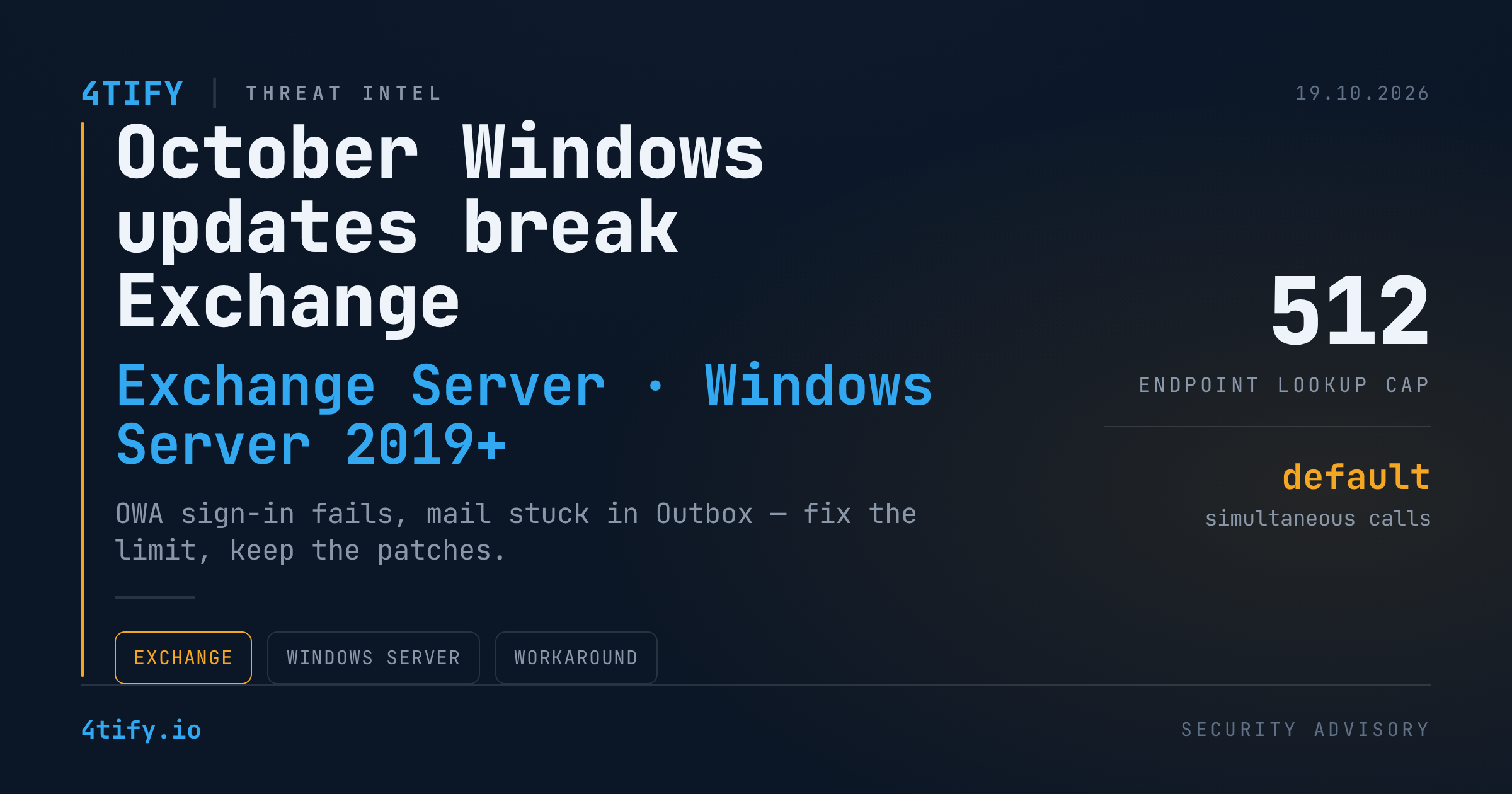
October Windows Server Updates Are Breaking Exchange Sign-In and Mail Flow
Microsoft has acknowledged that this month's Windows Server security updates can disrupt on-premises Exchange Server: some users can't sign in to Outlook on the web (OWA), and outgoing messages may sit in the Outbox without ever being delivered. A registry workaround is available while a permanent fix is prepared.
What happened
After installing the October 2026 Windows security update on hosts running Windows Server 2019 or later, some Exchange administrators are seeing:
- OWA sign-in failures, sometimes with the error
MapiExceptionMdbOffline: Unable to make connection to the server. (hr=0x80004005, ec=1142)and Event ID 1006 in the Application log; - mail sent from Outlook stuck in the Outbox;
- problems reaching mailboxes during mailbox replication.
The root cause is a change in Windows itself, not in Exchange. The update introduced a default cap on how much memory the Endpoint Mapper can use for Endpoint Lookup calls — by default, 512 simultaneous calls. Exchange leans heavily on these RPC lookups, so a busy server can hit that ceiling and start failing requests. Lightly loaded servers may never notice; heavily loaded ones are hit hardest.
Microsoft is explicit on one point: this is not caused by the October Exchange Server security updates, and customers should not uninstall them. Any supported Exchange version running on an affected Windows build can be impacted.
Why it matters
Email is a business-critical service, and the instinctive reaction to an update-induced outage is to roll the patch back. Doing that here would reopen the security holes the October updates close — trading a temporary availability problem for real exposure. The right move is to apply the targeted workaround and keep the patches in place.
It's also a reminder of where on-premises Exchange stands: Microsoft has said that extended security updates for Exchange 2016 and 2019 end this month, after a six-month extension of the ESU programme. Servers still on those versions are about to stop receiving fixes entirely.
What to do
-
Don't uninstall the Exchange security updates. The fault is in the Windows-level Endpoint Mapper limit.
-
If you're affected, raise the limit. From an elevated Command Prompt on each impacted Exchange server, run:
reg add "HKLM\SOFTWARE\Microsoft\Rpc" /v EpmapSavedContextCap /t REG_DWORD /d 65536 /fthen reboot the server.
-
Monitor after the restart. Watch OWA sign-ins, Outbox queues and Event ID 1006. If symptoms return under load, increase the Endpoint Mapper limit further.
-
Track Microsoft's permanent fix and remove the workaround once it is no longer needed, following Microsoft's guidance.
-
Plan your way off Exchange 2016/2019. With extended updates ending, migrate to a supported Exchange release or to Exchange Online before these servers become an unpatched entry point.
Knowing exactly which Exchange servers you run, on which Windows builds and versions, is half the battle in situations like this. Our vulnerability scanning service flags end-of-support and unpatched mail servers across your environment, so you can see where the risk sits before an attacker does.
Originally reported by BleepingComputer; rewritten and analysed by the 4Tify Team.