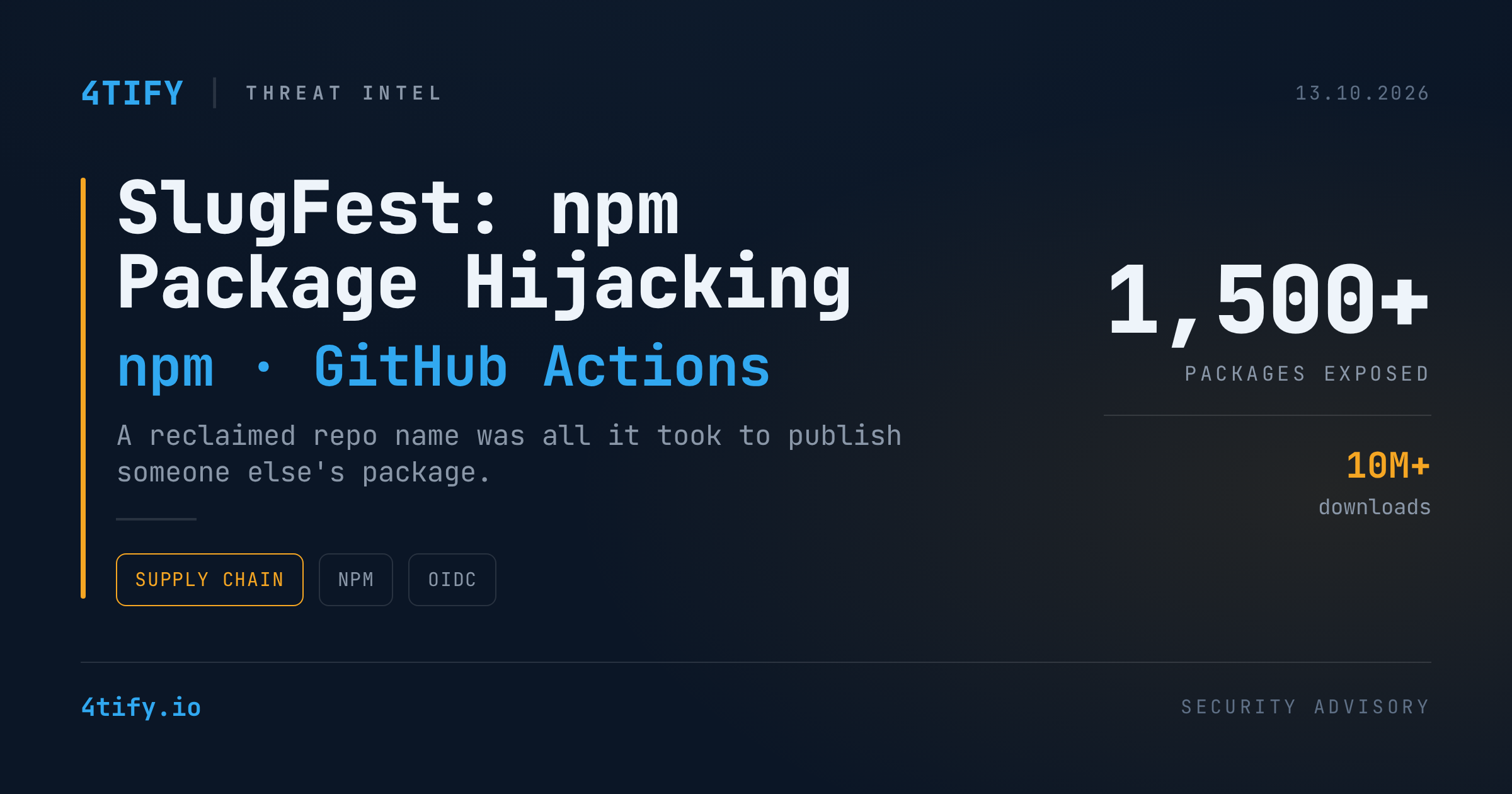
SlugFest: npm Trusted Publishing Flaw Let Attackers Hijack 1,500+ Packages Without Stealing a Single Credential
npm's trusted publishing was designed to retire long-lived publish tokens. A newly disclosed weakness shows that, for a large set of packages, it quietly swapped one trust problem for another: the registry trusted a repository's name rather than the repository itself. GitHub has now changed how new trusted publisher configurations work.
What happened
Researchers at Bloom Security found that npm bound a trusted publisher configuration to a GitHub repository slug (owner/repository) and ignored GitHub's permanent numeric repository ID, until the first successful publish from that repository.
That gap matters whenever a slug becomes free again: a maintainer renames, transfers or deletes a repository. Anyone who can register the freed slug can:
- Create a new repository at the old
owner/repositorypath (GitHub assigns it a fresh ID). - Add an npm publish workflow and run it, minting a GitHub Actions OIDC token for that slug.
- Exchange the token with npm. The slug matches the stored configuration, so npm issues a short-lived publish credential.
- Push a new, malicious version of a package they never owned.
The technique, dubbed SlugFest, needs no stolen credentials, no insider access and no race condition. The only precondition is a trusted publisher binding that points at a claimable slug and has never been used to publish. The malicious release inherits the package's name, download history and dependents.
Bloom Security says it identified more than 1,500 exposed packages, together downloaded over 10 million times. The issue was reported to GitHub on June 6, 2026.
GitHub's fix
GitHub has made three changes:
- 48-hour validation window. A new trusted publisher configuration must complete a successful publish within two days. That first publish binds it to the repository's immutable ID, and unvalidated configurations expire. Changing the repository or project identity starts a new window. Routine edits do not.
issue_commentblocked. npm no longer accepts trusted publishing tokens from GitHub Actionsissue_commentevents. This adds to the existingpull_request_targetrestriction.- Identity anchoring. Once validated, the binding follows the immutable repository ID rather than the human-readable name.
Why it matters
Trusted publishing (OIDC-based, introduced for npm in July 2025) is a real improvement over static tokens, and it powers provenance attestations. SlugFest is a reminder that any trust system is only as strong as the binding between an identifier and the thing it names. If an ordinary repository rename can break that binding, the guarantee breaks too.
The risk grows with automation. AI coding agents and unattended CI pipelines tend to pull the latest version of a dependency without checking where it came from, so a poisoned release can run with no human in the loop. One hijacked package with a wide dependency tree is enough to start a cascading, worm-style compromise like the ones the ecosystem has already seen.
This is the same class of problem as Bloom Security's earlier "Extension Resurrection" research, where unclaimed namespaces referenced by extension packs in Open VSX and the VS Code Marketplace could be claimed and filled with malicious code.
What to do
If you maintain npm packages:
- Audit every trusted publisher binding. Confirm that each listed
owner/repositorystill resolves to a repository you control. - Re-bind after any rename, transfer or deletion. Delete the old binding and create a new one pointing at the current slug. Make this part of your repo-rename checklist.
- Publish once to validate. For any new binding, complete a publish within GitHub's 48-hour window so it locks to the immutable repository ID.
- Watch for unexpected publishes. Alert on any npm release that doesn't match a tagged, reviewed build in your pipeline.
- Review workflow triggers. Don't publish from comment- or fork-triggered workflows.
If you consume npm packages:
- Pin and lock dependencies, and review lockfile changes rather than auto-accepting the latest version.
- Check provenance (
npm audit signatures) and treat a sudden change in a package's publishing source as a red flag. - Put guardrails on AI agents and CI. Limit what automated tooling can install without review, and run builds with least privilege and no long-lived secrets.
- Map your supply chain. Know which third-party packages your production systems depend on so you can act quickly when one is compromised.
Originally reported by The Hacker News. Research by Bloom Security. Summarized and analyzed by 4Tify.