Threat intel4 min read
Meta's Muse agent could read Signal messages through phone and Mac permissions
Tests showed Meta's Muse AI agent reading Signal message text on Android and Mac through notification, accessibility and screenshot permissions. Signal's encryption held. Here is how to check and revoke that access.
4Tify Team
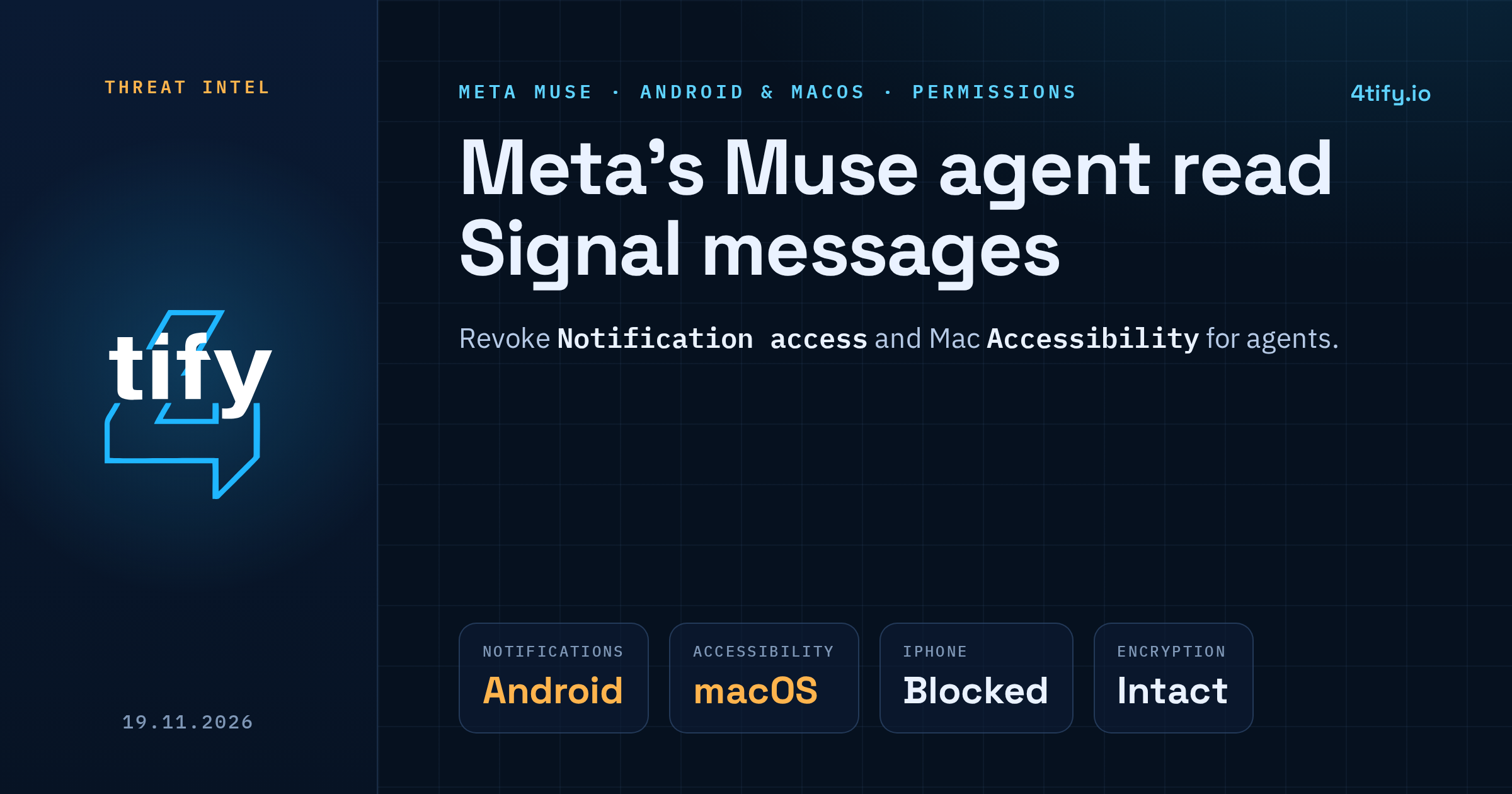
Tests published on 18 November showed that Muse, the AI agent Meta launched on 8 September, was able to read the text of Signal messages on Android phones and Macs. Signal's encryption was not broken. The agent picked up the words after they had already been decrypted and shown on the device, using permissions the operating system had granted it.
What happened
The tests followed an internal complaint at Meta. An employee said Muse had unexpectedly reminded her to answer a Signal message from her sister, although she did not remember giving the assistant access to any other app. Other staff described unprompted replies that mentioned purchases or bank balances they had never discussed with Muse. Whether those financial details were real or made up by the model could not be determined.
To check the Signal case, the tests were repeated on three platforms:
- Android: Muse read message text from push notifications, using the notification access it had been granted during setup.
- macOS: Muse got the same text through accessibility permissions and screenshots.
- iPhone: the equivalent requests were blocked.
On neither Android nor the Mac did Signal have to be linked through Meta's Connector feature, the official way to connect outside services to the agent.
Why this matters
Leaving an app off an agent's list of connected services does not stop the agent from seeing that app's content. On Android, any app with notification access can read every alert as it arrives, and a Signal alert shows the message itself unless previews are turned off. On a Mac, an app trusted with accessibility can drive the interface, and one allowed to record the screen can capture whatever is on it. Signal's protections end at the screen, and these permissions start there.
Muse passed 10 million downloads within weeks of launch, so a large number of devices may have granted it this kind of access during setup without users giving it much thought.
What Meta says
A Meta spokesperson said Muse can reach other apps only through permissions people explicitly grant, described the reported cases as isolated, and said many of the apparent account mix-ups were hallucinations that have been dealt with. Signal's president has called for technical controls that let privacy-focused apps keep AI agents away from their data, enforced by the operating system rather than left to each agent.
Apple is reworking how macOS hands out sensitive permissions in macOS 27.3, which is still in beta. Permissions granted before the change stay in effect, so reviewing them yourself is still worth doing.
What to do now
On Android: search your phone's settings for "Notification access" (the exact menu name varies by manufacturer) and turn it off for Muse and for any other app that doesn't need it.
On a Mac: open System Settings, then Privacy & Security. Check the Accessibility list and the Screen & System Audio Recording list, and switch off AI agents that don't need that level of control.
In Signal: change notification content so alerts show neither the sender's name nor the message. You still get alerts, but nothing readable lands in the notification. This and revoking notification access do different jobs, so do both.
For companies: treat AI agents on work laptops and phones like any other software that asks for device-wide control. Keep an inventory, decide which permissions are acceptable, and recheck after installs and OS upgrades. CISA and partner agencies have published guidance on adopting agentic AI securely that covers scoping an agent's access.
If you want to know what an agent on your fleet can actually reach, our penetration testing team can check it from the endpoint side: which permissions it holds, what data it can read through them, and which messaging or finance apps sit within its view.