Threat intel5 min read
Signal blocks screenshots to keep Siri AI and Gemini out of chats
Signal now blocks in-app screenshots on iOS 27 and turns on Screen security on Android when an AI assistant tries to read the screen. Macs are not covered.
4Tify Team
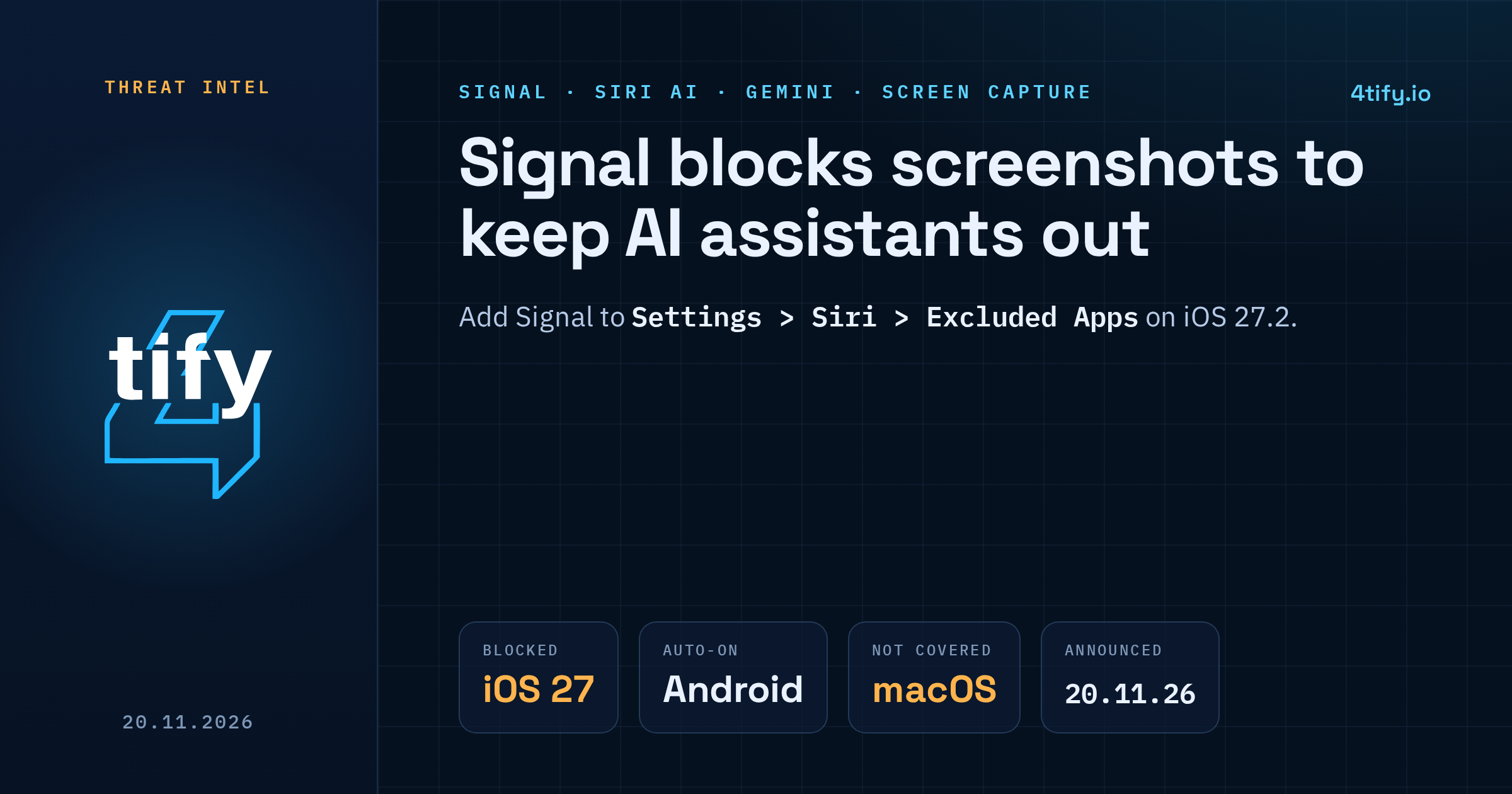
Signal is now blocking screenshots inside its iPhone app on iOS 27, and on Android it switches on its own screen protection when it notices an AI assistant trying to read the screen. The messenger announced the change on 20 November 2026 and was blunt about why: assistants built into the phone's operating system can read a private chat after it has been decrypted, so the encryption on the wire stops mattering.
What happened
Apple's Siri AI has an "onscreen awareness" feature, and Google is building Gemini Intelligence into Android. Both work by looking at what is on the display so they can answer questions or act on it. When a Signal conversation is open, that means the message text can be captured and handed to the assistant, and from there to whatever local database or remote server the assistant uses. Signal says it has no control over that copy once it leaves the app.
Signal's response is to stop the capture where it can:
- iOS 27: a new Block Siri AI setting stops Siri AI from scanning Signal content. It also blocks screenshots inside the app and in the App Switcher. The block is active unless you turn it off.
- Android: Signal turns on its existing Screen security setting automatically when it detects an assistant asking for screen access.
- Windows 11: unchanged. Signal Desktop has blocked screenshots by default since 2025, to keep chats out of Microsoft Recall.
Where the protection stops
Signal calls its own fix incomplete, and the gaps are worth knowing.
On Android, detection depends on the device. Many manufacturers ship their own builds, and on some of them Signal cannot reliably tell when a screenshot or screen read is attempted, so the protection will not behave the same on every phone.
On macOS it does not work at all. Signal says Apple offers no dependable way for an app to block screenshots on the Mac, so it cannot stop Siri AI there.
Blocking screenshots also does nothing about other routes. An agent with enough access could still read data already stored on the device through the filesystem, or pick up message text from notifications.
Users can switch the protection off to take screenshots again. Signal warns that doing so exposes not just your own messages but those of everyone else in the conversation.
Why Signal is pushing back
Signal described OS-level AI agents as an "existential threat" to its ability to guarantee privacy, and said it spent months running forensic tests on Android and iOS just to learn what these assistants actually read. It is asking Apple, Google and Microsoft for two things: a simple, documented way for an app to opt out of AI access (screen reading, files, notifications and system APIs) without breaking normal features, and proper technical documentation of how the agents handle data. The company also wants limits on third-party agents, such as Meta's Muse, that lean on accessibility permissions to read other apps. Signal said it is "cautiously optimistic" that Apple and Google are engaging with it.
The full statement is on Signal's blog.
What to do now
- Update Signal on every phone and leave the new protection on unless you have a real need for screenshots.
- iPhone (iOS 27.2 or later): go to Settings > Siri > Excluded Apps, tap Add Apps and add Signal. Siri AI then cannot access the app's content, including through onscreen awareness. Do the same for other apps that hold sensitive data, such as banking, email or password managers.
- Mac (macOS 27): Signal's only advice is to add it under System Settings > Siri > Excluded Apps, because the in-app block is not available there.
- Android with Gemini: in the Gemini app, open your profile, then Settings > Screen context, and switch off "Use text from screen" and "Use screenshot" (Google's help page has the steps).
- Check notification previews. Set lock-screen and notification previews to hide message content, since screen blocking does not cover them.
- Review agent permissions. Remove accessibility and notification access from any AI app you do not fully trust.
For companies, the same question applies to your own mobile apps: can a sensitive screen be captured by the OS or by another app with broad permissions? Our penetration testing team checks mobile apps for exactly this kind of exposure, including screen-capture protection on login, payment and messaging views.