Product news5 min read
Windows Server 2028 preview: Server Core now ships hardened by default
From build 29706, Windows Server 2028 Server Core starts with hundreds of security settings on at first boot, including SMB signing, Kerberos over NTLM and post-quantum TLS. Test your workloads before you plan the upgrade.
4Tify Team
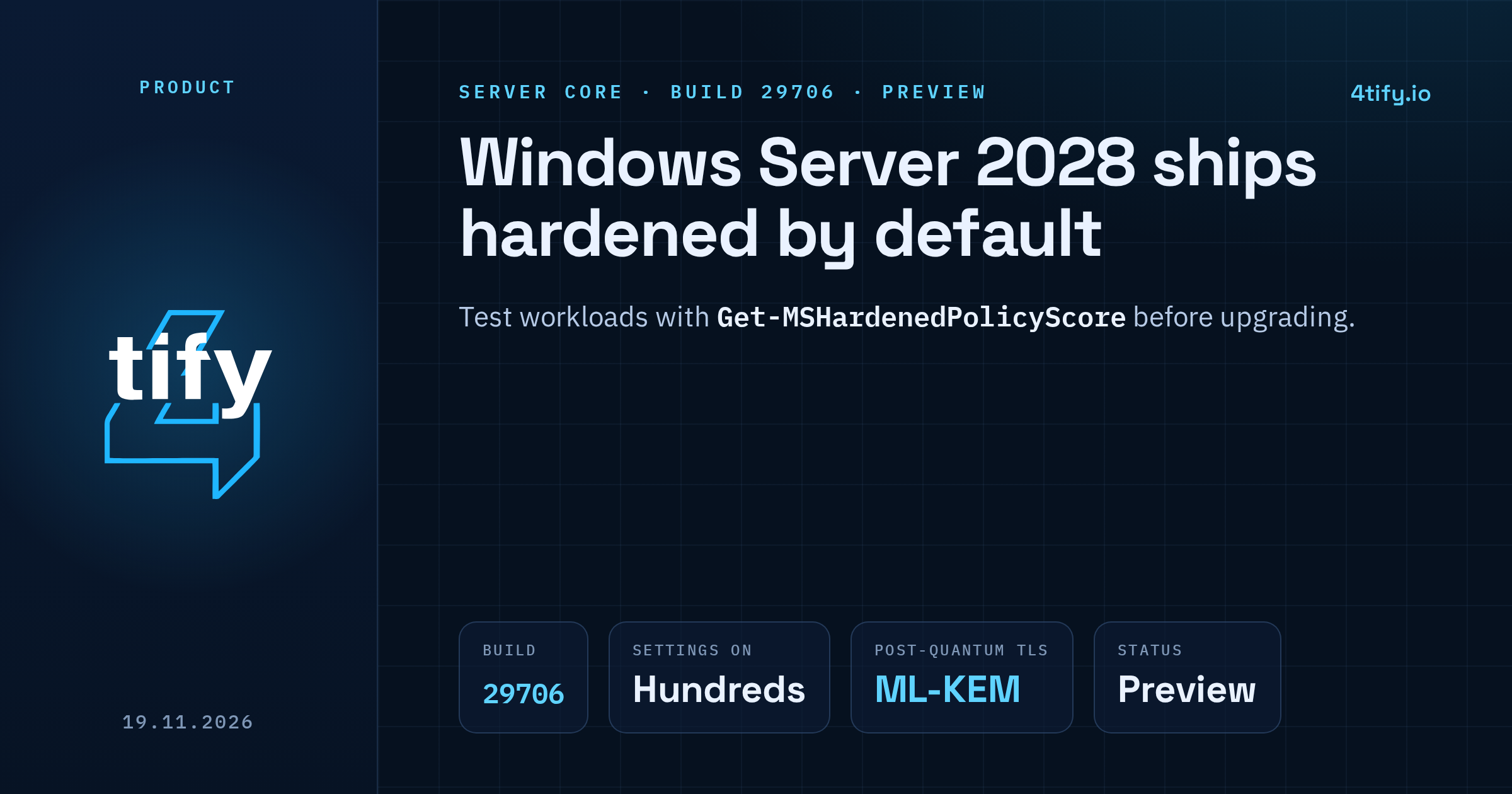
Microsoft opened the public preview of Windows Server 2028 on 17 November 2026. The security news is in how a fresh install starts. From Insider Preview build 29706, Server Core comes up already hardened, with hundreds of security settings switched on at first boot instead of after someone runs a baseline script.
What happened
Until now Windows Server shipped tuned for compatibility. Admins were expected to apply the Microsoft Security Baseline or their own hardening scripts once setup finished, and until they did, the new server ran with weaker defaults. Microsoft says that changes with this release. You start from a locked-down configuration and relax only what a workload actually needs.
The hardened settings line up with the CIS and DISA STIG benchmarks that many organisations are already audited against. Microsoft says the settings were picked with the teams that own each component and tested together as one set.
What is switched on
Microsoft groups the defaults into six layers:
- Identity: Kerberos preferred over NTLM, LSASS protected, strong passwords and account lockout, no consumer (Microsoft) accounts.
- Network: SMB signing and encryption, the firewall on in every profile, legacy name resolution and unauthenticated RPC turned off.
- Cryptography: TLS limited to modern cipher suites, hybrid post-quantum key exchange using ML-KEM, stronger protection for stored keys.
- Privilege: admins approve elevation, powerful rights stay with Administrators, Guest sign-in is blocked and installers cannot elevate on their own.
- Code integrity: the sign-in process loads only Microsoft-signed code, signature checks are stricter and the paging file is encrypted.
- Remote access and logging: RDP requires NLA and TLS, WinRM refuses Basic, Digest and unencrypted traffic, auditing records command lines, PowerShell script block logging is on and event logs are larger.
The values are written as policy under HKLM\SOFTWARE\Policies wherever a component supports it. Policy wins over local configuration, so an installer or script cannot quietly switch a protection off. In Microsoft's own test, trying to re-enable WinRM Basic authentication was refused because a policy controls it.
One detail will catch admins out. gpresult and RSOP report these settings as "Not Configured", because they are built into the image and there is no policy file for those tools to read.
The new tooling
A PowerShell module called MSHardenedPolicyEval ships in the box. Get-MSHardenedPolicyScore scores the server per category and overall. Restore-MSHardenedPolicy removes the hardened values for one category or the whole server, and Set-MSHardenedPolicy puts them back. Both support -WhatIf. In Microsoft's sample output a server passed 191 of 237 checks, an overall score of 80.59%.
Microsoft says scores below 100% are expected on this build, that some settings such as TLS cipher suites are not measured yet, and that the module and cmdlet names may change. On a server already managed by OSConfig or Group Policy, it advises using the tool only for scoring so the two do not fight over settings.
What is still missing
The preview does not yet block NTLM. Secure Boot and DMA protection requirements, kernel shadow stacks, print and RPC hardening (including Windows Protected Print) and extras such as a logon banner are planned for later previews. Microsoft has not announced a general availability date, and this preview build expires on 15 October 2027.
There is also a known issue in build 29706. A race condition in the hybrid post-quantum TLS key exchange can crash LSASS when a TLS server negotiates hybrid groups. Until a fix ships, Microsoft's build 29706 notes say to disable the X25519_MLKEM768, SecP256r1_MLKEM768 and SecP384r1_MLKEM1024 groups.
Why it matters
Weak defaults on Windows networks keep turning into real bugs. One example from this year is CVE-2026-24294, a Windows SMB Server privilege escalation flaw rated 7.8 (high) that Microsoft patched on 10 March 2026. CISA's assessment in the NVD entry records a public proof of concept. Mandatory SMB signing and a preference for Kerberos remove much of the room attackers use in relay and authentication attacks.
What to do now
- Test before you plan the upgrade. Microsoft warns that older protocols, legacy authentication and some management tools and scripts that worked on Windows Server 2025 may break. Install build 29706 Server Core in a lab, run
Get-MSHardenedPolicyScore, and note which category your applications trip over. - Relax narrowly. If a workload needs an exception, restore only that category and record why. Report what breaks in the Windows Server Insiders forum, since Microsoft says that feedback will shape the defaults before release. The full walkthrough is in Microsoft's Hardened Server Core announcement.
- Harden what you run today. Keep current servers patched, require SMB signing, prefer Kerberos, and start finding the systems that still depend on NTLM, WinRM Basic or old TLS. That work pays off now and makes the move to 2028 far less painful.
Our vulnerability scanning service is built to find exactly these gaps on existing servers: SMB without required signing, outdated TLS, and RDP or WinRM exposed with weak authentication. Fixing them now means fewer surprises when the hardened defaults arrive.